Basic Operation of ECDIS-E ECDIS-E User Guide
3-24 65934012
Listed below each chart database are all the available charts within
the area of own ship, or if own ship isn't on the display, the charts
available at the centre of the screen.
Charts that are currently under ownship's position are indicated with
tick marks. The chart's compilation scale and its status (i.e. Official)
are included with the chart name.
2. To suppress all chart information in the display area select
Planning Sheet at the top of the list. The message No Chart is
displayed on the chart button and only navigational tools will be
displayed.
3. To select another chart click on the chart set line in the list. The
scale ratio changes to the selected chart's compilation scale. If the
selected chart is not provided by the currently selected chart
database, the selected chart database will be changed to that
which contains the selected chart.
4. To select a different chart database, without affecting the system
scale ratio, click on the chart engine line, e.g. SevenCs - ARCS or
C-Map - ENC.
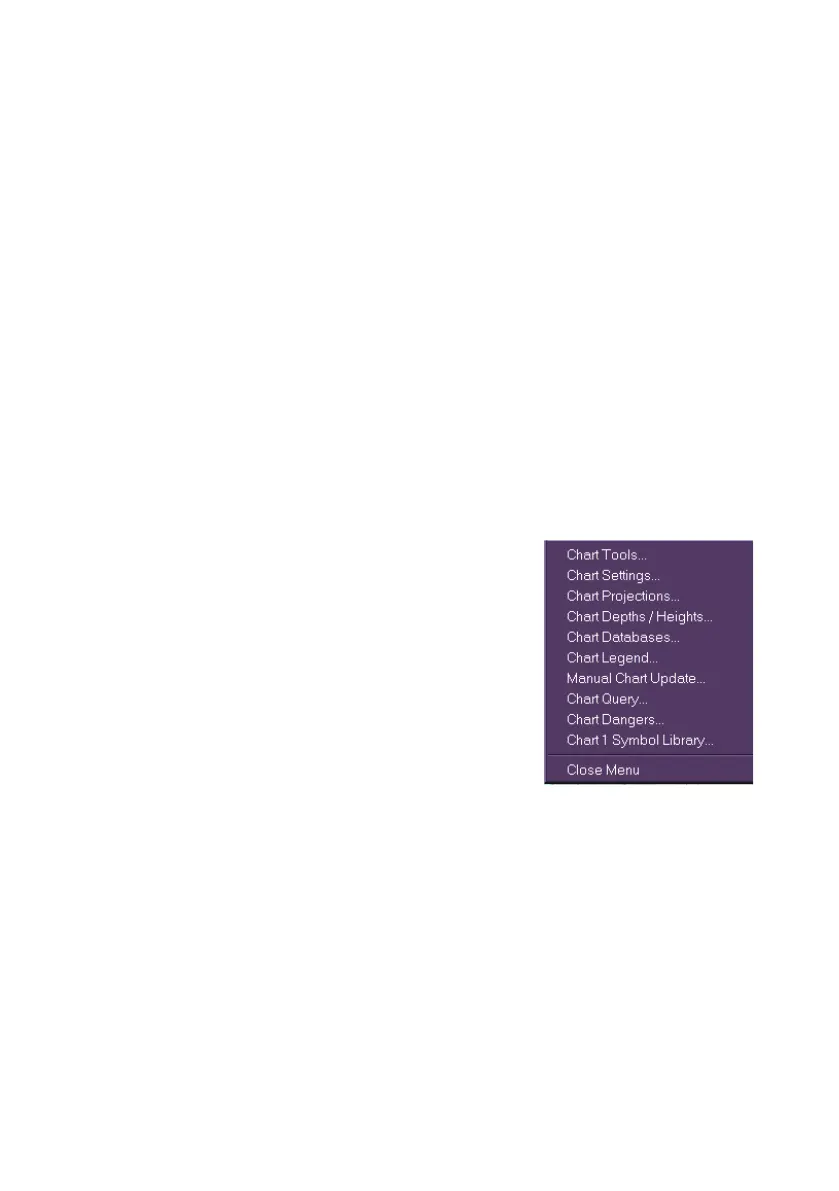
5. Chart sub menus may be opened from the
Chart Database button by selecting from
the bottom of the drop down list. The
selected sub menu will appear as a
movable window on the display.



 To Next Page