2. Create a project in Keil
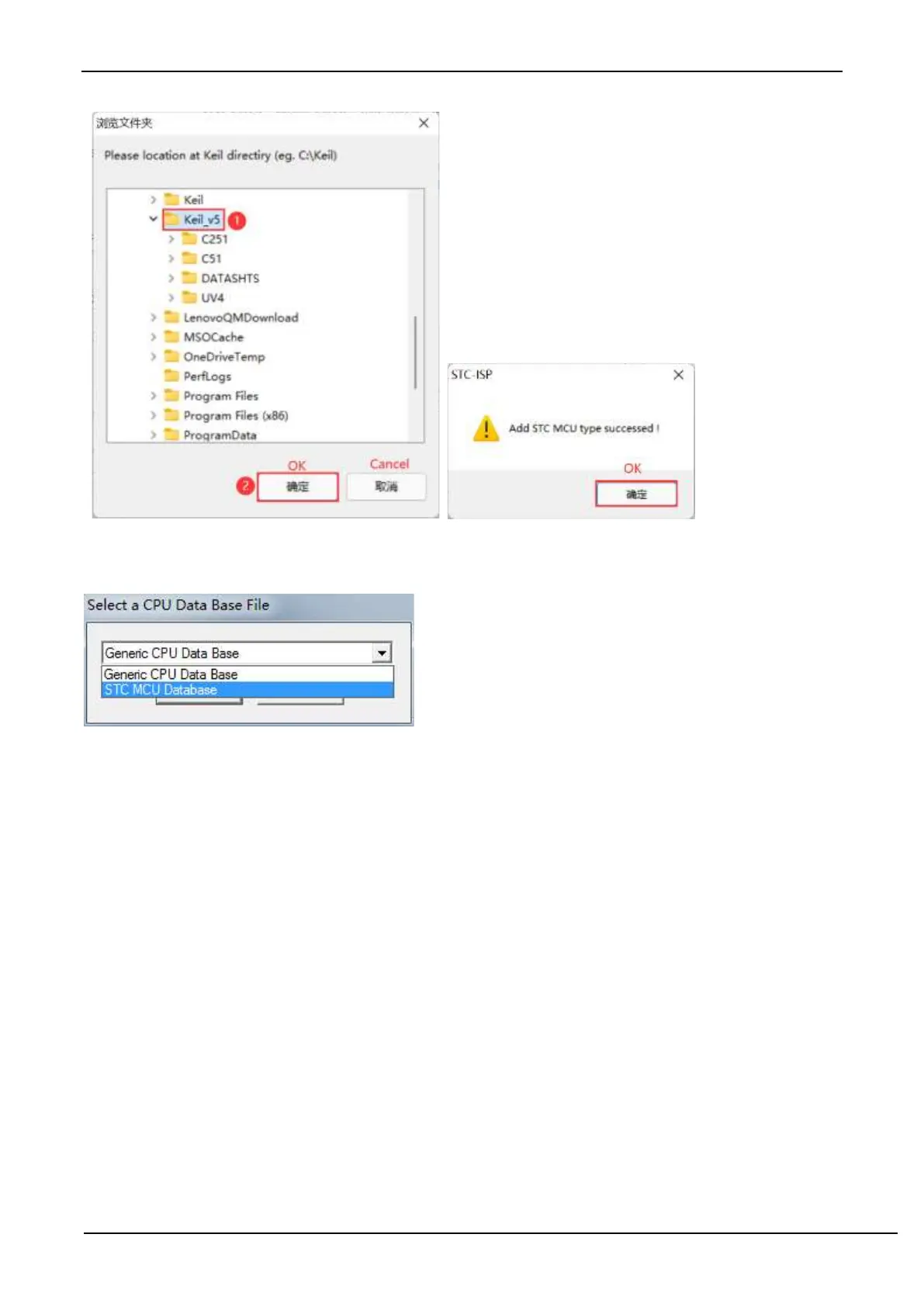
If the driver installation is successful in the first step, there will be an option of "STC MCU Database" in selecting the
chip model when creating a new project in Keil as shown below.
Then select the responding MCU model from the list. Here we select the model of "STC8A8K64D4" and click "OK"
to complete the selection.



 To Next Page