Appendix E Download Step Demo using USB
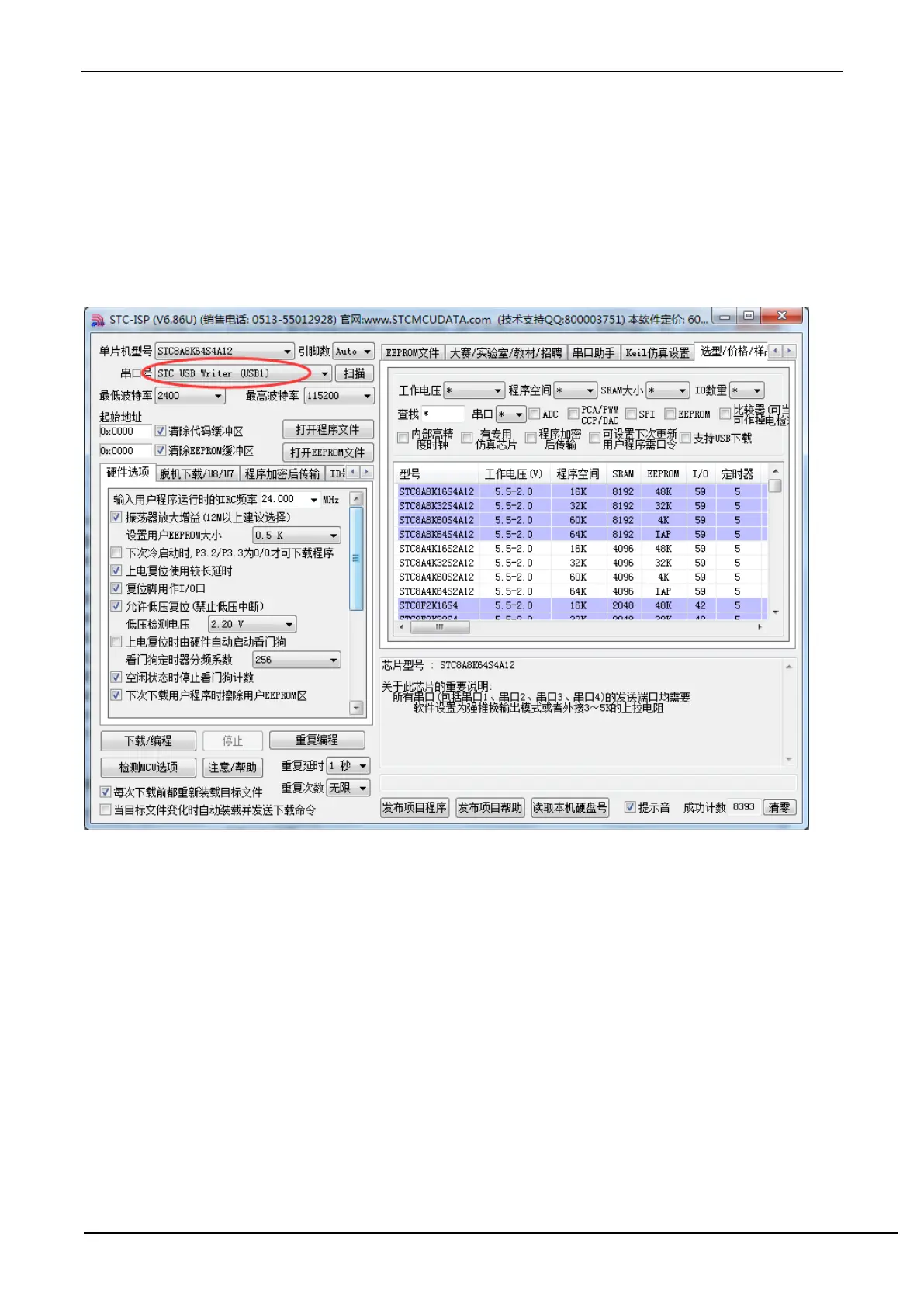
1. Refer to the application circuit diagram in P5.1.5 to connect the microcontroller firstly, and connect the P3.2 port of
the target chip to GND, and then connect the system to the USB port on the PC side. Open the ISP to download the
software, and the serial number of the downloaded software will search for the "STC USB Writer (USB1)" USB device
automatically.



 To Next Page