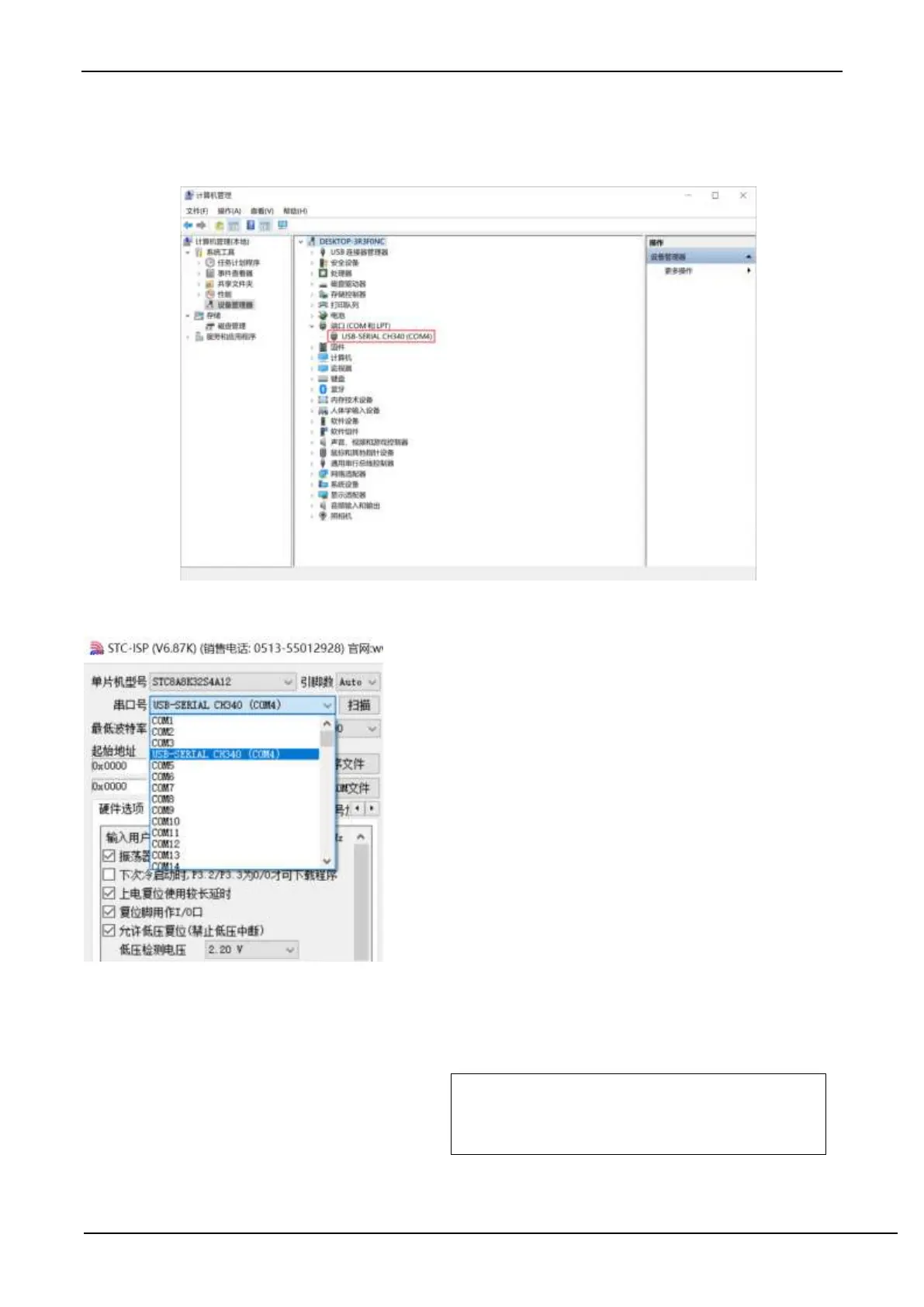
Then use the USB cable provided by STC to connect the U8W/U8W-Mini download board to the computer, open the
device manager of the computer, and under the port device category, if there is a device similar to "USB-SERIAL
CH340 (COMx)", it means U8W/U8W-Mini can be used normally. As shown in the figure below (different computers,
the serial port number may be different):
Note: When using STC-ISP to download software later, the selected serial port number must be the corresponding serial
port number, as shown in the figure below:
G.3.2 U8W function introduction
The main interfaces and functions of U8W tools are described in detail below:
If the MCU is on the user system, P3.0/P3.1/Gnd must be connected
during online programming/ISP, and P3.0/P3.1 of the target MCU
should not be connected to any other lines during online
programming/ISP 去



 To Next Page