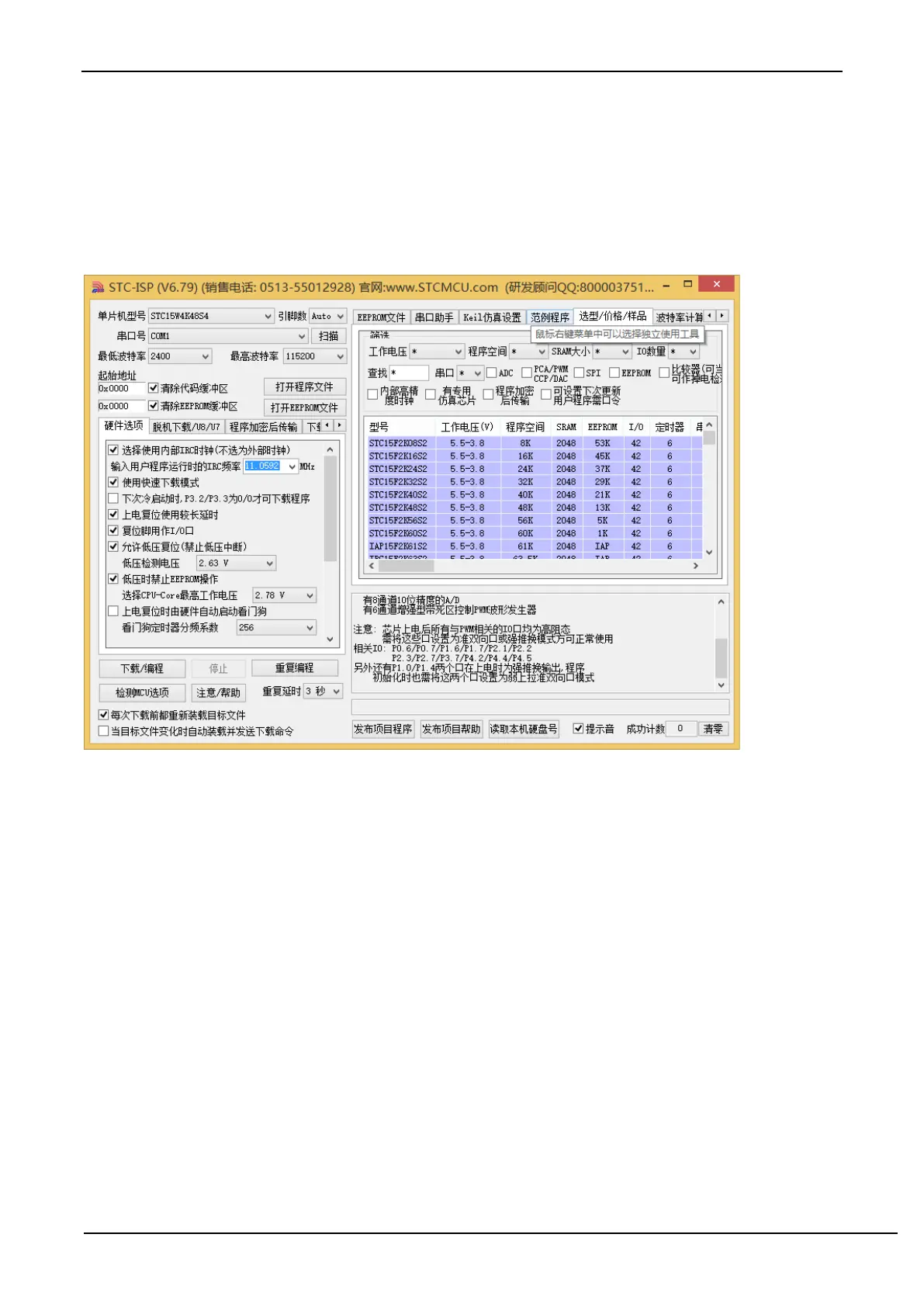
Installation Instructions in Windows 8 (32-bit)
Open the STC-ISP download software of V6.79 (or newer version) (Due to permission reasons, downloading the
software in Windows 8 will not copy the driver files to the relevant system directory. It requires manual installation by
the user. Firstly, download "stc-isp-15xx-v6.79.zip" (or newer version) from the STC official website, and decompress
it to the local disk after downloading, then the STC-USB driver file will also be decompressed to the "STC-USB Driver"
folder of the current folder. (For example, decompress the downloaded compressed file" stc-isp-15xx-v6.79.zip "to"
F:\", then the STC-USB driver is in the" F:\ STC-USB Driver "directory))



 To Next Page