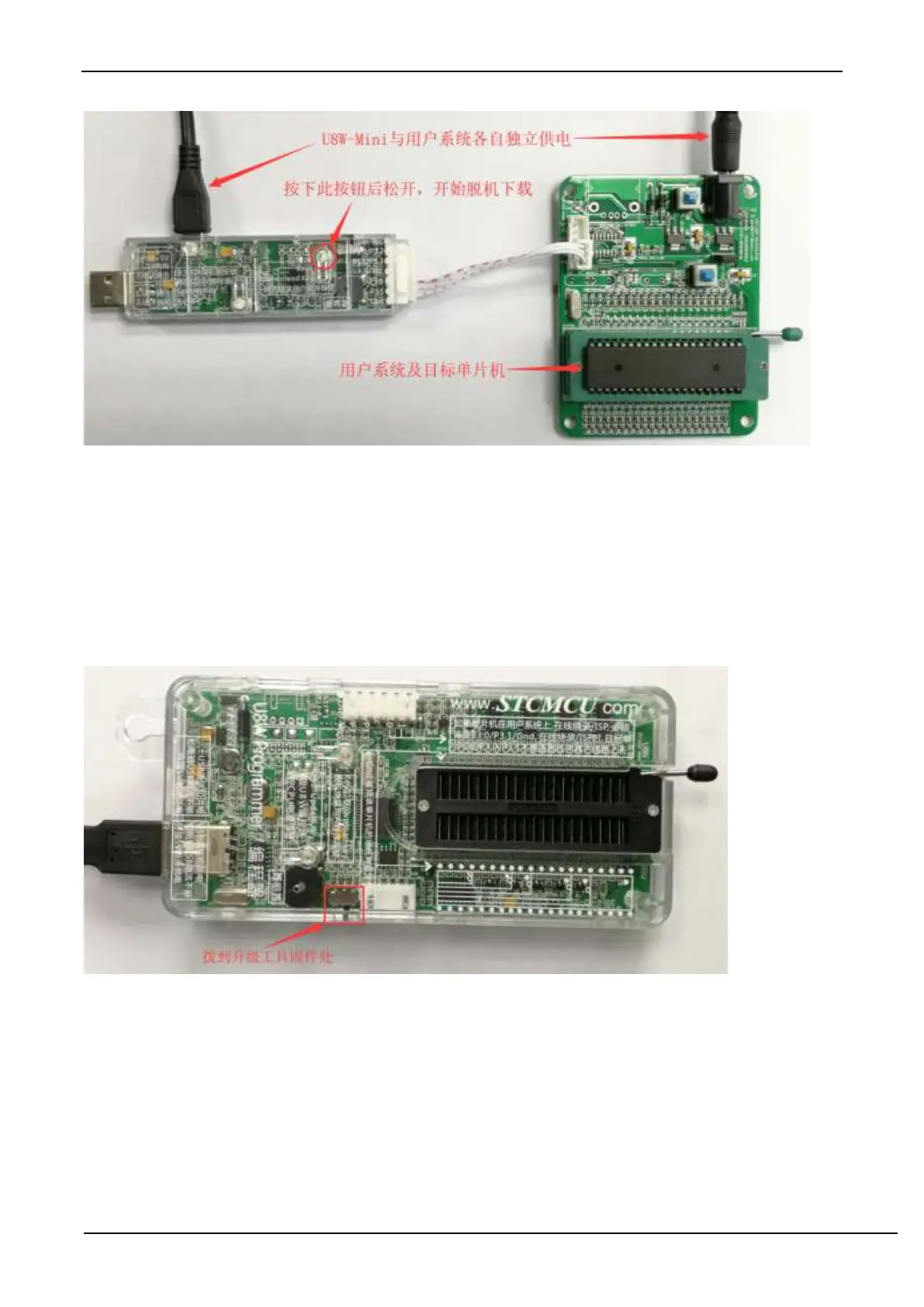
During the downloading process, the 4 LEDs on the U8W-Mini download tool will be displayed in marquee mode.
After the download is complete, if the download is successful, the 4 LEDs will be on and off at the same time; if the
download fails, all the 4 LEDs will be off.
G.3.8 Make/Update U8W/U8W-Mini
The process of making U8W/U8W-Mini download master is similar. To save space, the following uses U8W as an
example to describe how to make U8W download master. Before making the U8W download master, you need to dial
the "Update/Download Selection Interface" of the U8W download board to "Upgrade Tool Firmware", as shown in the
figure below:
Then click the "Set U8W/U8-5V/U8-3V as the offline download master chip" button on the "U8W Offline/Online"
page in the STC-ISP download program, as shown in the figure below: (Note: Be sure to select The serial port
corresponding to U8W)



 To Next Page