MOV A,SBUF
CJNE A,#7FH,ISNOT7F
INC CNT7F
MOV A,CNT7F
CJNE A,#16,UARTISR_EXIT
LJMP ISPPROGRAM ; Invoke the download module (****important statement ****)
ISNOT7F:
MOV CNT7F,#0
UARTISR_EXIT:
POP PSW
POP ACC
RETI
START:
MOV R0,#7FH ;Clear RAM
CLR A
MOV @R0,A
DJNZ R0,$-1
MOV SP,#7FH ; Initialize SP
MOV SCON,#50H ; Set UART mode (8-bit data, variable baud rate, no parity bit)
MOV AUXR,#15H ; BRT works in 1T mode, start BRT
MOV TMOD,#00H ;Timer 1 works in mode 0 (16-bit reload)
MOV TH1,#HIGH UARTBAUD ;set reload value
MOV TL1,#LOW UARTBAUD
SETB TR1 ;start timer 1
SETB ES ; Enable UART interrupt
SETB EA ; Enable CPU interrupt
MAIN:
INC P0
SJMP MAIN
END
User code can be written in C or assembly language, but one thing to note about assembly code: the instruction at
the reset entry address of 0000H must be a long jump statement (similar to LJMP START). In the user code, the serial
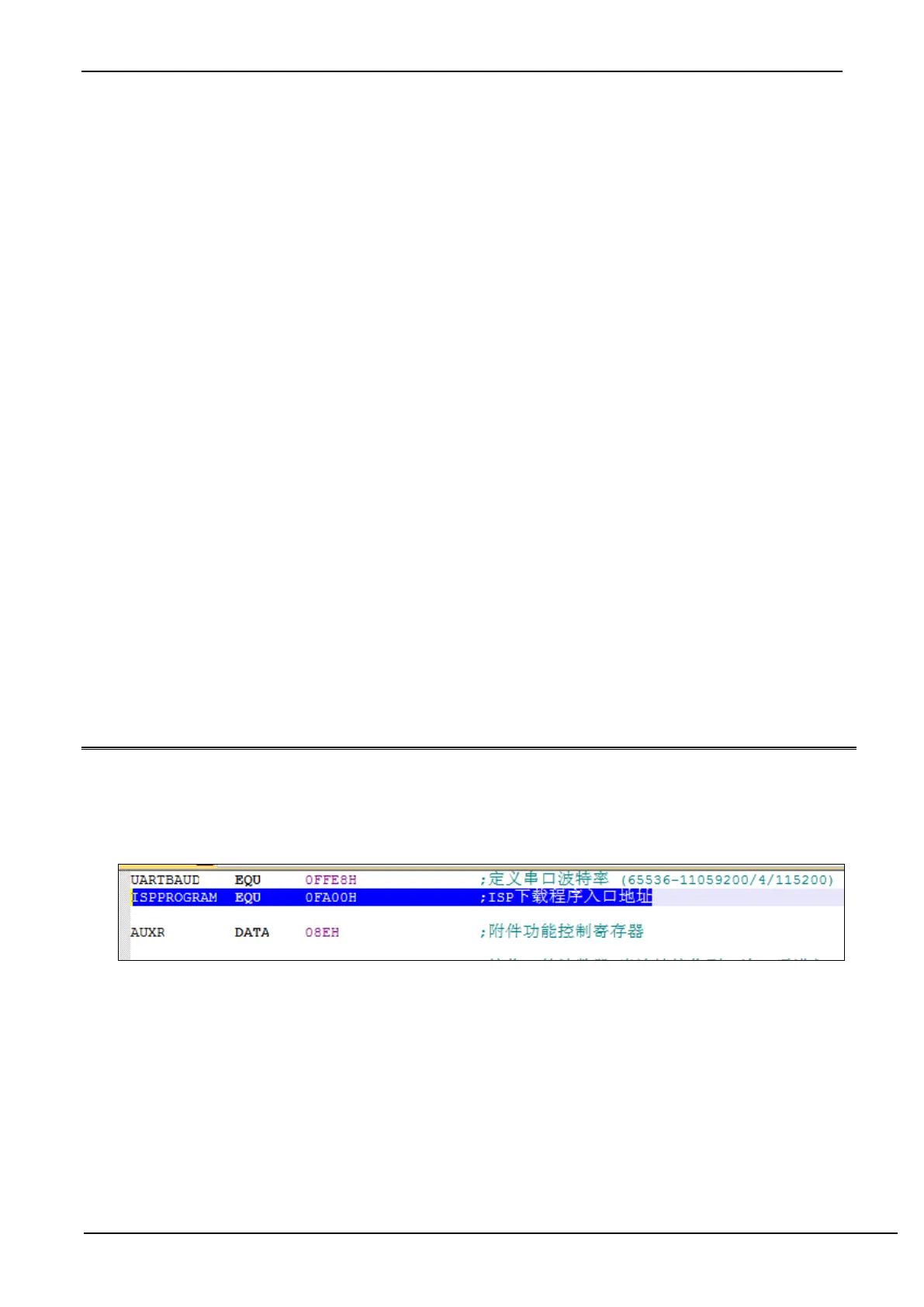
port needs to be set up, and when the download conditions are met, the PC value is jumped to ISPPROGRAM (that is,
the absolute address of FA00H) to achieve code update. For assembly code, we can use the "LJMP 0FA00H" instruction
to call, as shown below



 To Next Page