Appendix O Method for Creating Multi-file Projects
in Keil
In Keil, relatively small projects generally have only one source file, but for some slightly more complex projects,
multiple source files are often required. Here's how to set up a multi-file project:
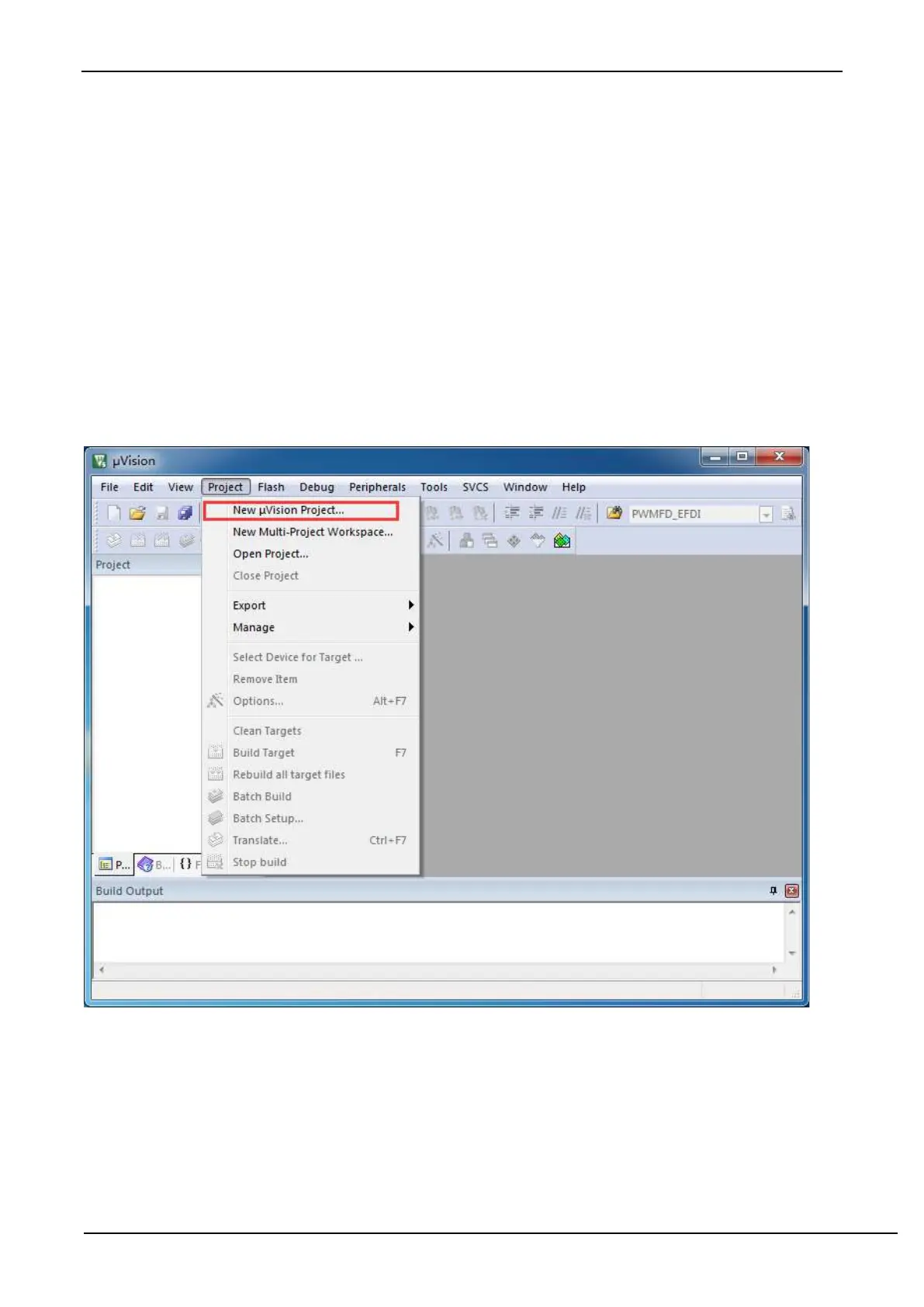
1. Open Keil firstly and select "New uVision Project ..." from the "Project" menu to complete the creation of an empty
project.
2. In the project tree of the empty project, right-click "Source Group 1" and select "Add Existing Files to Group" Source
Group 1 "..." from the right-click menu.



 To Next Page