Adjusting knitting machine 4
Basic settings 4.1
118
4.1.7 Adjusting take-down
Setting fabric take-down
values
Setting the fabric take-down values:
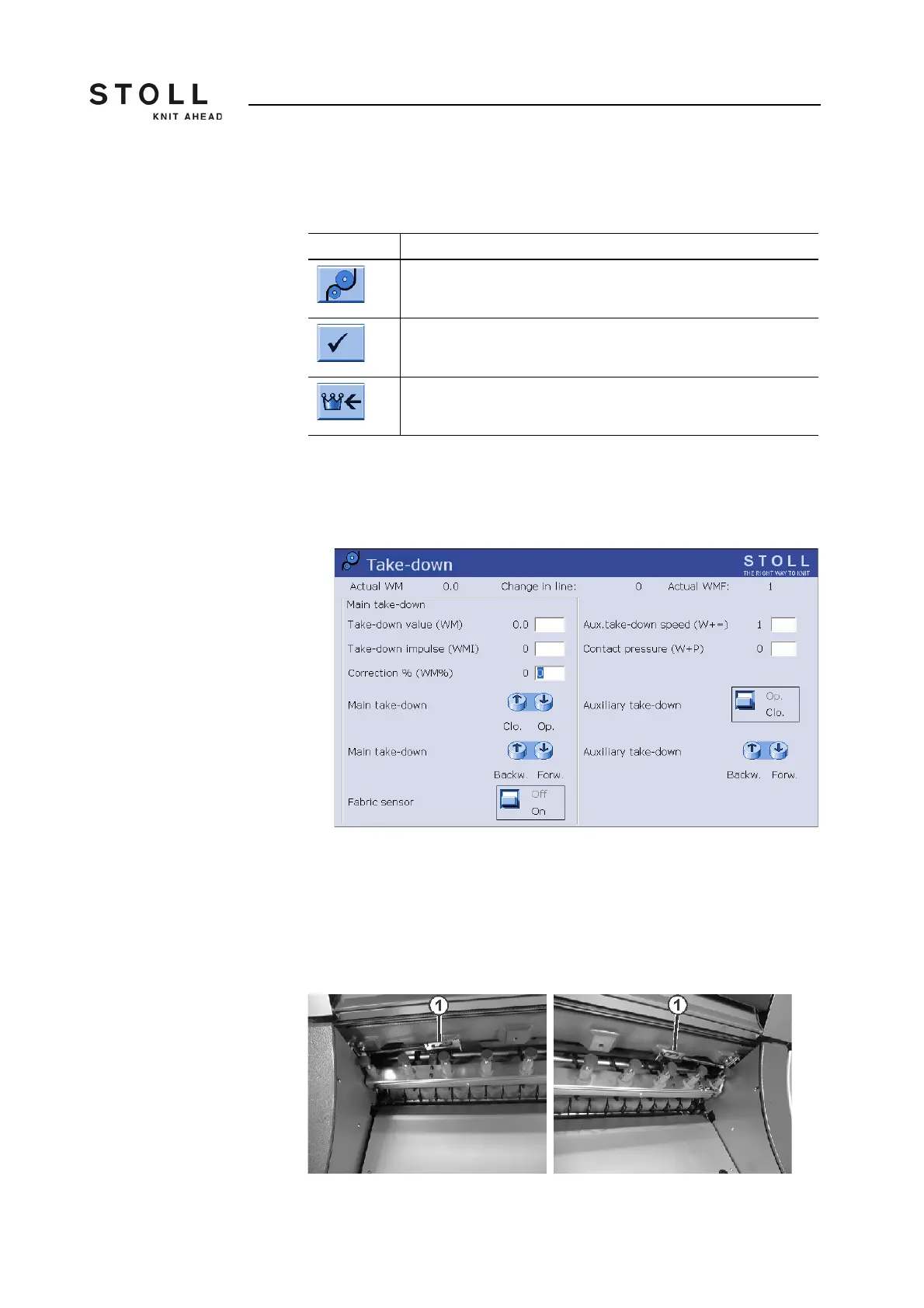
1. Call up the "Take-down" window.
The current fabric take-down values are shown.
"Take-down" window
2. To enter the fabric take-down values, tap the input fields and enter the
desired values.
3. Confirm entries.
Machine with 50" needle bed The contact pressure of the auxiliary take-down is adjusted with the detent
plate (1).
Detent plate
Key Function
Call up "Take-down" window
Confirm entries
Call up "Main menu"
Keys for setting the fabric take-down values



 To Next Page