275
6 Maintenance of the knitting machine
6.2 Cleaning the knitting machine
6.2.1 Cleaning the touch screen
Use a clean, soft cloth for cleaning. If heavy soiling is present, use a
cleaning agent suitable for plexiglas. To prevent menus and function keys
from being activated when cleaning, two options are available:
Disconnect machine main switch
Deactivate touch screen using the "Block input" key
Cleaning the touch screen:
1. Call up the "Service" menu from the "Main menu".
2. Tap the "Block input" key.
3. Clean the touch screen.
4. Reactivate the screen again after cleaning. For this purpose, trigger a
manual stop, e.g. by pushing open a cover over the needle bed.
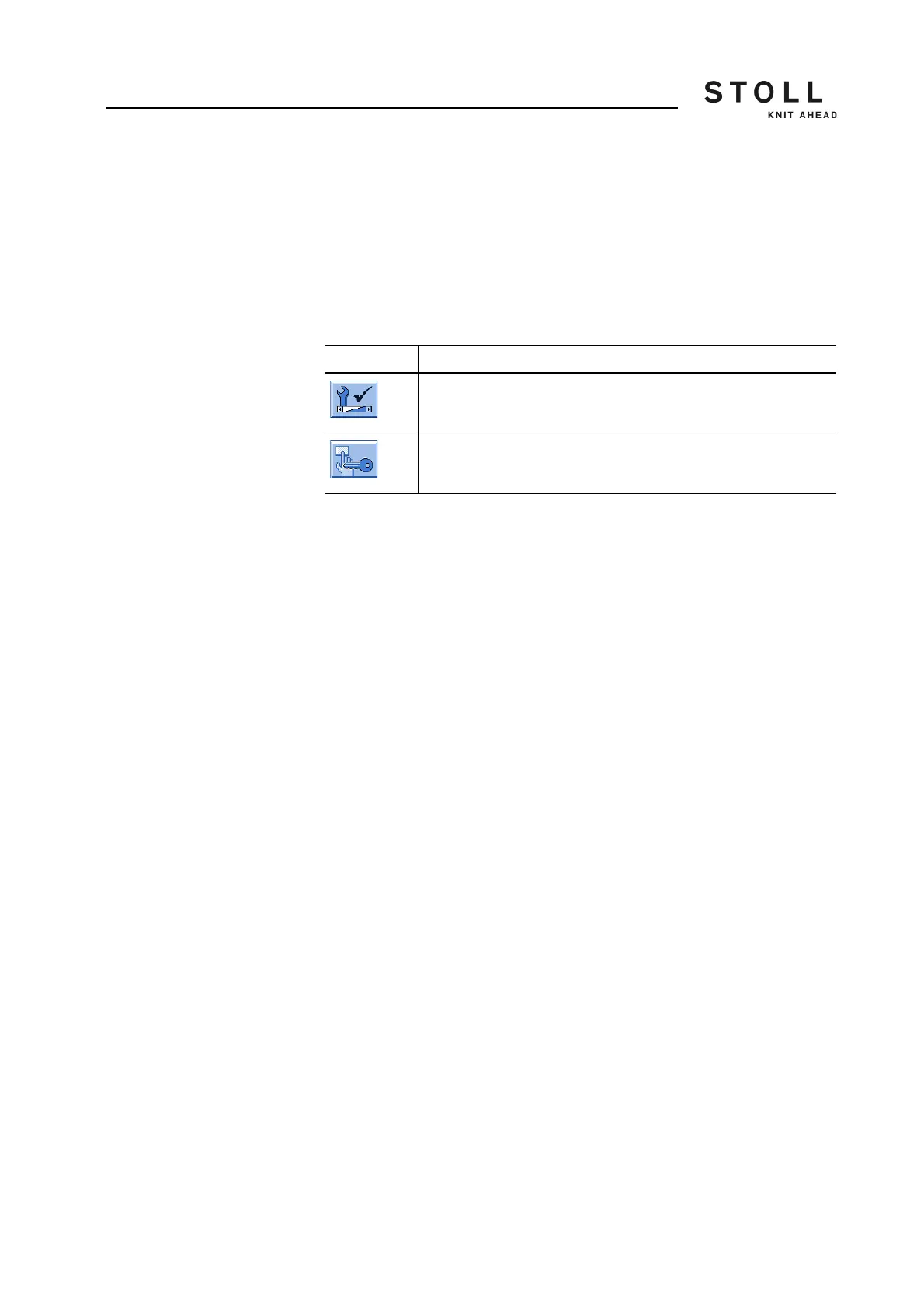
Key Function
Call up the "Service" menu
"Block input" key
Keys for cleaning the touch screen



 To Next Page