Producing with the knitting machine 3
Producing with knitting orders (order menu) 3.4
96
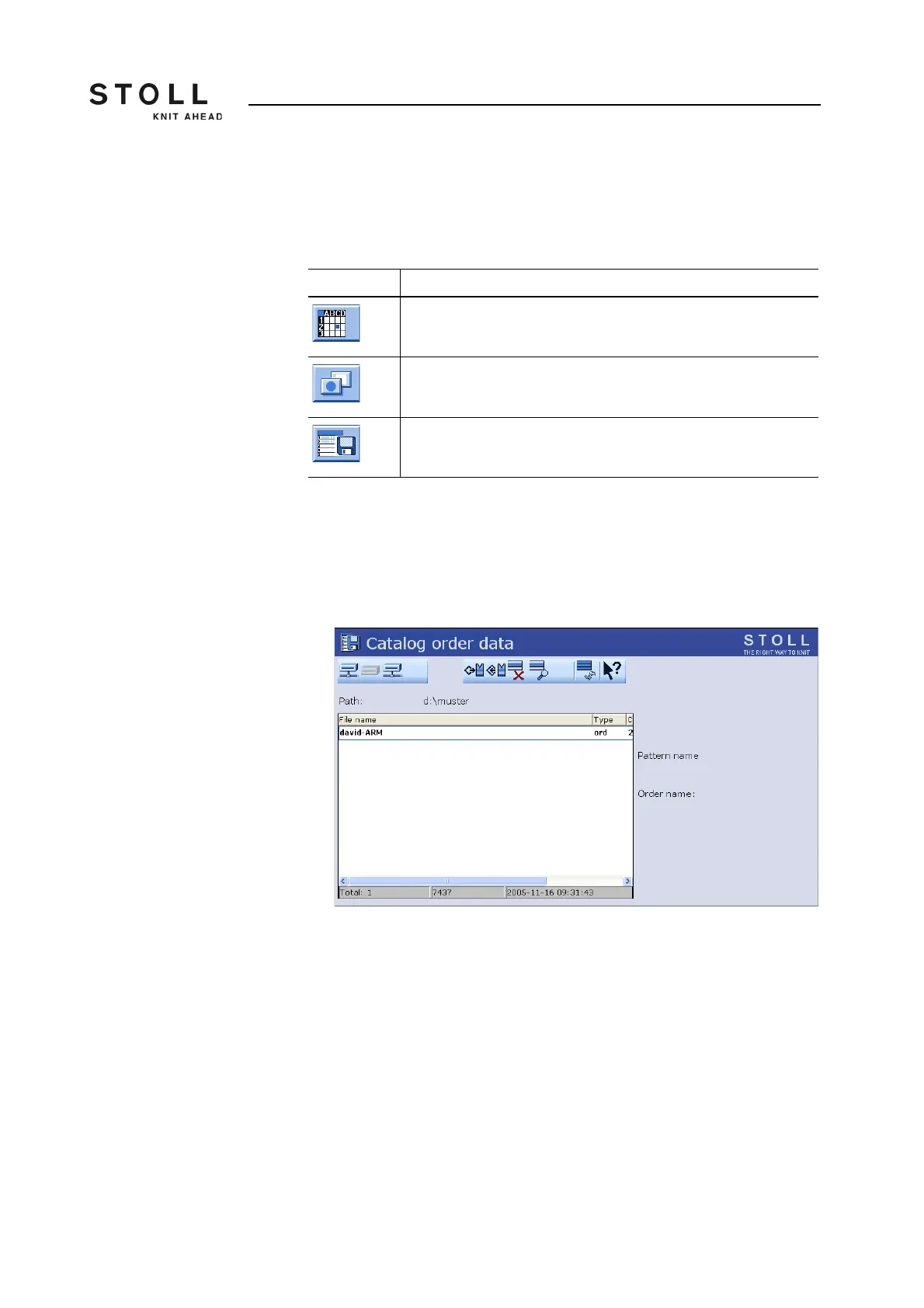
3.4.3 Saving/loading order menu
The information in the order menu can be saved, loaded and deleted in the
"Catalog order data" window.
Functional description for working in the "Catalog order data":
1. Call up the "Order menu" window from the "Main menu".
2. Call up "Additional function keys".
3. Call up the "Catalog order data" window.
"Catalog order data" window
4. Set the desired path with one of the "Direct pattern folder selection"
keys.
5. Select file.
6. Select action.
7. If an additional prompt appears, tap the "1" key to confirm,
- or -
➜ tap the "0" key to cancel.
8. Call up "Main menu".
Key Function
Call up the "Order menu" window
Call up "Additional function keys"
Call up the "Catalog order data" window
Keys for the "Catalog order data" window



 To Next Page