125
4 Adjusting knitting machine
4.1 Basic settings
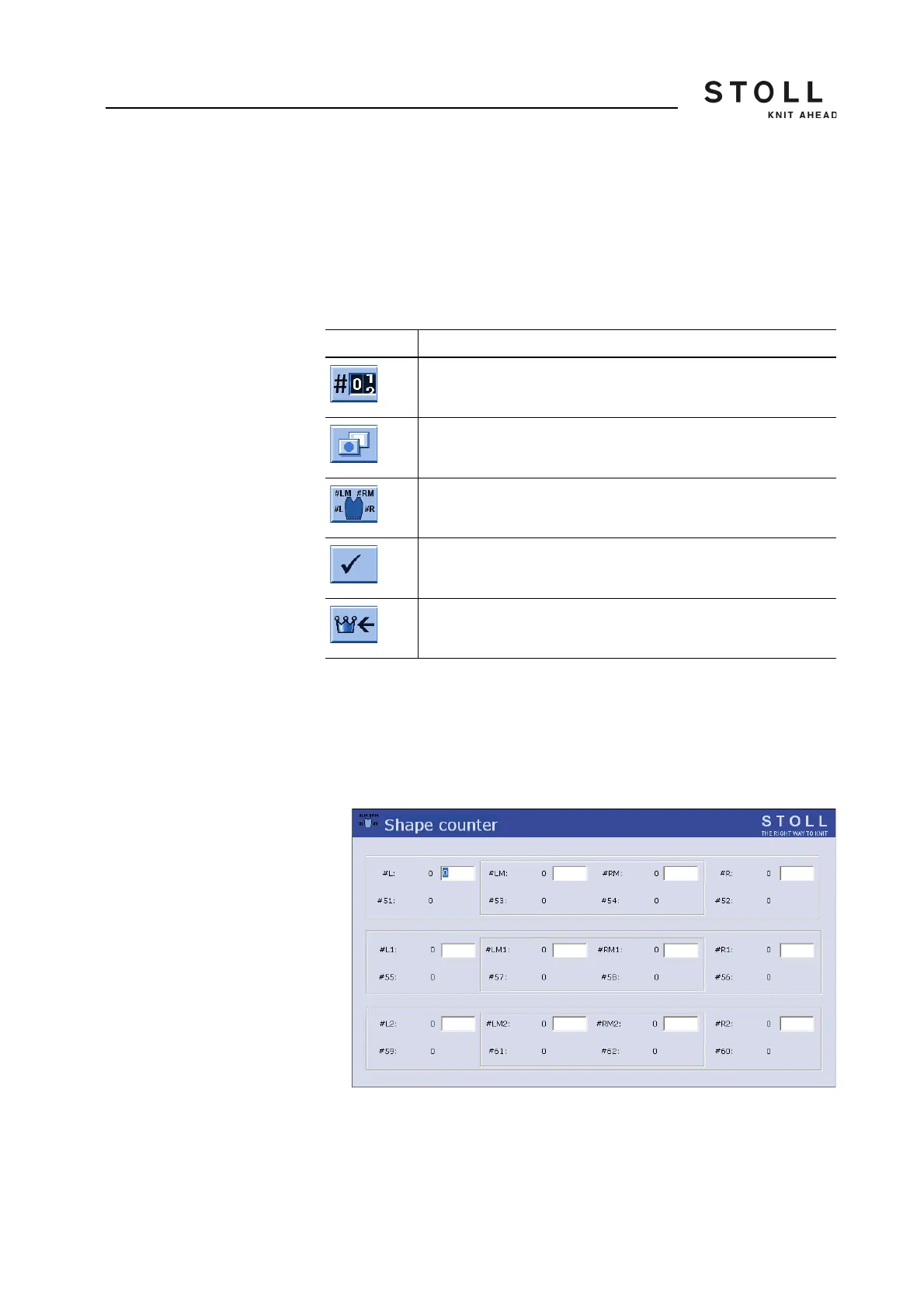
4.1.10 Adjusting shape counters
During fully fashion knitting the knitting edges are controlled by the shape
counters. When the values of the shape counters changes, then the fabric
becomes broader or narrower. The alteration in the fabric width is
mentioned in the knitting program. The shape counters should be changed
manually only in exceptional cases, for example during designing.
Setting the shape counters:
1. Call up the "Cycle counters & counters" window.
2. Call up "Additional function keys".
3. Call up "Shape counters" window.
"Shape counters" window
4. Set the counters to the desired value.
5. Confirm entries.
6. Call up "Main menu".
Key Function
Call up the "Cycle counters & counters" window
Call up "Additional function keys"
Call up "Shape counters" window
Confirm entries
Call up "Main menu"
Keys for setting the shape counters



 To Next Page