223
4 Adjusting knitting machine
4.6 Defining user profile
4.6 Defining user profile
In the standard configuration each knitting machine user can open and
make changes to any window of the user interface. However, in some cases
this is not desirable and not every user is to be able to change data and
machine settings. This can be set with the "User profile" window. In this
window, rights as to which changes may be carried out and which may not,
can be assigned to a user or a user group. If a window is blocked, it can be
called up and the data viewed, however changes are not possible
(exception: the password is known to the user and he/she can enable the
window).
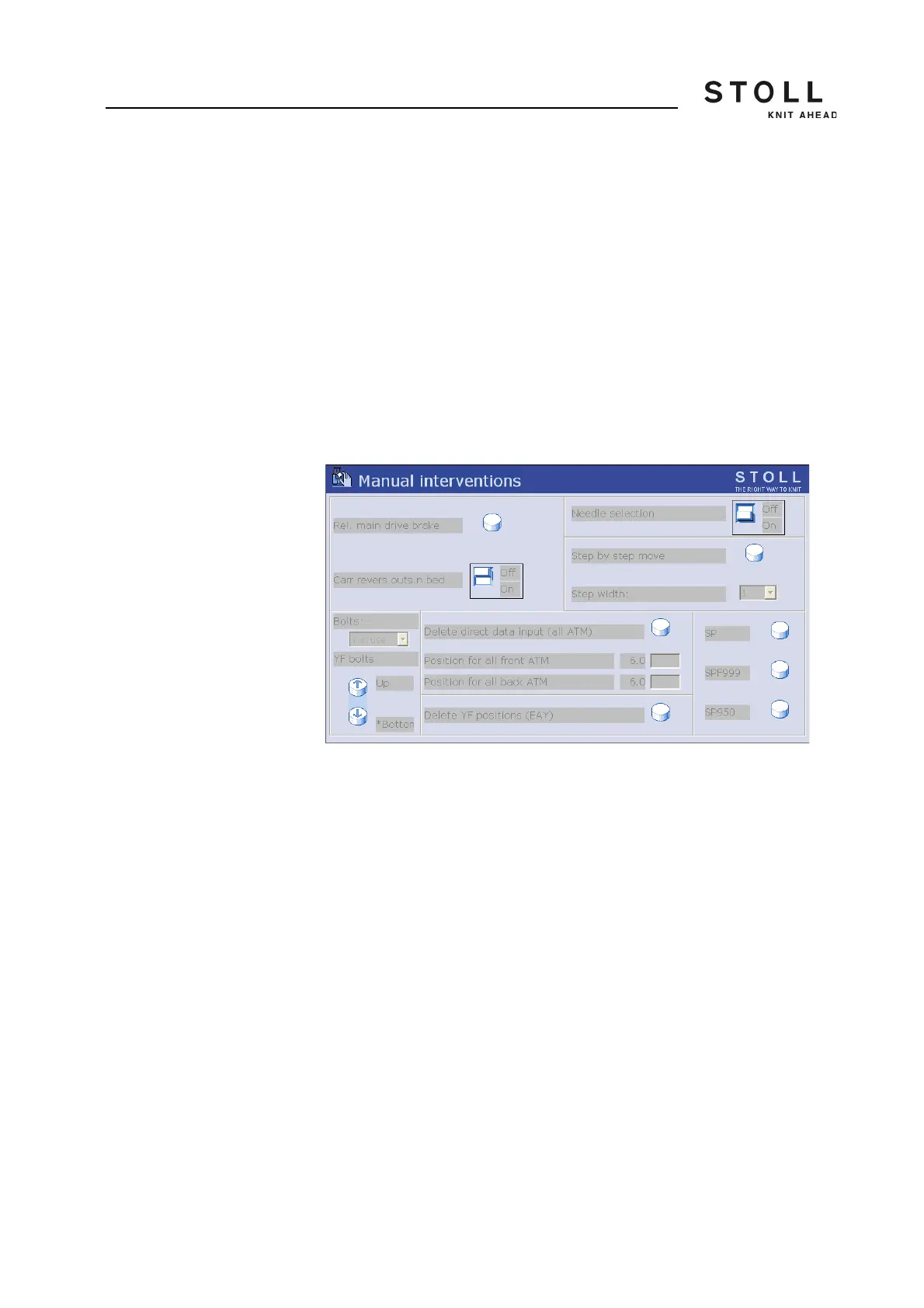
The operating elements in a blocked window are shown on a light gray
background.
Blocked window "Manual interventions"
The assignment of the rights is reserved for an authorized person and
protected by a password.
Any number of user profiles can be defined, for example for:
Knitters
Personnel of the night shift
Setup personnel (technicians)
Foremen/Forewomen



 To Next Page