203
4 Adjusting knitting machine
4.3 Working with files
4.3.5 Clear knitting memory
The current knitting program with which your knitting machine works is
saved in the knitting memory. When you delete the knitting memory, this
has no influence on the saved patterns and files on the data carriers.
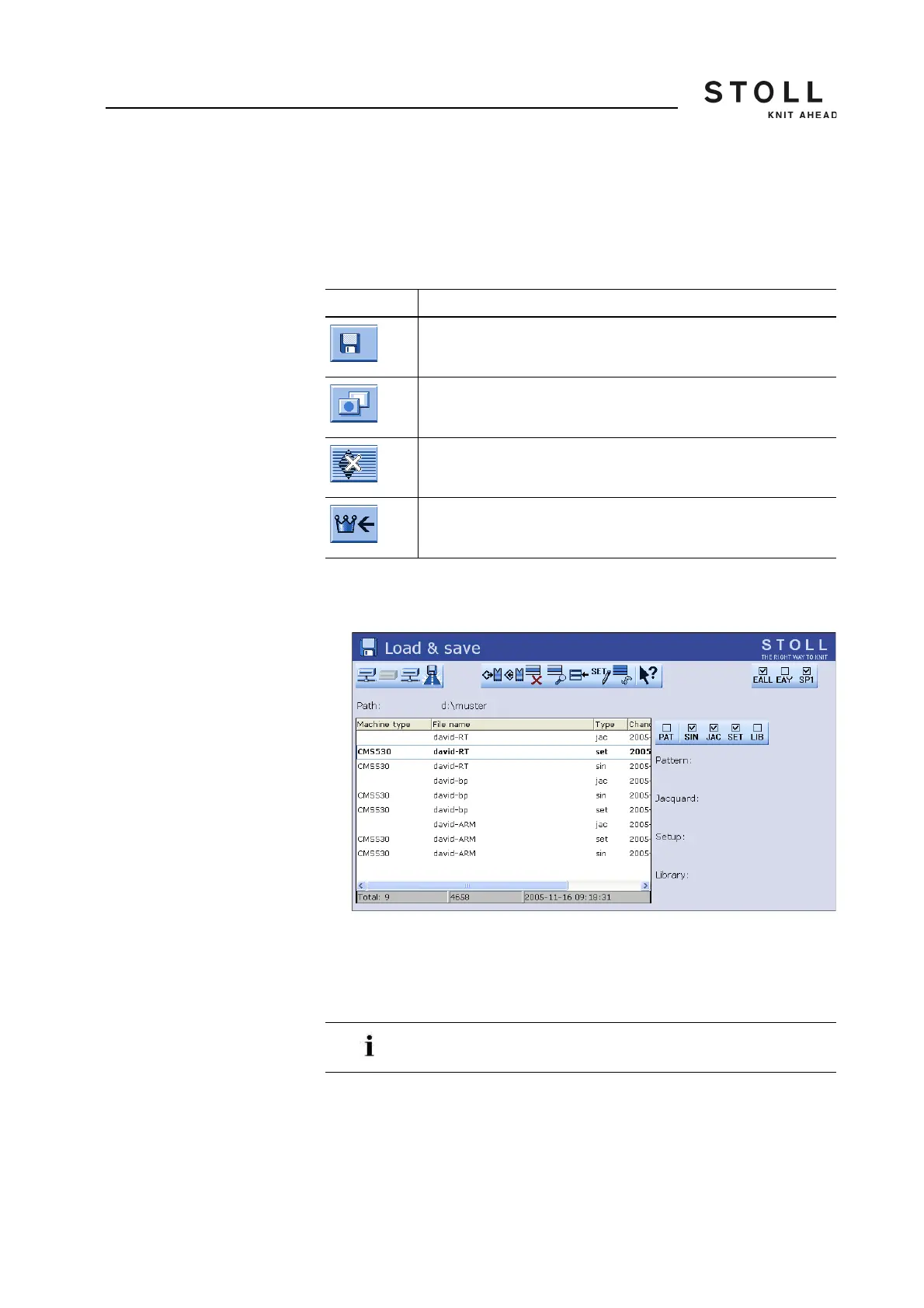
Clear knitting memory 1. Call up the "Load & save" window.
"Load & save" window
2. Call up "Additional function keys".
3. Call up "Delete knitting memory".
4. Call up "Main menu".
Key Function
Call up the "Load & save" window
Call up "Additional function keys"
Call up "Delete knitting memory"
Call up "Main menu"
Keys for deleting the knitting memory
If the "EALL" key is not selected, individual files (sin, jac or
Autosintral) of the knitting memory can be deleted.



 To Next Page