Software - Installation and basic settings 8
Saving pattern after a big fault 8.3
382
5. Tap on the "Copy Dongle" key.
The entire machine data are saved under the mcnumber.dgl on the
USB-Memory-Stick (mcnumber = machine number) file name.
6. Call up "Main menu".
7. Take out the USB-Memory-Stick.
Further information:
Copying service data [-> 158]
Load the machine settings in the machine computer [-> 378]
8.3 Saving pattern after a big fault
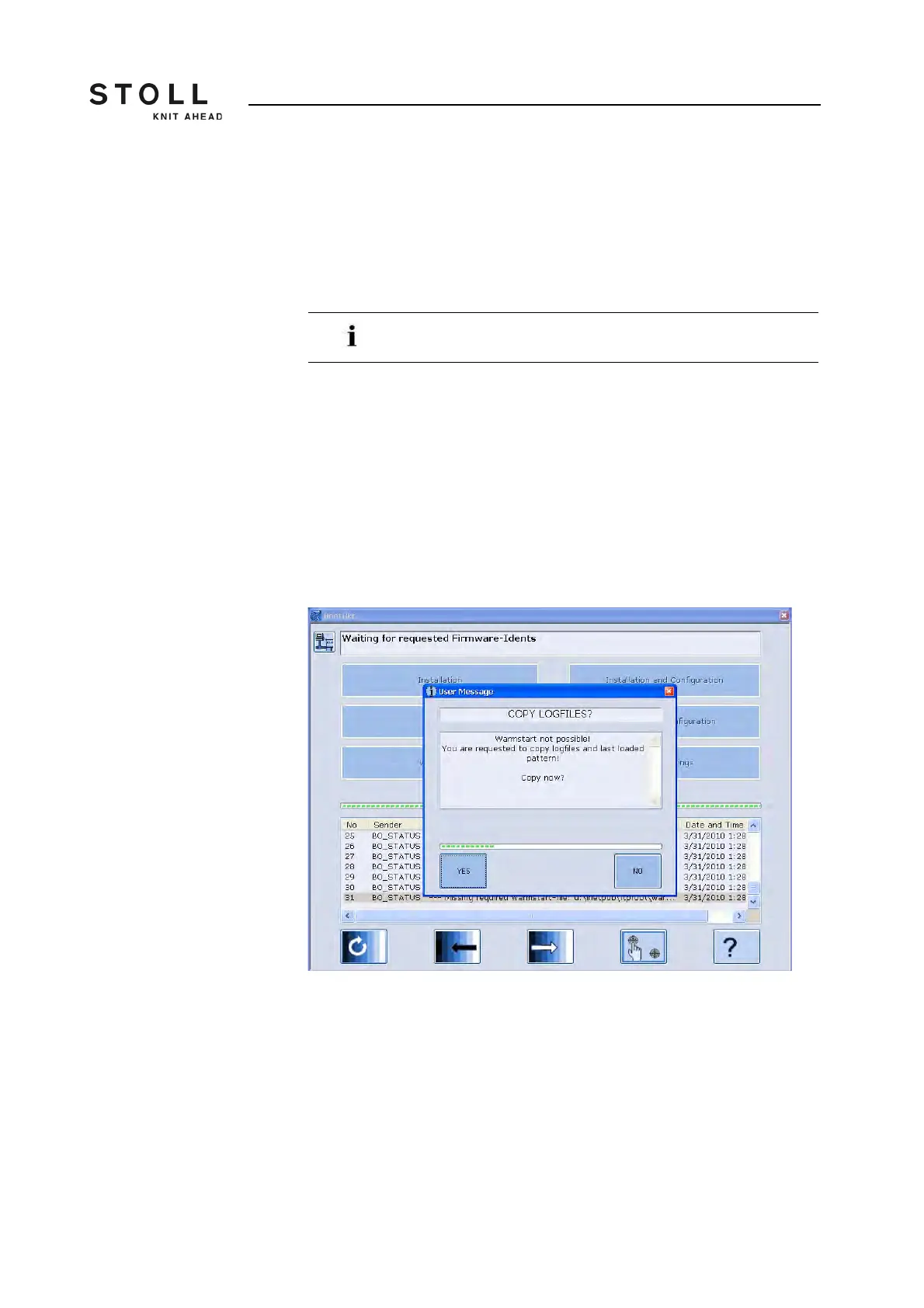
No "Warm start" can be made after a big fault of the control (e.g. system
crash). You have to carry out a "Restart". You will be asked whether the
logfiles and the pattern which has been loaded recently are to be saved.
If you do not want to save the logfiles and the pattern, then tap on the "NO"
key. The "Restart " is carried out. Load the new knitting program.
Loading of the machine settings with the "Load Dongle" key
in the "Basic Settings" window.



 To Next Page