201
4 Adjusting knitting machine
4.3 Working with files
4.3.4 Displaying file in pattern editor
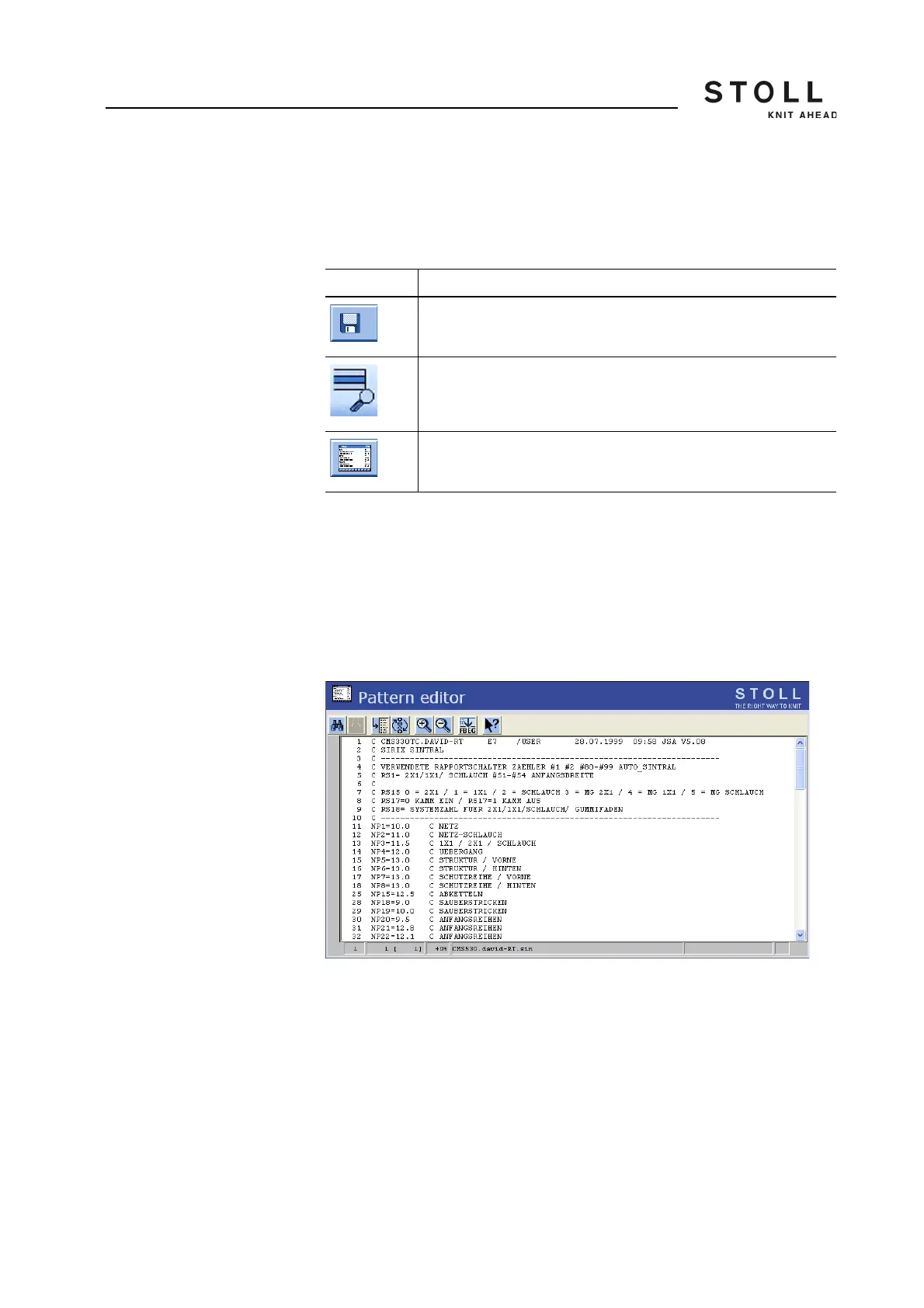
The selected file from the "Load & save" window is displayed in the "Pattern
editor" window (preview).
Displaying file in pattern editor:
1. From the "Main menu" call up the "Load & Save" window.
2. Select the file to be viewed in the file list.
3. Tap the "Display file" key.
4. The "Pattern editor" window is open.
Actions in the "Pattern editor"
window
"Pattern editor" window
Key Function
Call up the "Load & save" window
"Display file" key
Call up "Pattern editor" window
Keys for the "Pattern editor" window



 To Next Page