Software - Installation and basic settings 8
Installing the Stoll operating system 8.4
398
8.4.3 Updating software
A new Stoll operating system can also be copied on the hard disk while the
machine is producing. No data is overwritten here; the operating system is
loaded into a separate memory area.
This saves a few minutes time, as copying occurs during production. The
updating is not carried out until later, i.e. when the machine is switched off
and on again at the main switch. A prompt appears, asking you whether the
new operating system shall be loaded.
If the question is answered with YES, then the new Stoll operating
system is installed.
If it is answered with NO, then this question is asked again the next time
you switch on whether the new Stoll operating system should be
installed.
For the software update the source from where the new Stoll operating
system should be copied can be selected.
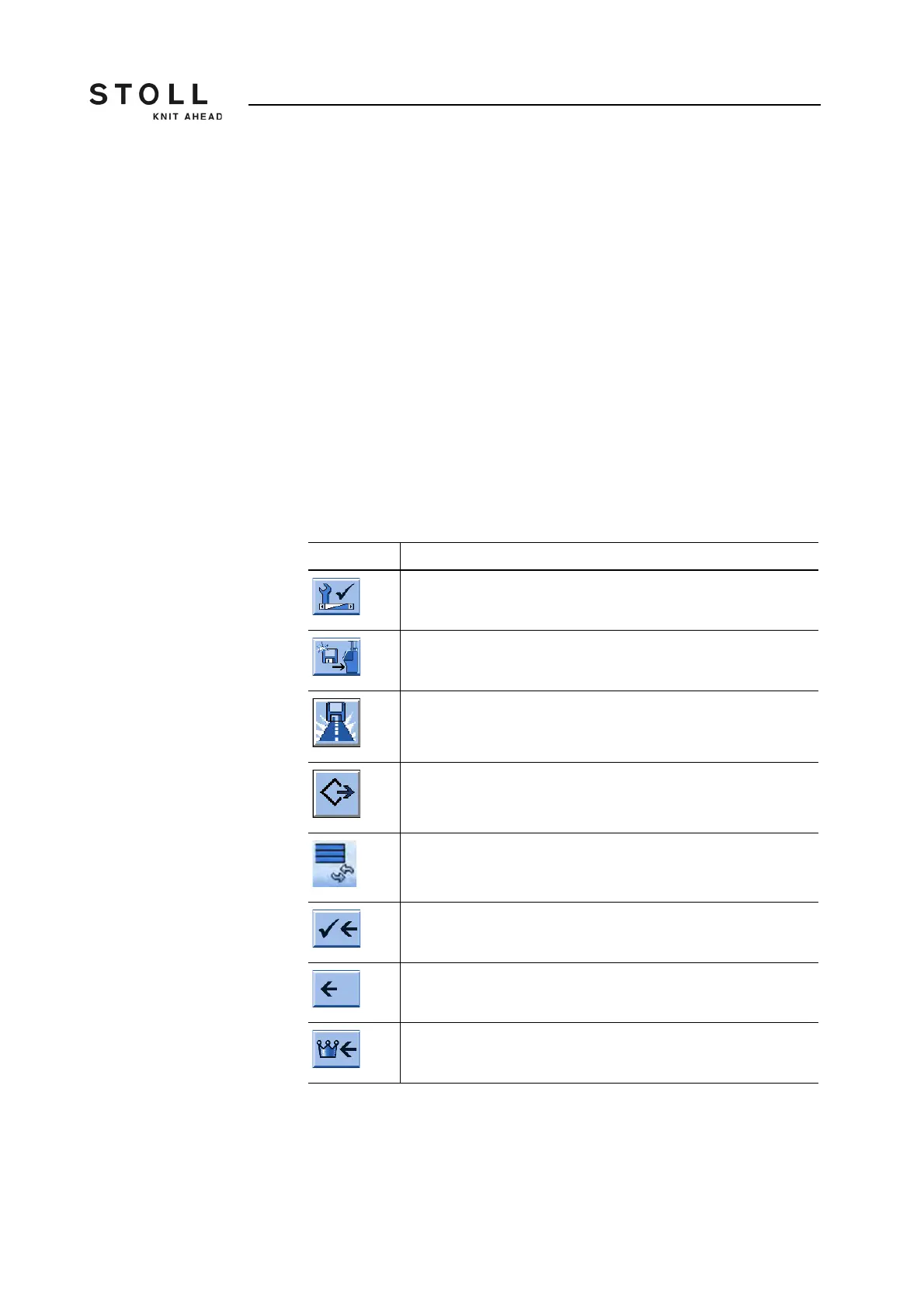
Key Function
Call up the "Service" menu
Call up the "Software updating" window
Key "Select source folder"
Key "Carry out update"
Key "Update display"
Save changes and end setting process
End setting process without saving changes
Call up "Main menu"
Keys for updating the software



 To Next Page