301
7 Repairing the knitting machine
7.1 Supplementary activities during maintenance
7.1.4 Move the carriage assembly outward up to the
support surface
1. From the "Main menu" call up the "Manual interventions" window.
2. Activate the "Carr.revers.outs.n.bed" option in the "Manual
interventions" window.
3. Pull up engaging rod.
4. After one, at the latest two carriage strokes, the carriage moves
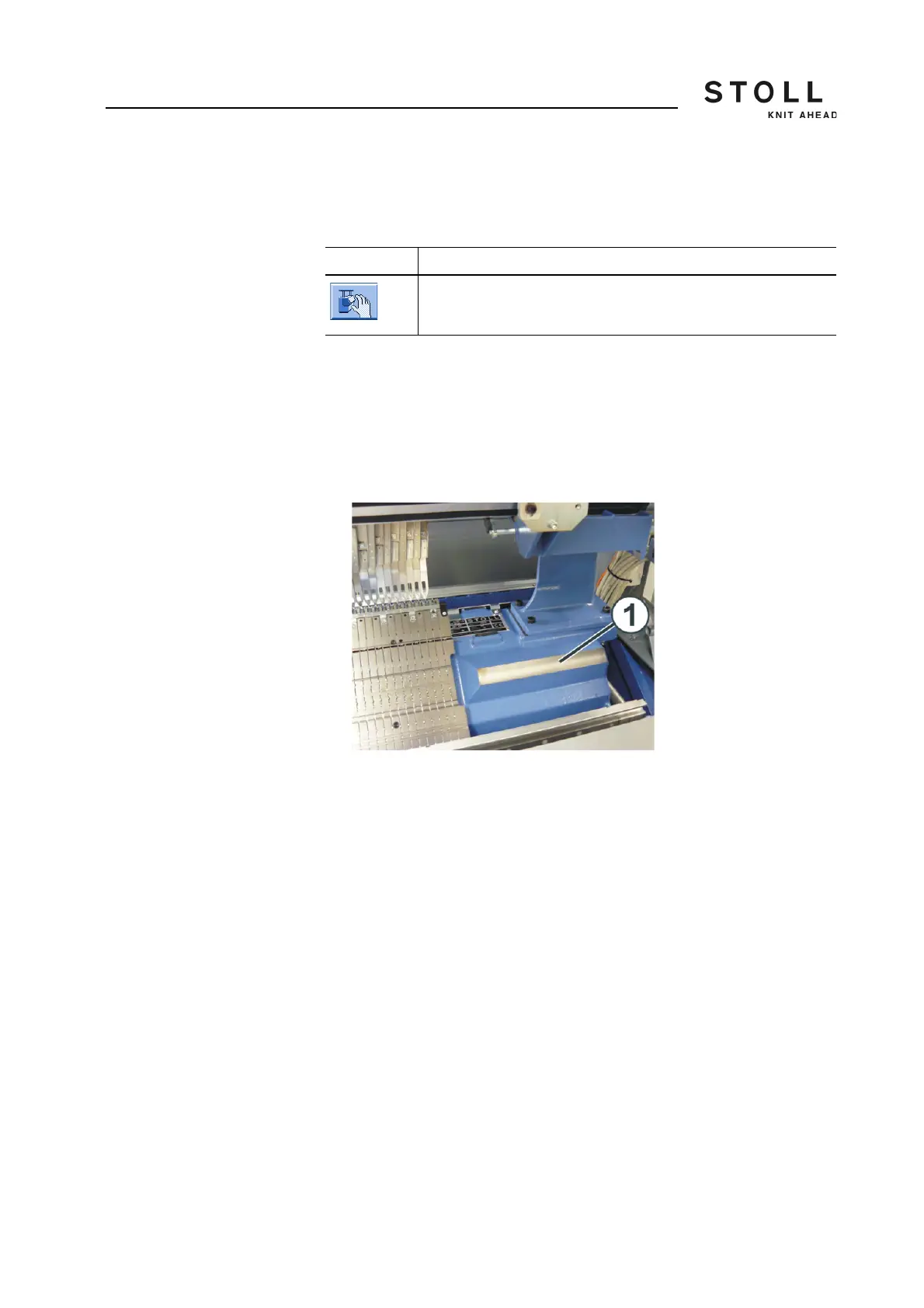
completely outwards up to the support surface (1).
Support surface of carriage part
5. Stop the carriage.
Key Function
Call up "Manual interventions" window



 To Next Page