Description of knitting machine 2
Display and operating elements 2.8
48
2.8 Display and operating elements
2.8.1 Main switch
Main switch
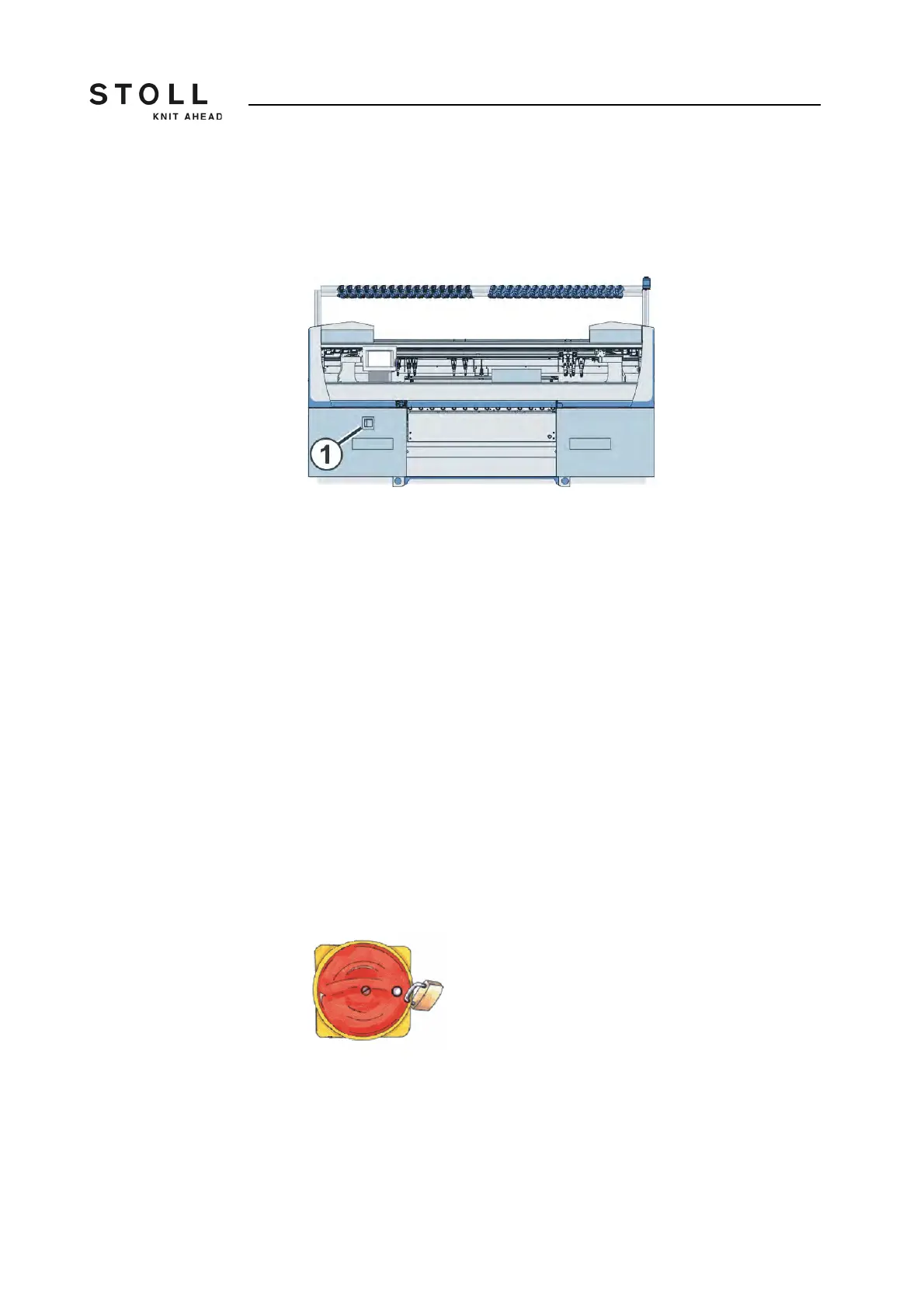
The main switch (1) is located on the front of the machine above the left
control unit.
In position "1 - On" the main switch is switched on, in position "0 - Off" it is
switched off.
Switch-off process When the main switch is turned from "1" to "0", the machine is immediately
switched off. Dangerous movements are immediately stopped. However,
the machine data are not lost, as they are saved with a battery. This takes
approx. 60 seconds. In the process, messages appear on the touch screen.
Once the process has been completed, the touch screen becomes dark and
an alarm signal sounds.
Even with the main switch switched off, the mains supply up to the main
switch still carries current with extremely high voltage. The mains supply
must be disconnected and secured against being switched on again before
working on the main switch unit.
Emergency-stop The main switch is also the emergency-stop switch.
The main switch has to be locked during maintenance and service work.
This prevents the main switch from being switched on accidentally.



 To Next Page