121
4 Adjusting knitting machine
4.1 Basic settings
4.1.8 Processing fabric take-down menu
In the fabric take-down menu (WMF menu), the fabric take-down
commands are combined into a single function which concerns a knitting
situation.
Adjusting fabric take-down menu:
1. Call up the "additional function keys" in the "Take-down" window.
2. Call up the "WMF menu" window.
3. Touch the line to be edited.
The line appears at the bottom edge of the window.
4. Tap the fields of the selected line and enter the desired values.
- or -
➜ Copy contents of a line and insert at desired location again.
5. Confirm entries.
6. Return to the "Take-down" window.
Save fabric take-down menu If you save the pattern, the changes in the fabric take-down menu are saved
in the setup file.
Further information:
Working with files, libraries and folders [-> 196]
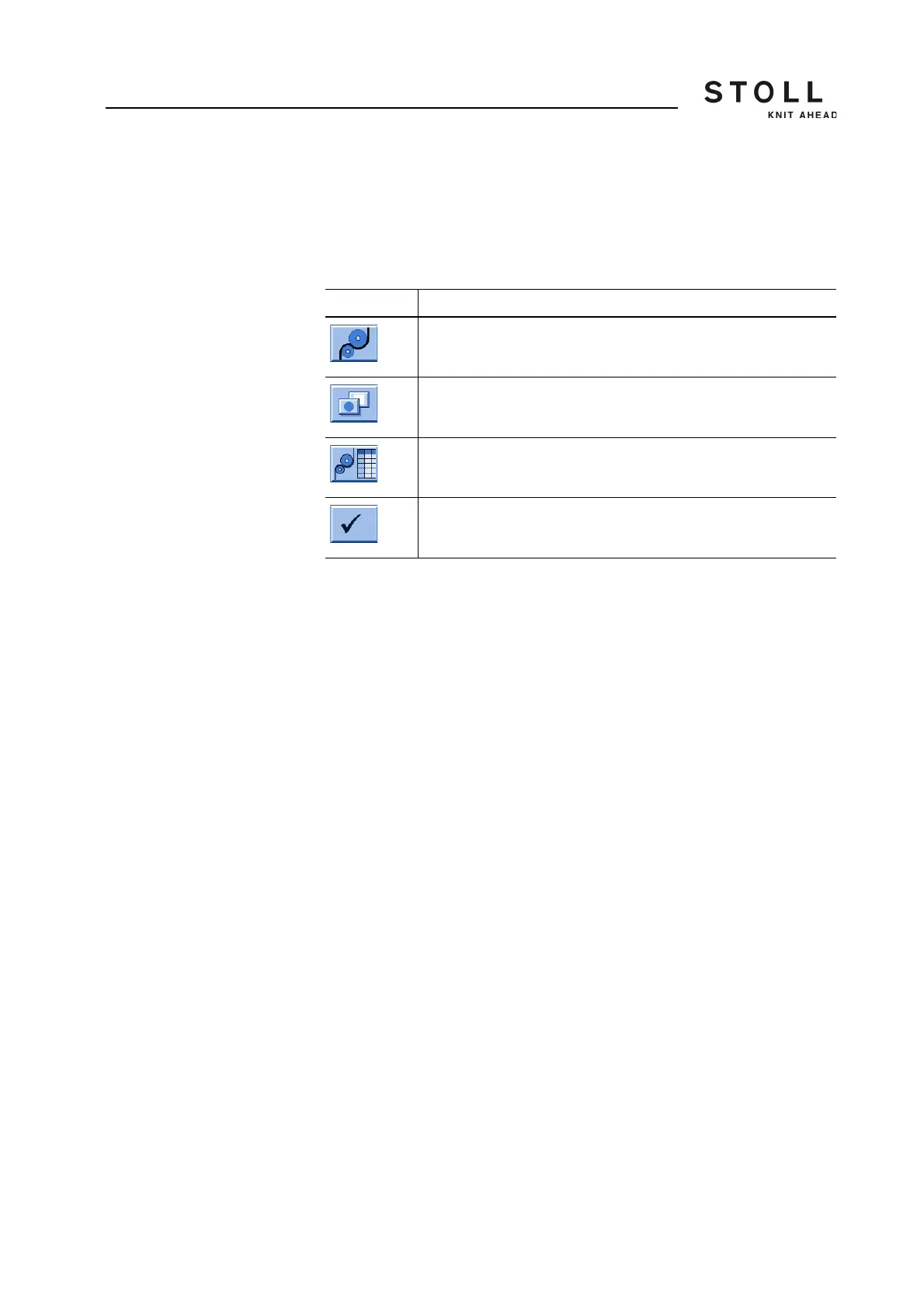
Key Function
Call up "Take-down" window
Call up "Additional function keys"
Call up "WMF menu" window
Confirm entries
Keys for adjusting the fabric take-down menu



 To Next Page