67
3 Producing with the knitting machine
3.1 Preparing production and shift changes
3.1.3 Setting touch screen
Calibrating touch screen The calibration is particularly important when persons of different heights
work at the same machine. In the case of different viewing angles, the
position of the keys may change. So that you always press the proper keys,
calibrate the touch screen at the beginning of your shift.
Calibrating touch screen:
1. Call up the "Service" menu from the "Main menu".
2. Call up the "Set the touch screen" window from the "Service" menu.
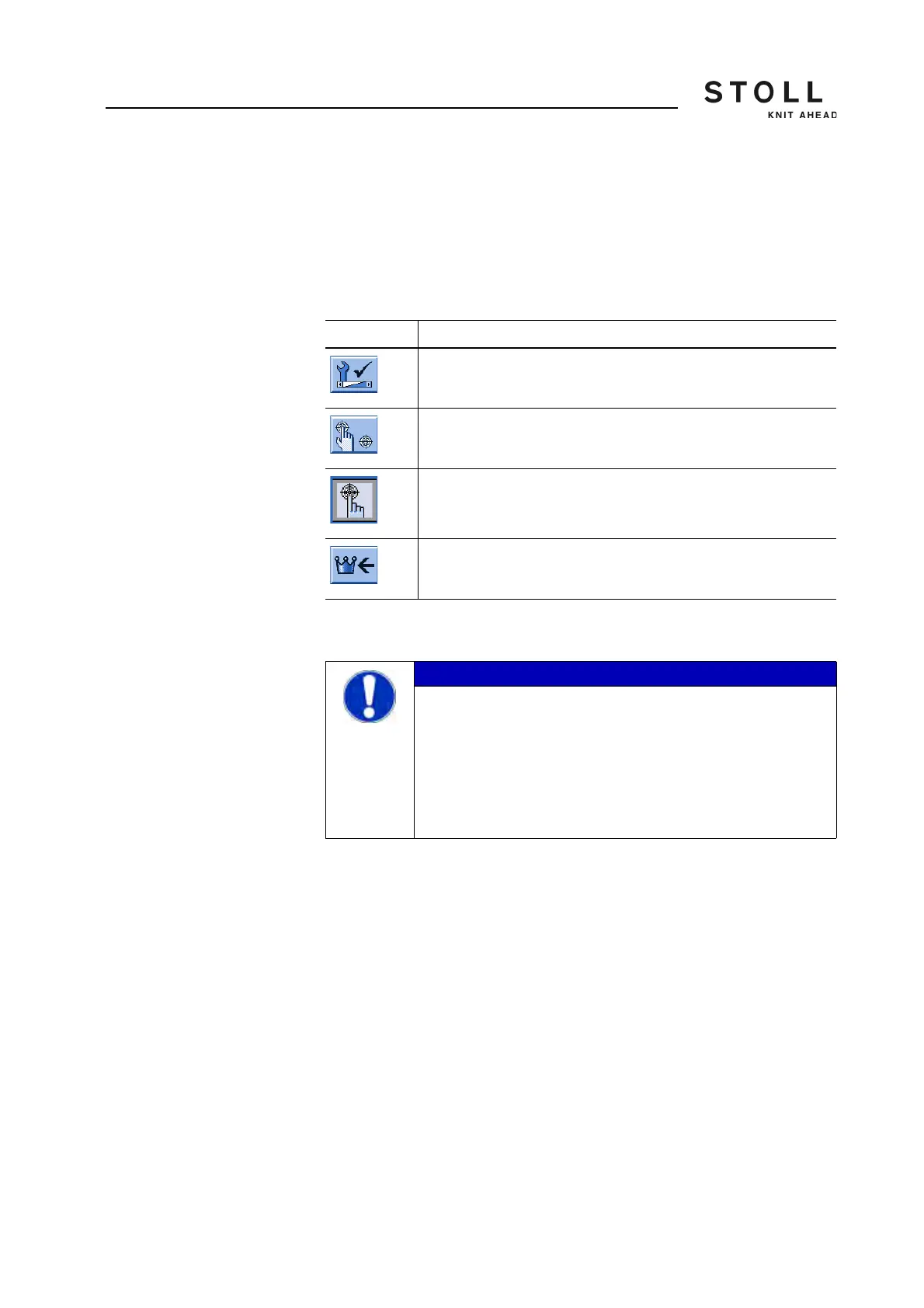
Key Function
Call up the "Service" menu
Call up the "Set touch screen" window.
"Calibrate" key
Call up "Main menu"
Keys for calibrating the touch screen
IMPORTANT
Incorrect adjustment of the touch screen!
Permanent incorrect adjustment: If you set the touch screen
incorrectly, the keys on the screen are no longer accessible.
The program can only be readjusted with a keyboard (Stoll
helpline).
➜ During calibration, touch the touch screen within the
target circles only!



 To Next Page