Producing with the knitting machine 3
Preparing production and shift changes 3.1
68
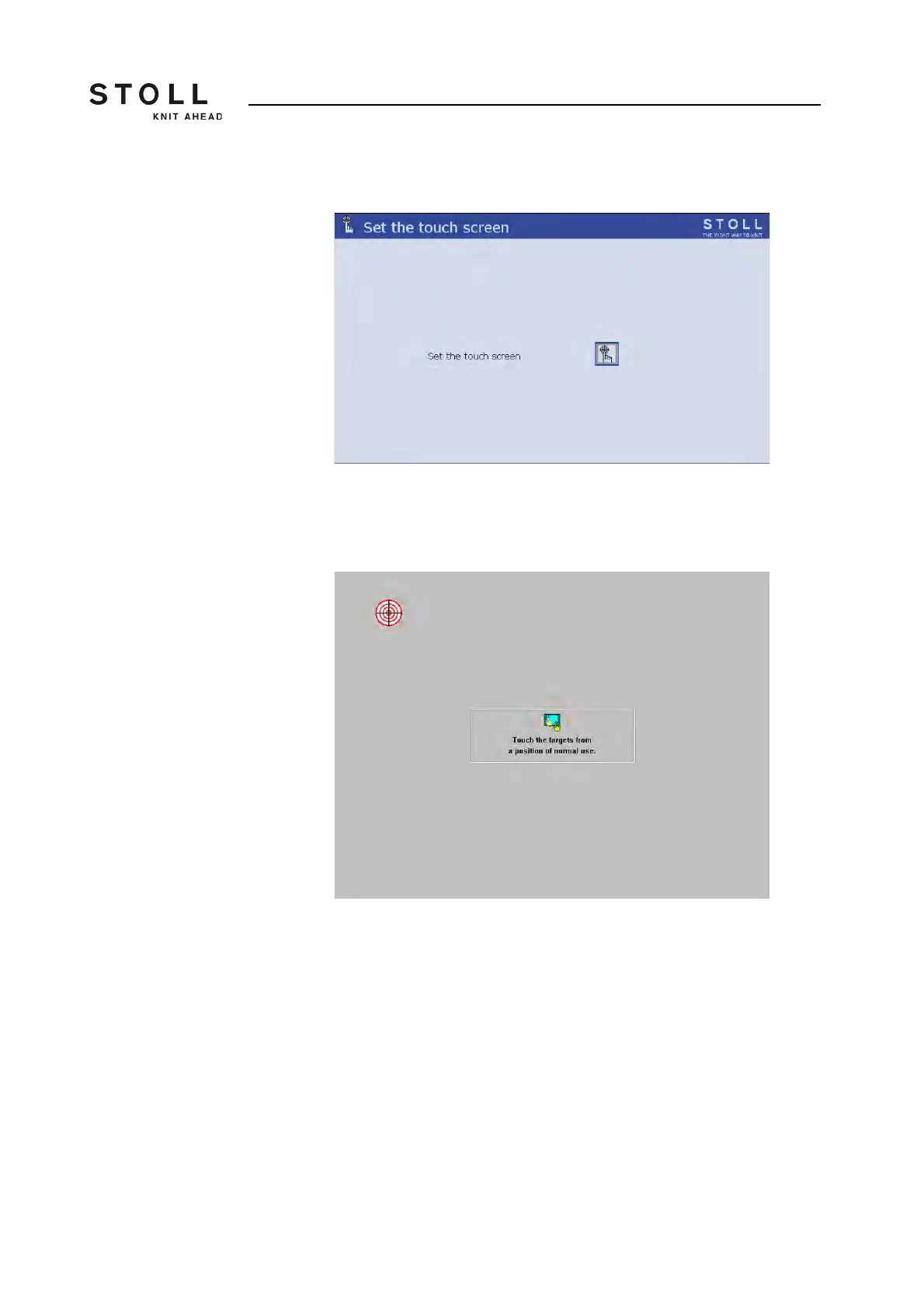
The "Set touch screen" window appears.
"Set touch screen" window
3. Tap the "Calibrate" key.
The setting window appears. A target circle is located on the upper,
left side.
Setting window with target circle
4. Tap exactly on the target circle.
A second target circle appears on the lower right-hand side.
5. Tap exactly on the target circle.
A third target circle appears on the upper, right-hand side.
6. Tap exactly on the target circle.
A message box appears. The request in the message box is not
important, as there is no mouse cursor here.
7. Press on the "Yes" key.
8. Call up "Main menu".



 To Next Page