Machine Management Tools 10
Remote control with the software VNC 10.3
430
10.3.6 Remote control via a web browser
When the Java Runtime Engine from Sun Microsystems Inc. is installed on
the controlling computer (client), the access to a machine can be also be
done through the web browser without the software VNC Viewer being
installed.
By default the port 5800 is adjusted for this access on the VNC server on
the machine and is activated in the server adjustment under Serve Java
Viewer.
Start remote control:
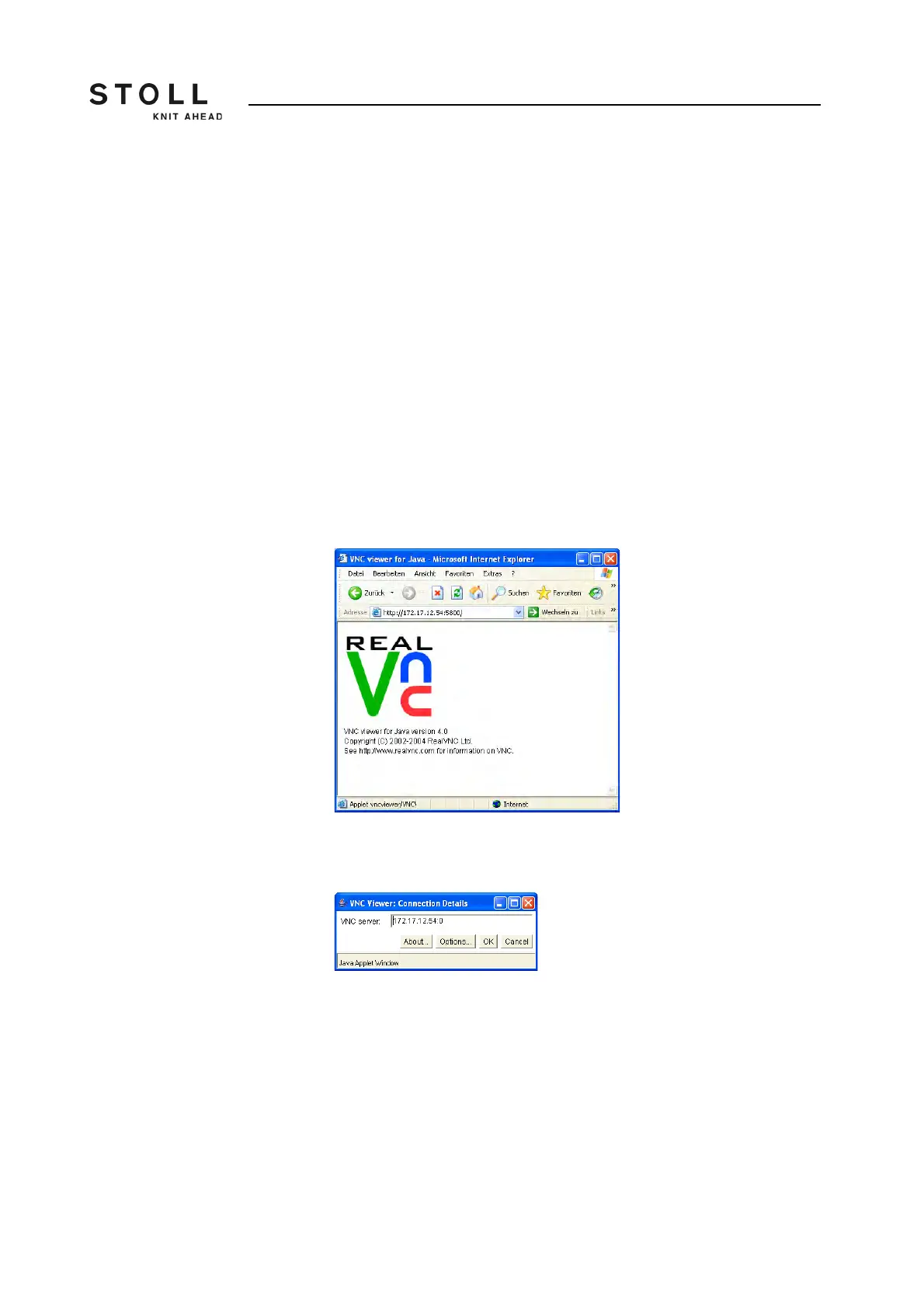
1. Start web browser e.g. the Internet Explorer.
2. Enter the following address as URL: http://<IP address of the
machine>:5800
A Java applet is run which is obtained as a alternative for the
software VNC Viewer from VNC Server (machine).
Then the web browser appears as follows:
Web browser with the Java applet from VNC
3. Above opens the window "VNC Viewer: Connection Details".
The IP address is entered automatically.
"VNC Viewer: Connection Details" window
4. Click on "Options".



 To Next Page