429
10 Machine Management Tools
10.3 Remote control with the software VNC
The "VNC Viewer: Connection Details" window opens.
8. Click on the "OK" button.
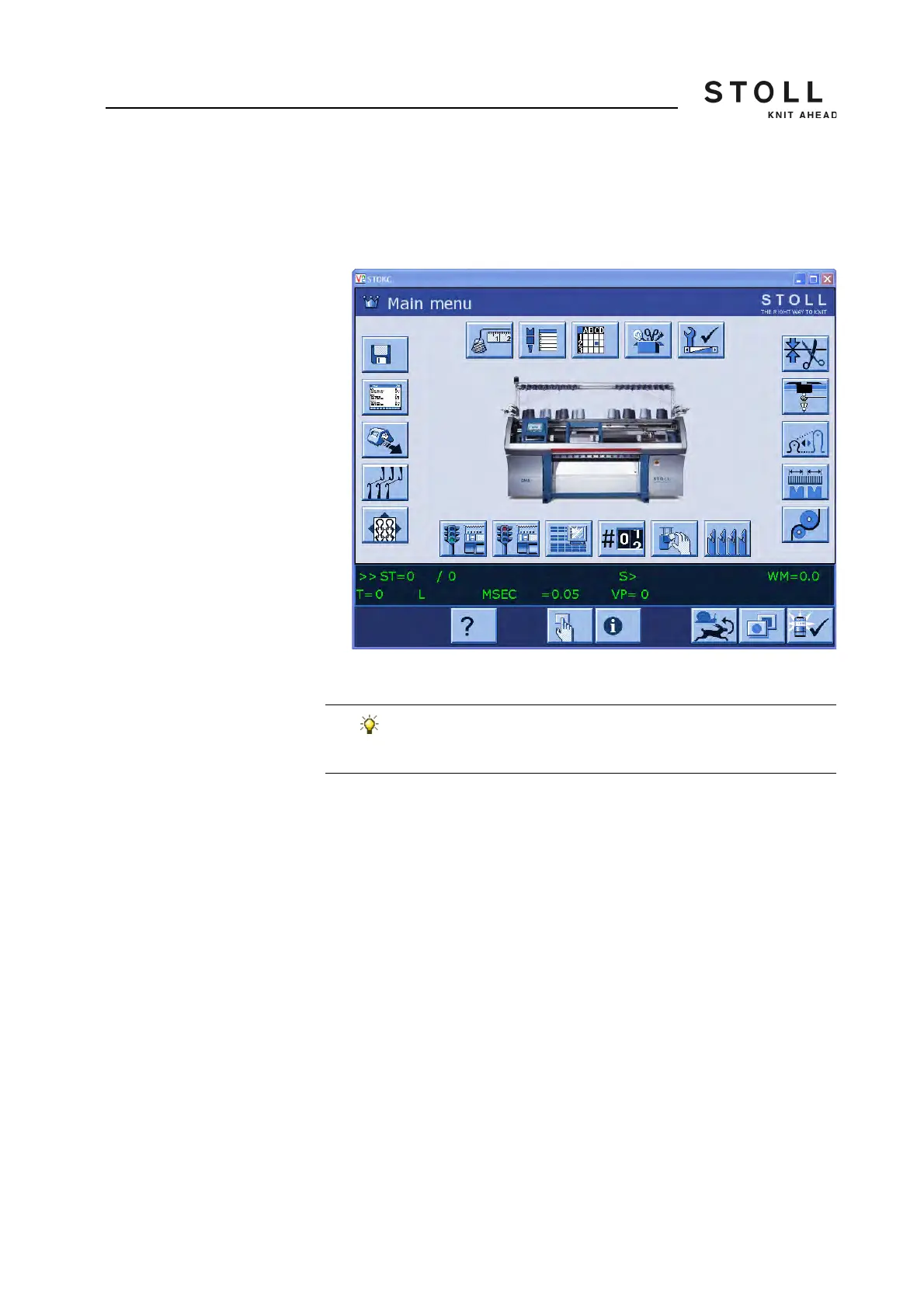
Now the user interface of the selected machine gets displayed.
Display of the user interface of the machine
9. Operate the machine now from this window.
Further information:
Configuring the remote control VNC on the machine [-> 426]
The machine can be operated simultaneously through the
user interface of the machine or through the computer (VNC
Client).



 To Next Page