Adjusting knitting machine 4
Basic settings 4.1
128
4.1.12 Switch illumination on and off
Switch the lighting on and off:
1. Call up "Machine start" window.
2. Call up "Additional function keys".
3. Switch on the lighting.
- or -
➜ Switch off the lighting.
4. Call up "Main menu".
Automatic switching off of the
lighting
If the lighting is switched on, then you can set the duty cycle (window
"Machine parameters").
Standard setting: Function active, duty cycle: 10 minutes (standard), value
range: 0...60 minutes
Further information:
Setting machine parameters [-> 154]
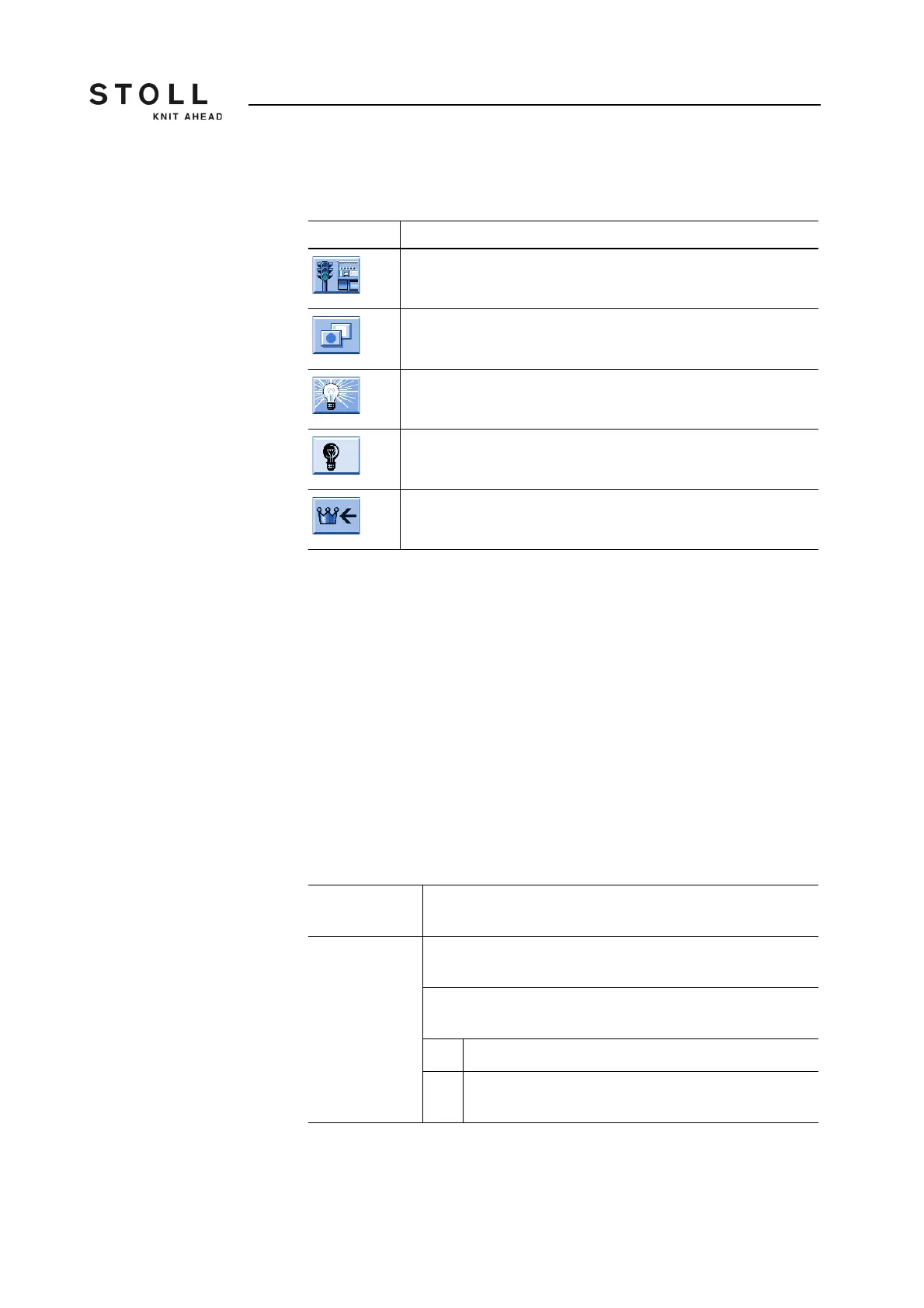
Key Function
Call up "Machine start" window
Call up "Additional function keys"
Switch on lighting
Switch off lighting
Call up "Main menu"
Keys for switching the lighting on and off
With closed
cover hoods
If the lighting is switched on, then it will switch off automatically
at the end of the set time.
When opening
and closing the
cover hoods
The lighting is switched on automatically when opening the
covers.
If the covers are closed again, then it is checked whether the
duty cycle has been reached.
Yes The lighting will be switched off.
No The lighting will continue switched on until the remaining
time is finished



 To Next Page