399
8 Software - Installation and basic settings
8.4 Installing the Stoll operating system
Updating software 1. Call up the "Service" menu from the "Main menu".
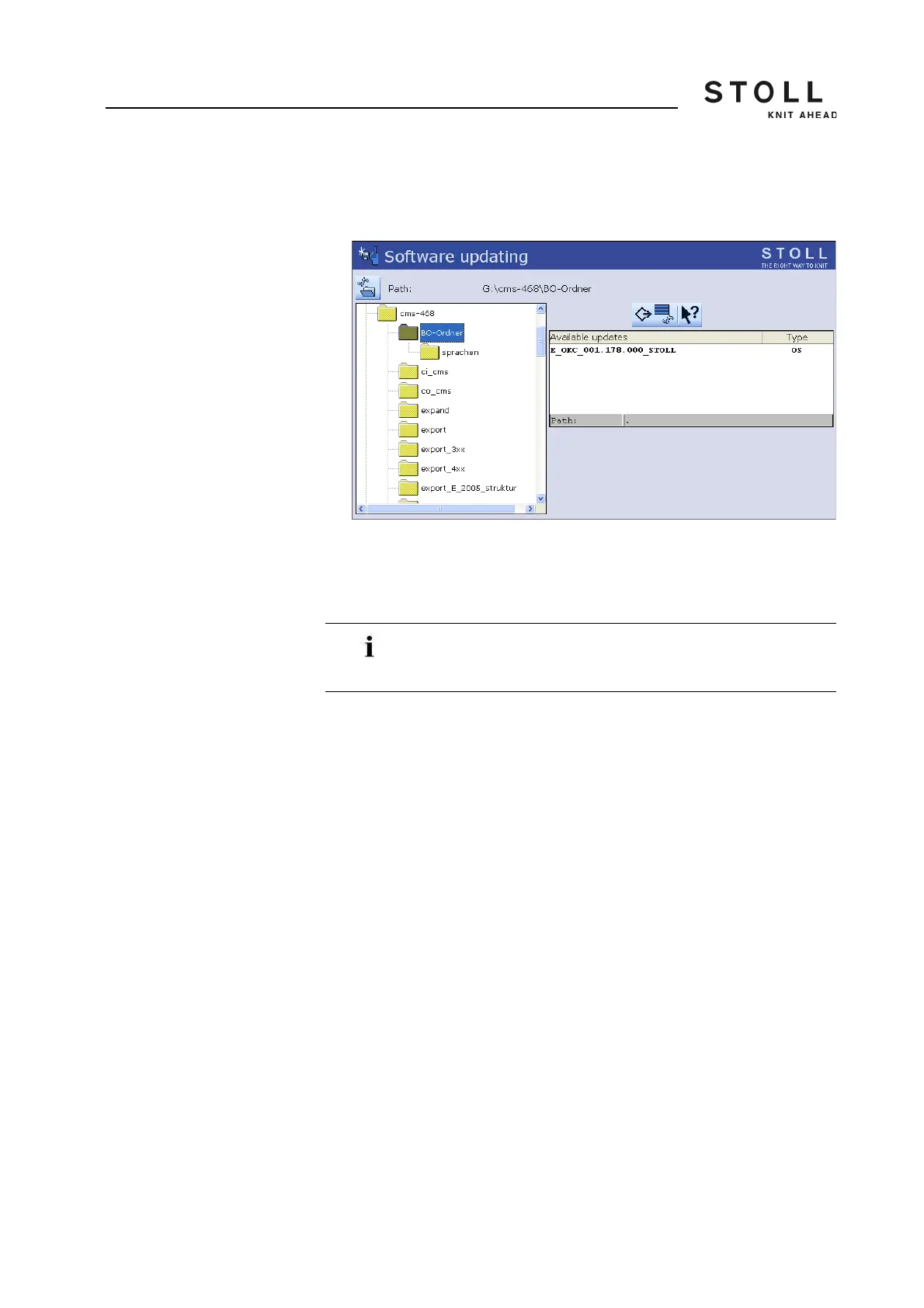
2. Call up "Software updating" window.
"Software updating" window
3. Select source folder.
If multiple Stoll operating systems are found on the data carrier,
these are listed.
4. If several Stoll operating systems are listed, the Stoll operating system
(Type OS) that is to be copied should be marked.
5. Press the "Carry out update" key.
The installation files are copied on the hard disk of the machine in a
separate storage location.
The "Update successfully installed" appears.
When searching for the Stoll operating system the selected
folder section and a section under this section (sub-folder
section) is also searched.



 To Next Page