97
3 Producing with the knitting machine
3.4 Producing with knitting orders (order menu)
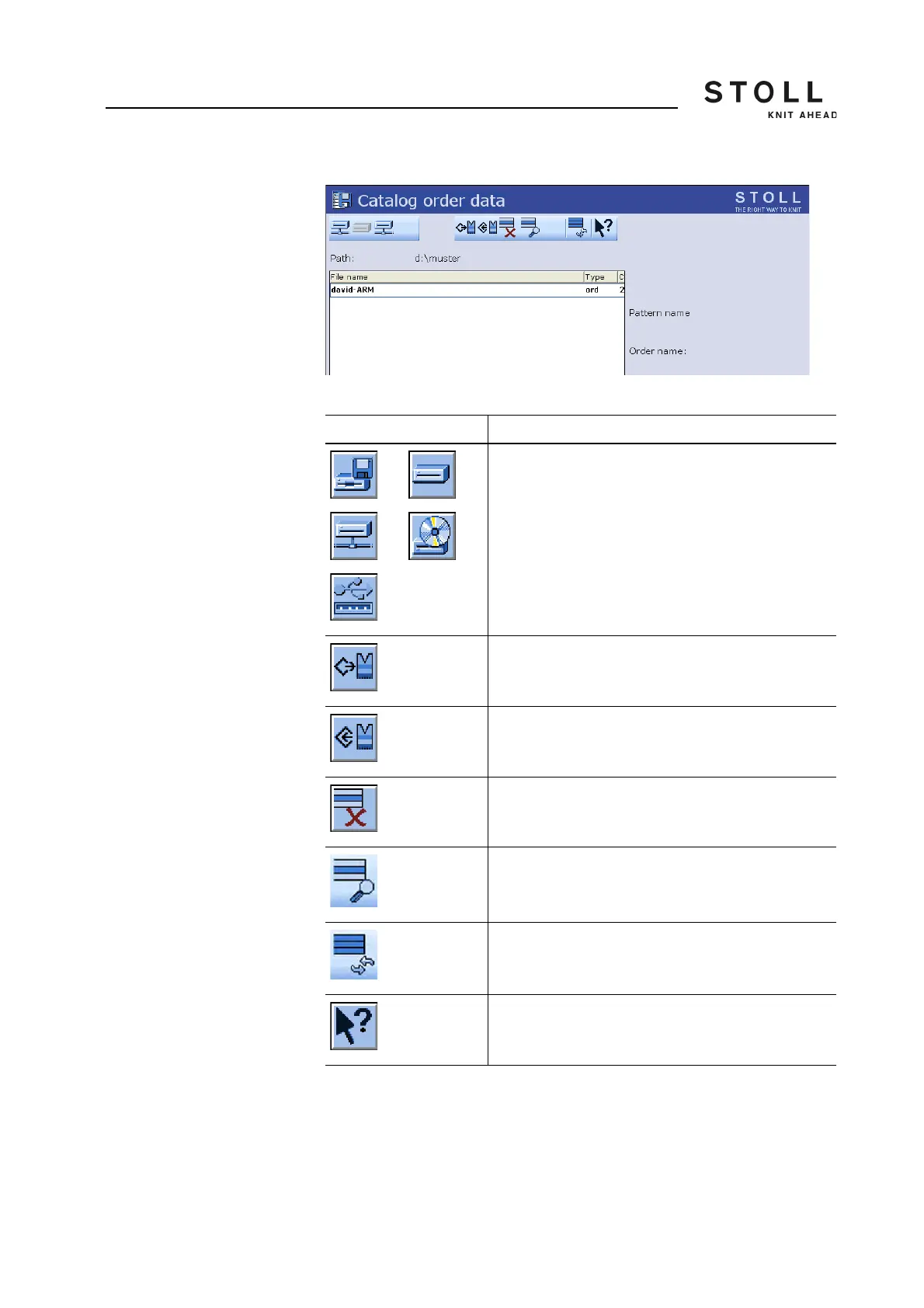
Actions in "Catalog order
data" window
"Catalog order data" window
Further information:
Selecting the current folder [-> 208]
Displaying file in pattern editor [-> 201]
Key Function
"Direct folder selection":
predefined folder selection
"Load" selected file and corresponding pattern
elements
"Save" selected pattern elements in the current folder
"Delete selected file"
"Display file" which is selected
"Update": Update the contents of the folder
Call up "Direct Help" for the key pressed next
Keys in "Catalog order data" window



 To Next Page