Adjusting knitting machine 4
Advanced adjustments 4.2
150
Set language:
1. Call up the "Service" menu.
2. Call up the "Basic settings" menu.
3. Call up the "Language" window.
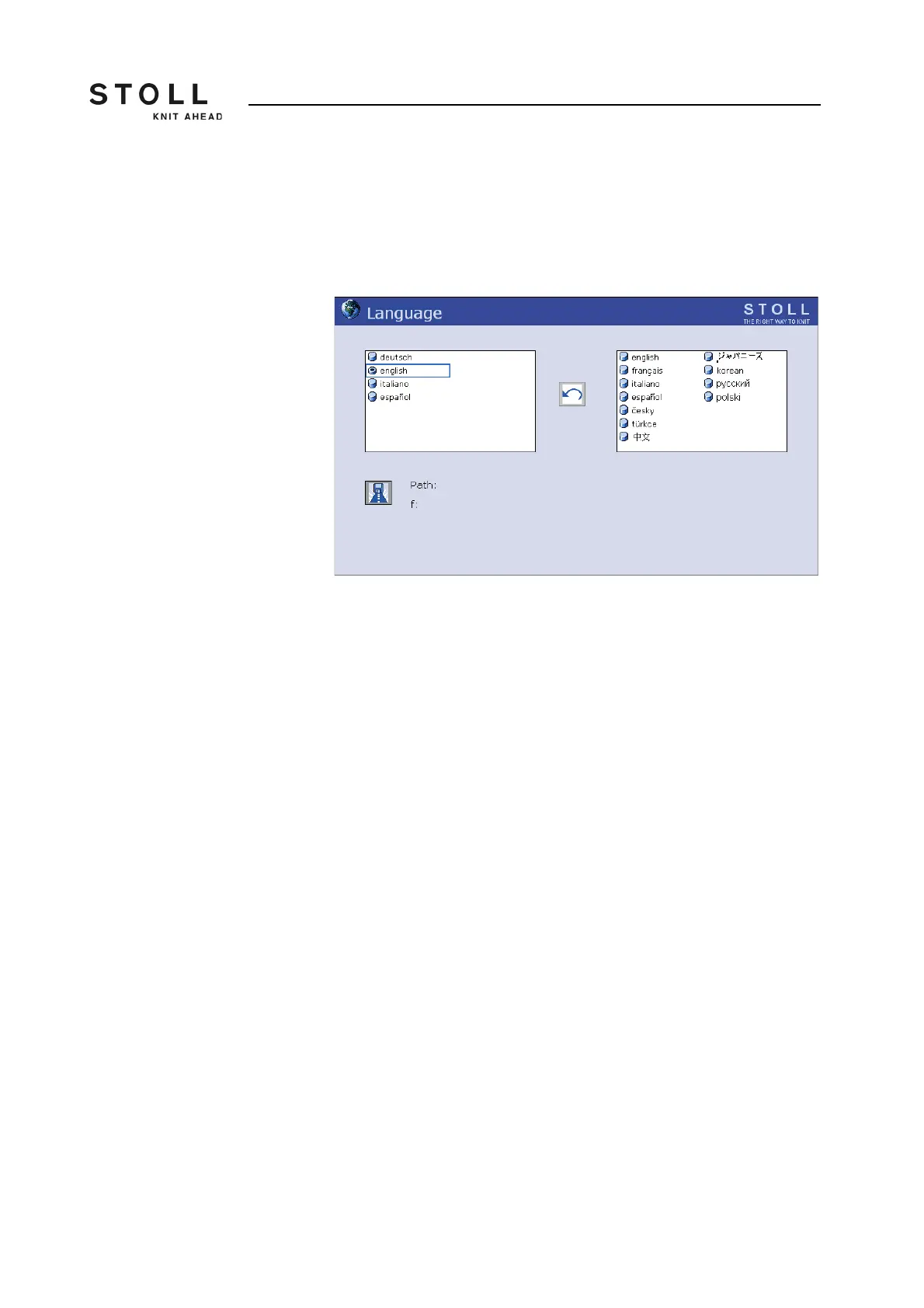
"Language" window
4. Select a language present in the machine from the column on the left.
Confirm input.
5. If the language has not been loaded yet, it must be reloaded now. The
languages are, for example, saved on a floppy disk, the USB memory
stick or the M1. To select the storage location, the corresponding source
directory must be selected. Tap the "Select path" key. Select the new
path. Save changes and end setting process.
6. Select the language in the right column. If the language is loaded, it
appears in the column on the left. Repeat step 4.
7. Call up the "Main menu".



 To Next Page