155
4 Adjusting knitting machine
4.2 Advanced adjustments
Set machine parameters:
1. Call up "Main menu".
2. Call up the "Service" menu.
3. Call up "Basic Settings" menu.
4. Call up the "Machine parameters" window.
5. Enter the value on the appropriate line.
6. Confirm input.
7. Call up the "Main menu".
8. Save the change in the machine adjustments on the USB memory stick.
Further information:
Engaging rod [-> 49]
Saving all machine data on the USB-Memory-Stick [-> 381]
3 Automatic deactivation of lighting after a certain time.
Duty cycle: 10 minutes (standard), value range: 0...60 minutes
Recommendation: LED lamp: 0 minutes, fluorescent lamp 10 minutes
4 Speed outside the SEN area (MSECOS)
Standard: 1.2 m/sec (maximal speed)
5 Maximum carriage speed with open cover hoods if the engaging rod is
held in position 3 (production). Value range in input field "MSECCO": 0.00
to 0.20 m/s, standard: 0.05, step width: 0.05, 0.00=carriage does not
move.
6
carriage speed, if key is active. Reduction of normal speed to
percentage specification "n". Default: 70 %
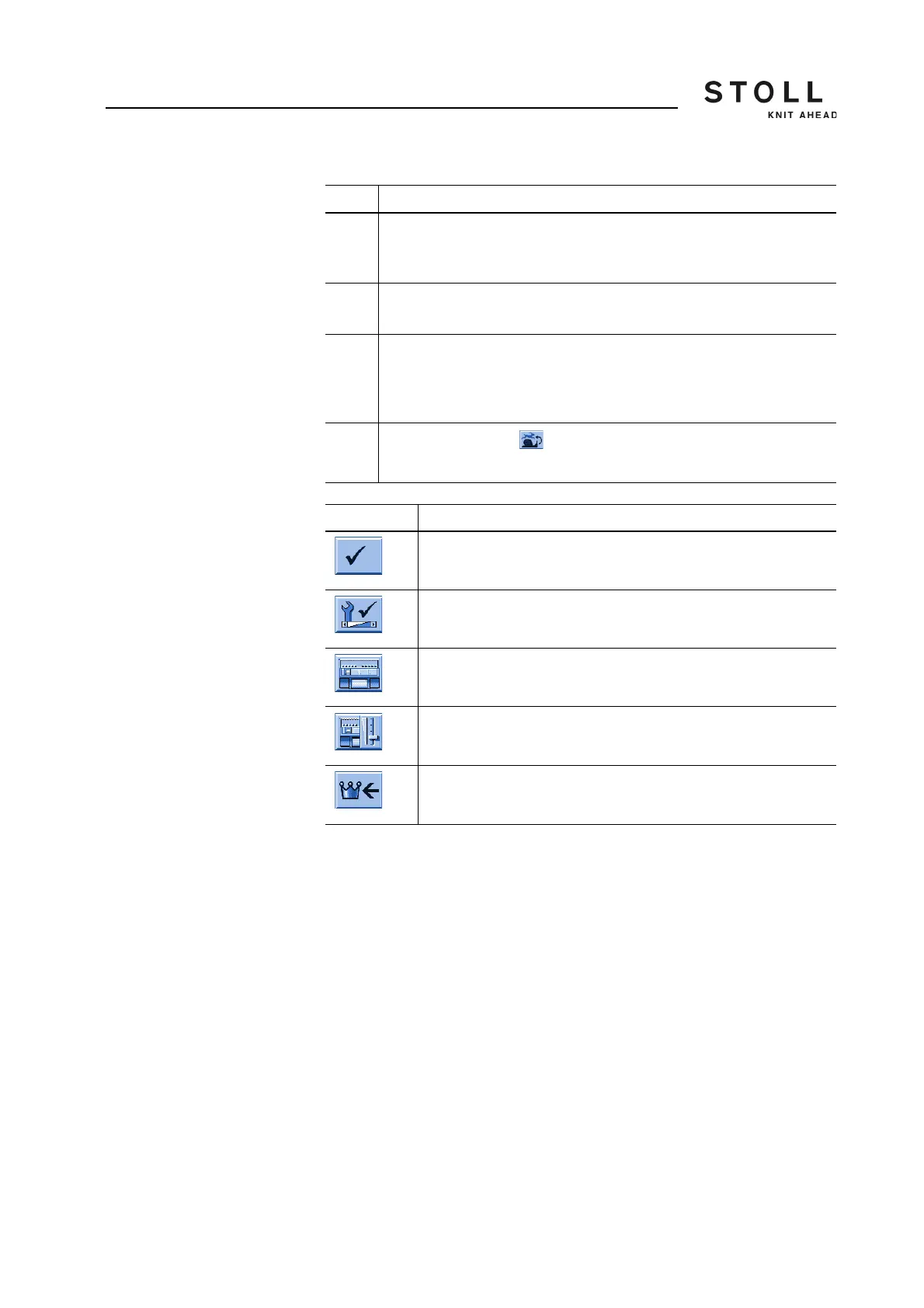
Key Function
Confirm input
Call up the "Service" menu
Call up the "Basic settings" menu
Call up "Machine parameters" window
Call up "Main menu"
Keys for setting the machine parameters
Field Data shown



 To Next Page