165
4 Adjusting knitting machine
4.2 Advanced adjustments
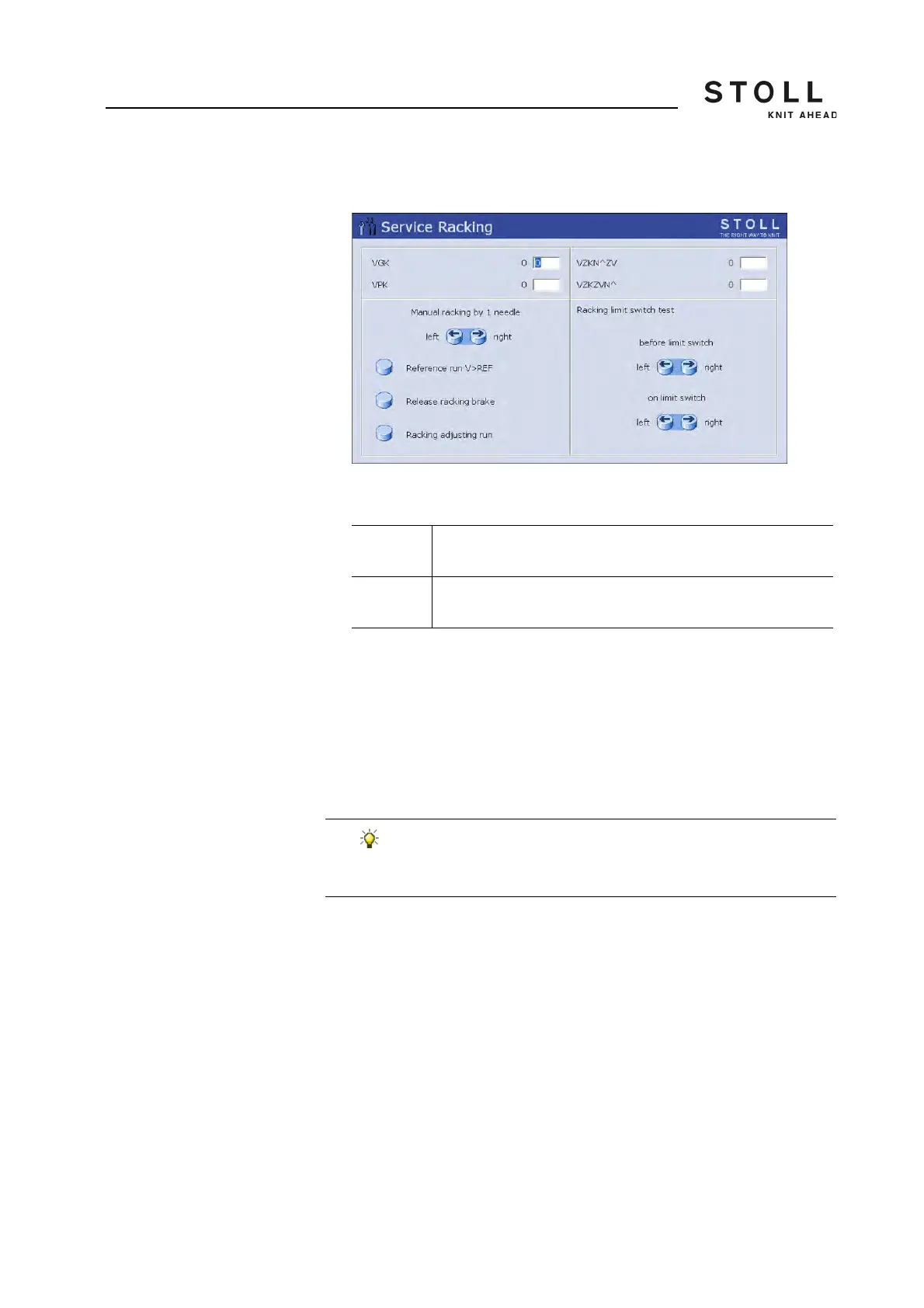
7. Call up the "Service Racking" window.
"Service Racking" window
8. Enter the value in the "VPK" line using the linear regulator.
9. Confirm input.
The needle bed moves lightly to the left or right.
10. Repeat steps 2 to 9 until the needle hook of the front needle dips into
the pelerine spring of the rear needle.
11. The NPK values are automatically saved in the data specific to the
machine (dongle data).
The setting process is complete.
-1…-8 Correction to the left (1 step = 0.18 – 0.25 mm, according to the
machine gauge)
+1…+8 Correction to the right (1 step = 0.18 – 0.25 mm, according to the
machine gauge)
If you want, you can save VPK-value additionally:
➜ on a USB memory stick [ 381]
➜ on a network drive (button "Copy Dongle") [ 158]



 To Next Page