Adjusting knitting machine 4
Advanced adjustments 4.2
170
Correcting position of stitch cams:
1. Call up "Main menu".
2. Call up the "Service" menu.
3. Call up the "Basic settings" menu.
4. Call up the "NPK values" window.
5. Change the NPK values for knitting and for knitting with split-stitch stitch
and confirm the changes.
The values are automatically saved in the data specific to the
machine (dongle data).
The setting process is complete.
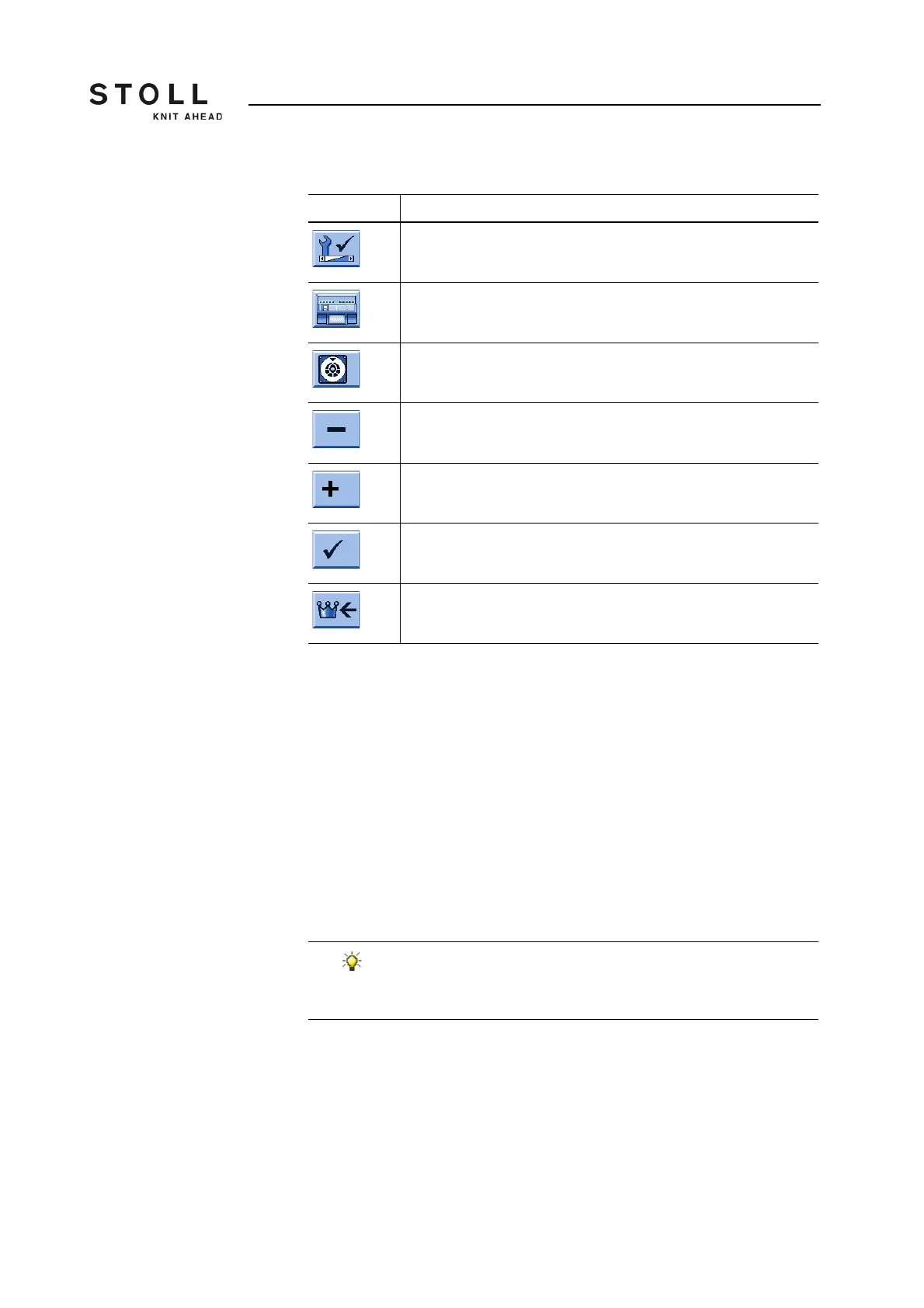
Key Function
Call up the "Service" menu
Call up the "Basic settings" menu
Call up "NPK values" window
Reduce current value by one step
Increase current value by one step
End the setting process and save the changed values.
Call up "Main menu"
Keys for correction of stitch cam position (NPK value)
If you want, you can additionally save the values:
➜ on a USB memory stick [ 381]
➜ on a network drive (button "Copy Dongle") [ 158]



 To Next Page