197
4 Adjusting knitting machine
4.3 Working with files
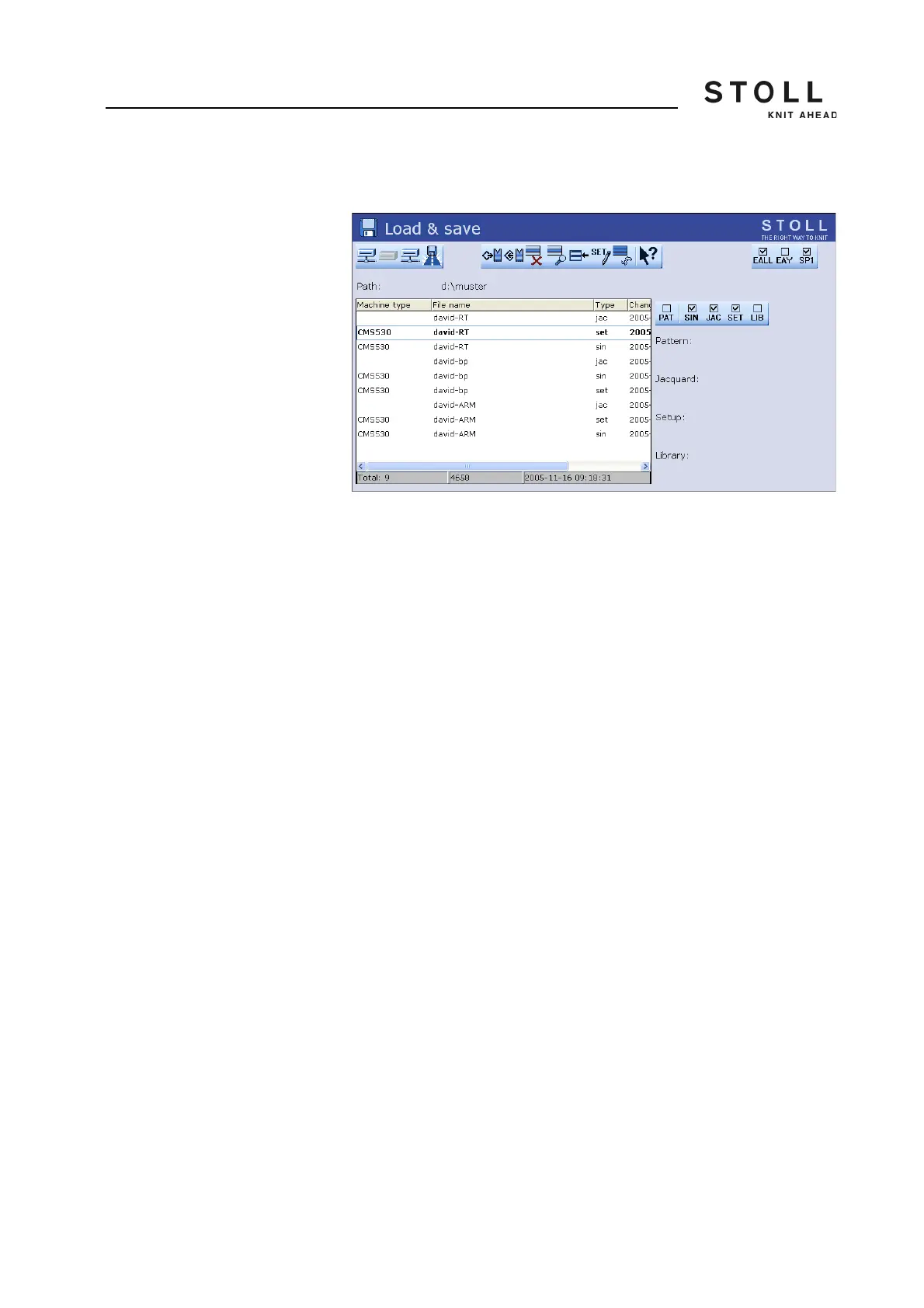
1. From the "Main menu" call up the "Load & Save" window.
"Load & save" window
2. Set the desired path with one of the "Direct pattern folder selection"
keys.
3. Use the PAT/SIN/JAC/SET/LIB keys to select whether the entire pattern
of the current machine (PAT) or individual file types are to be listed.
4. Select file.
5. Select action.
6. If an additional prompt appears, tap the "1" key to confirm,
- or -
➜ Press the key "0" to cancel.
7. Call up "Main menu".



 To Next Page