377
8 Software - Installation and basic settings
8.1 Boot process
Enter the description of the
machine (Description)
➜ Enter a meaningful description of this machine (maximum 50
characters) in the "Description" input field.
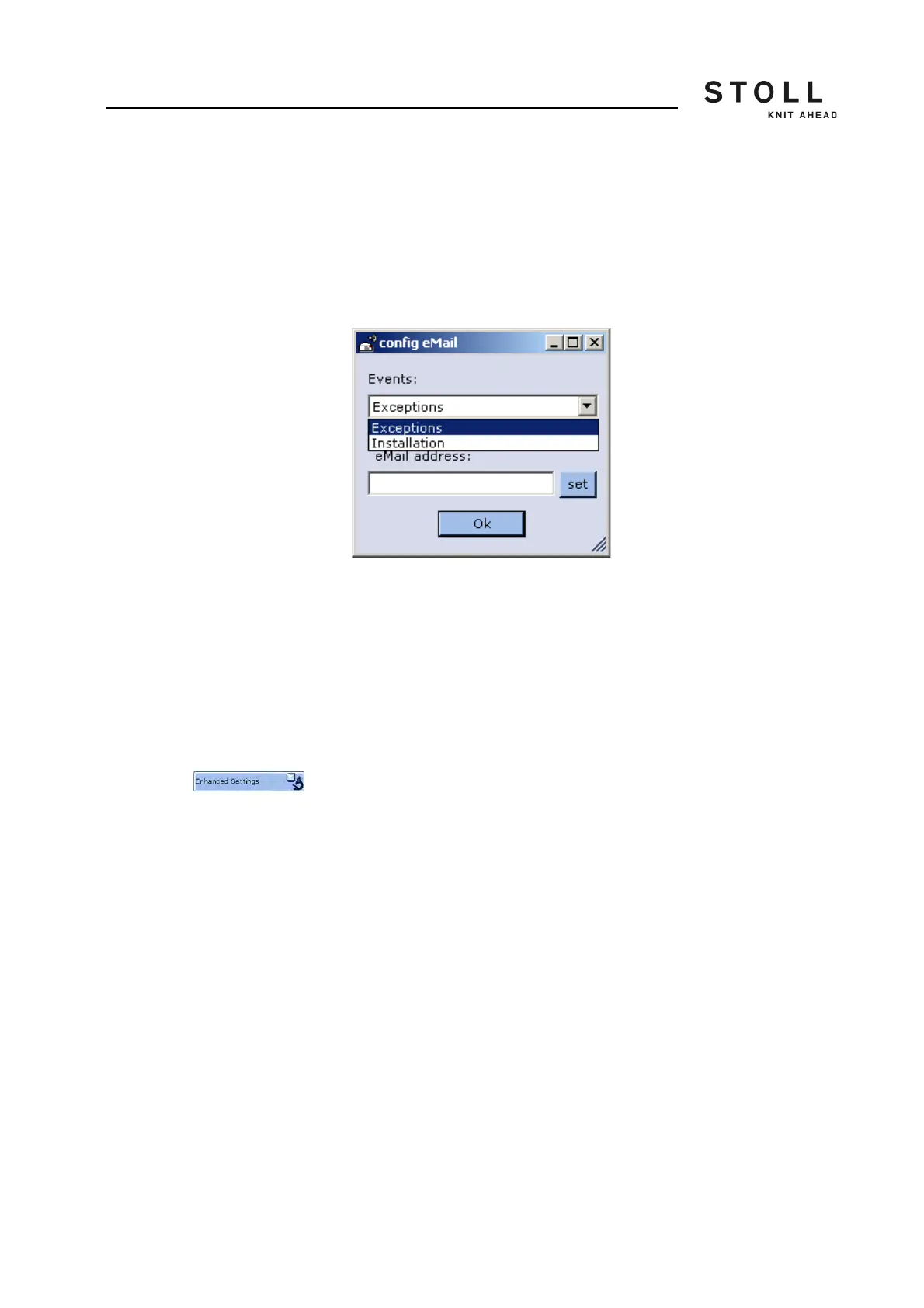
Enter E-Mail-Address 1. Activate the "Enable" check box.
2. Tap on the "Configure" key.
The "E-Mail Configuration" window is displayed.
3. Select the cases in the Events field by the appearance of which the
email should be sent.
4. Enter the e-mail address in the "E-Mail address" field
5. Confirm input.
Further information:
KnitLAN connection [-> 220]
Advanced adjustments For the Stoll technician only



 To Next Page