Machine Management Tools 10
Machine Management Tools window 10.1
422
Call up machine management tools:
1. In the "Main menu", tap on the "Service" key.
2. In "Service" window, tap on "Diagnostics" key.
3. In "Diagnostics" window, tap on the "Machine Management Tools" key.
The "Machine Management Tools" window opens.
4. Call up the desired machine management tools.
In the following sections is described how to set up the different tools and
how to use them.
Further information:
Display the virtual keyboard [-> 423]
Remote control with the software VNC [-> 424]
Send email directly from the machine [-> 432]
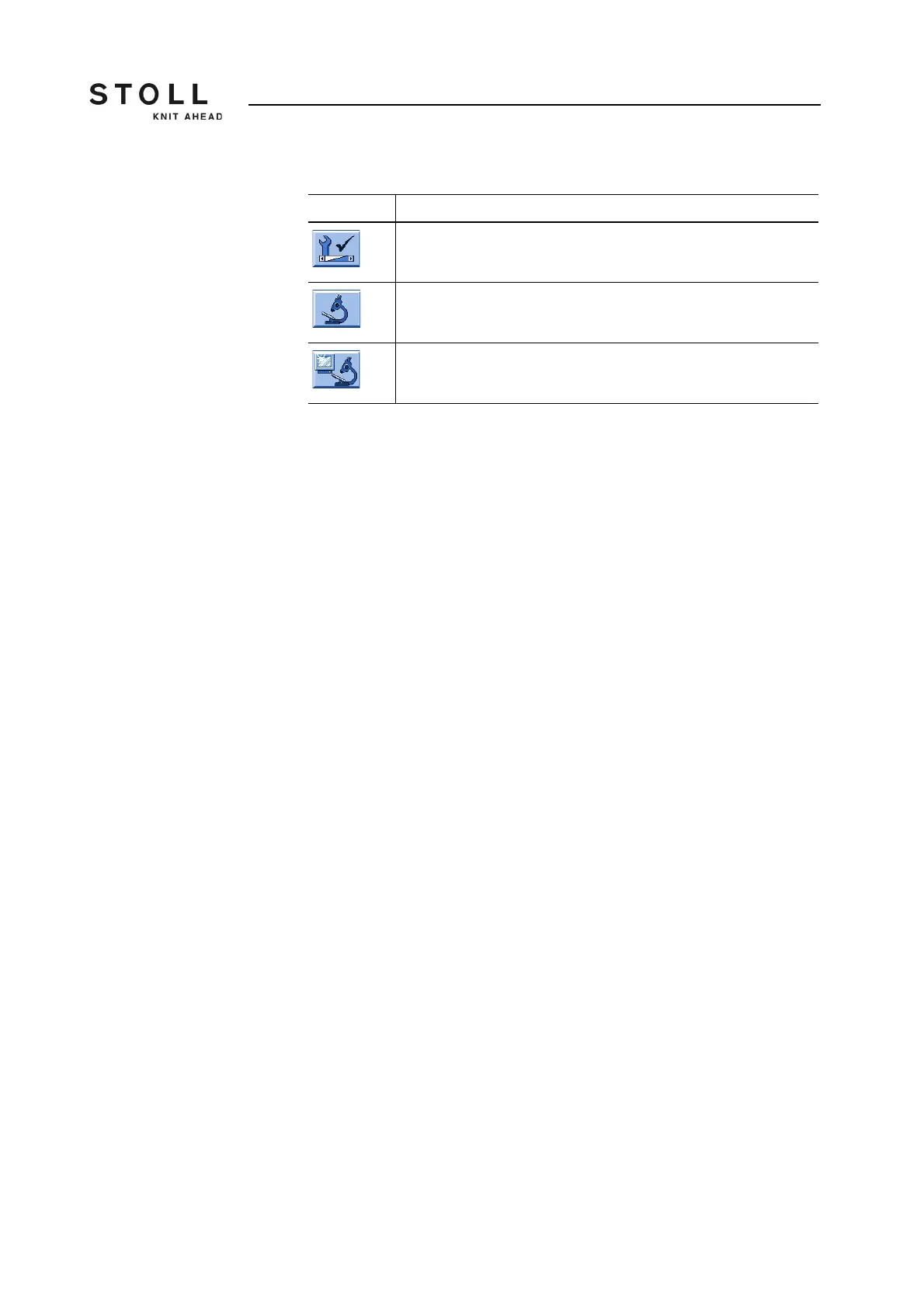
Key Function
Call up the "Service" window
Call up "Diagnostics" window
Call up "Machine Management Tools" window
Keys for calling up the machine management tools



 To Next Page