435
10 Machine Management Tools
10.4 Send email directly from the machine
Attach files to the email You can attach any files to an email which are sent with the message. In
order to reduce the size of the file, the files to be attached can be zipped
(compressed).
1. Tap on "Mail attachment" key.
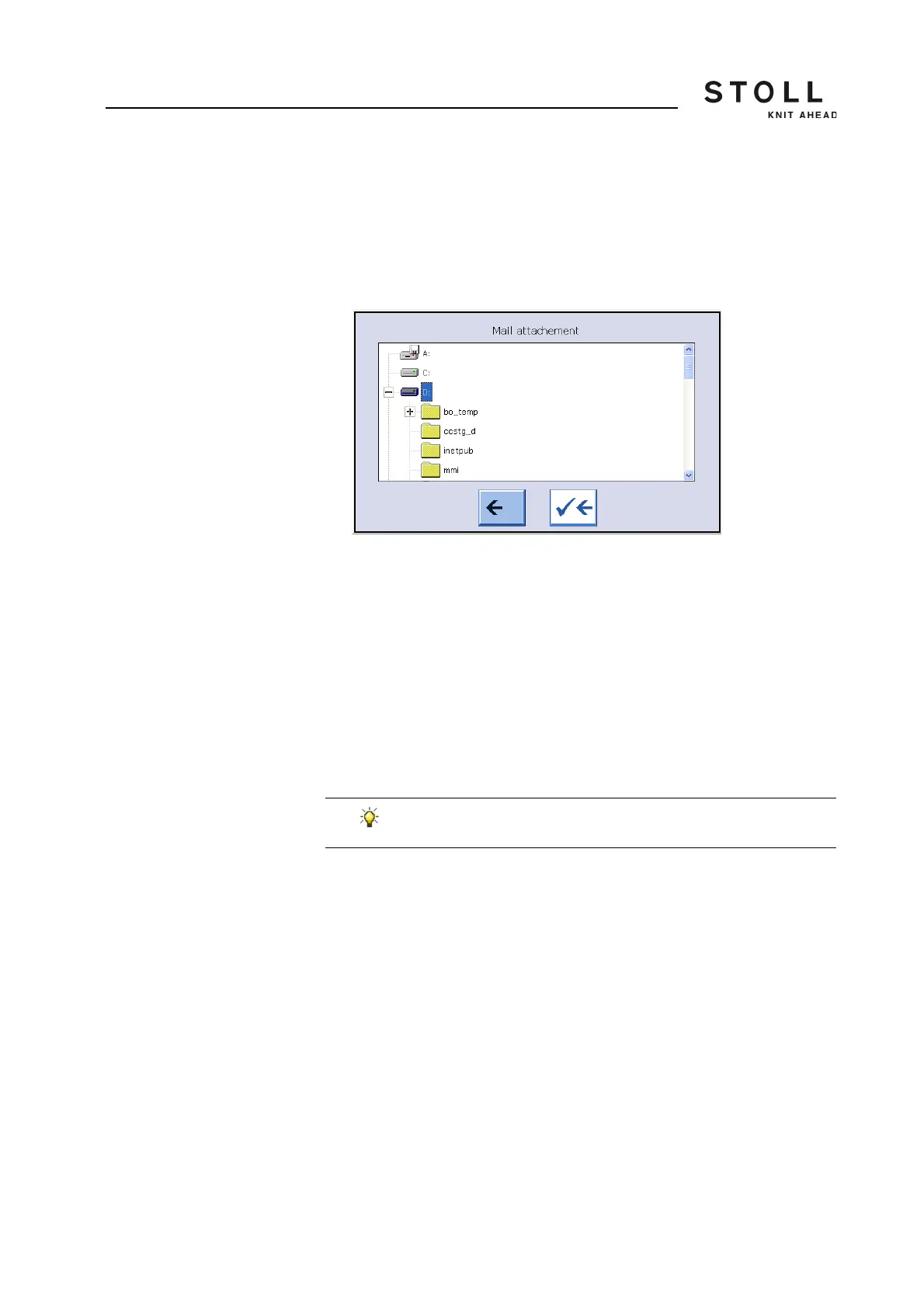
The "Mail attachment" window opens.
"Mail attachment" window
2. In "Mail attachment" window, select the file that has to be attached.
3. Confirm selection.
The file is displayed in the "File name" field.
4. If additional files are to be attached, repeat the steps 1 to 3.
5. If the files in the "File name" field are to be attached zipped to the email,
tap on "Zipped" key.
- or -
➜ If the files in the "File name" field are to be attached unzipped to the
email, tap on "Unzipped" key.
Send email ✔ Sender and receiver addresses have been entered correctly.
✔ The message is entered.
✔ The email attachments are selected.
➜ Tap on "Send email" key.
The email is sent with the attachments.
In order to remove a file from the "File name" field, mark this
file and then tap on the "Delete marked entry" key.



 To Next Page