Producing with the knitting machine 3
Preparing production and shift changes 3.1
64
Loading knitting program:
1. From the "Main menu" call up the "Load & Save" window.
2. Set the desired path with one of the "Direct pattern folder selection"
keys.
3. Use the PAT/SIN/JAC/SET/LIB keys to select whether the entire pattern
of the current machine (PAT) or individual file types are to be listed.
4. Select a file from the file list by tapping it.
5. Tap the "Load" key.
6. For the following prompt, press the "1" button to confirm,
- or -
➜ tap the "0" key to cancel.
7. Call up "Main menu".
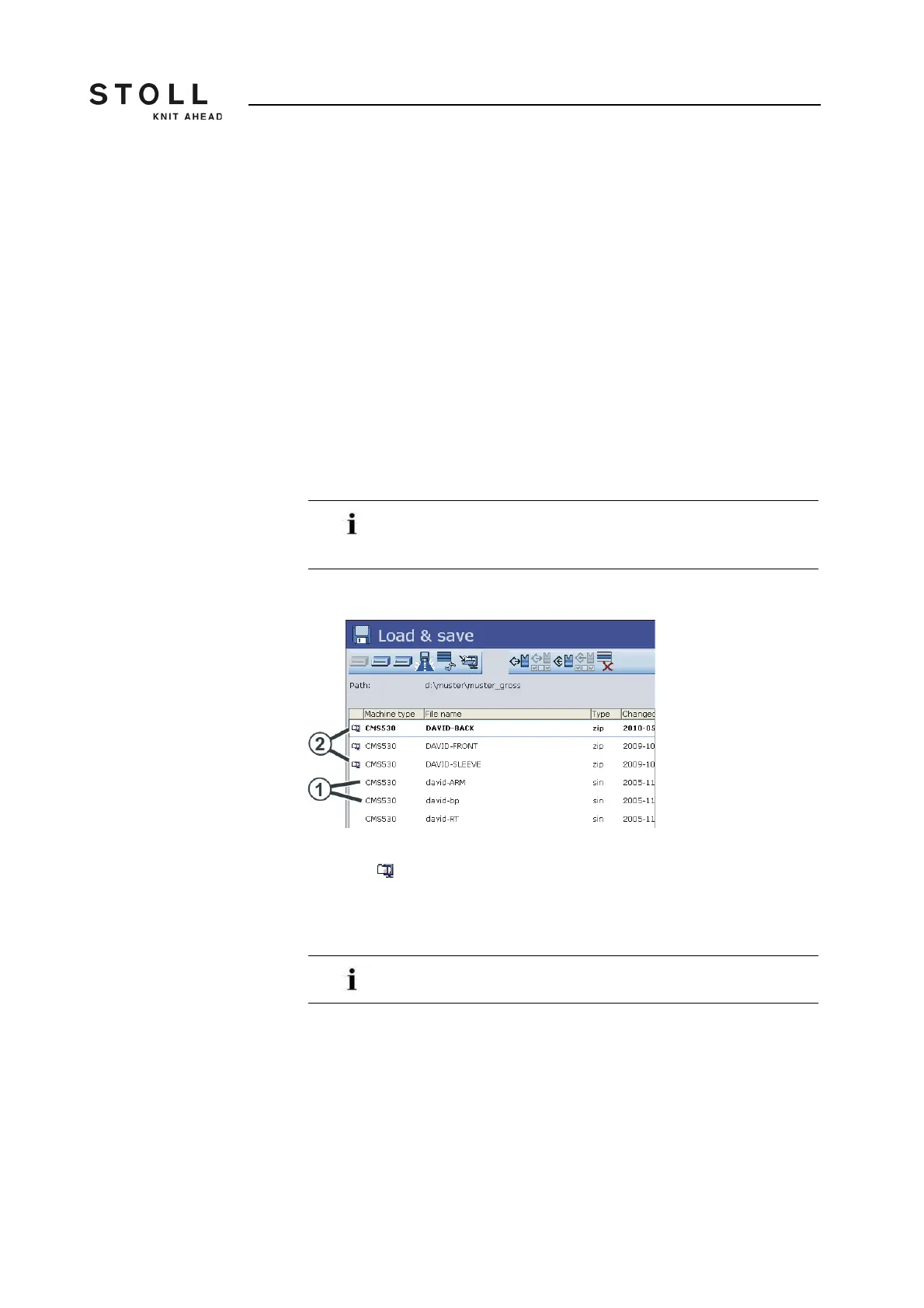
Setup1 or Setup2 You can quickly recognize whether it is a pattern with Setup1 or Setup2 data
A Setup2 pattern is saved in a zip file. The icon of compressed (zipped)
folder is displayed in front of the pattern.
If the "Sintral Editor" window appears, the loaded knitting
program contains an error. Correct this error before you start
the production.
1 Setup1 pattern
2 Setup2 pattern
With this machine you can load only Setup2 patterns.



 To Next Page