Producing with the knitting machine 3
Production 3.3
76
Pattern changes - Apply
shape counters
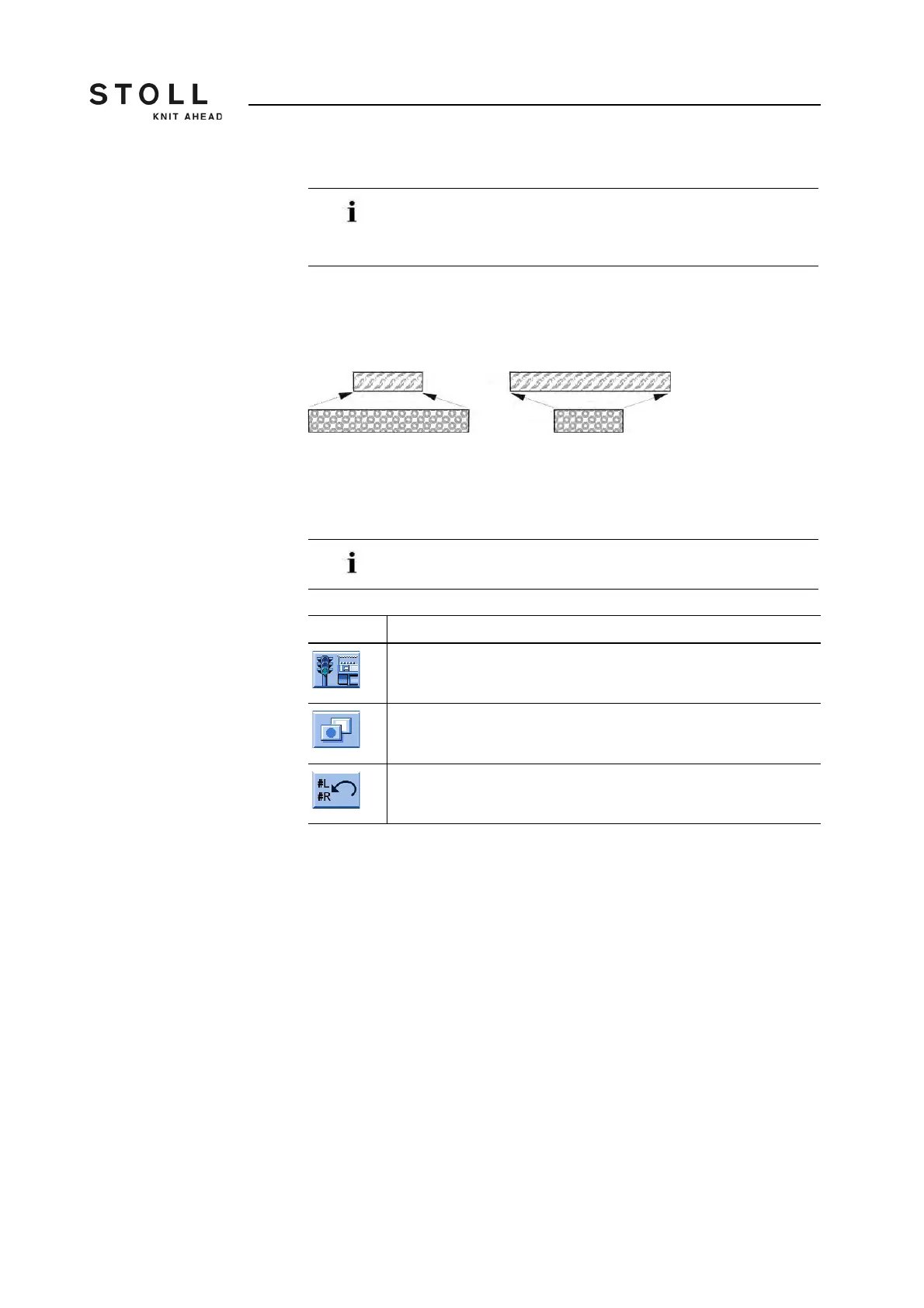
The machine compares automatically the shape counters (old-new) in order
to e able to adjust the new knitting width (widening or narrowing) with the
pattern change. The values of the shape counters of the previous pattern
are necessary for this.
You can enter the values of the previous pattern manually or simply apply
them by the "Apply shape counter" key.
The condition is that the pattern was created as Fully Fashion knitting
program on the M1plus.
Apply shape counter:
1. Call up the window "Machine start" from the "Main menu".
2. Tap on "Additional function keys".
3. Tap the "Apply shape counter" key.
Confirm the prompt that follows with "YES".
The values of the shape counter are applied to the new pattern.
4. Tap the "SP from line 1" key.
Use this function only for the following machines:
➜ Machine without comb take-down
➜ Machine with comb take-down but without use of comb
Also with a basic pattern (pattern without shape) you can use
this helpful function (see the tip at the end of the section).
Key Function
Call up "Machine start" window
Call up "Additional function keys"
"Apply shape counter" key
Keys to apply the shape counters



 To Next Page