Producing with the knitting machine 3
Production 3.3
90
1. Call up the "Service" window in the "Main menu".
2. Call up the "Running time control" window in the "Service" window.
3. Call up "Additional function keys".
4. Call up the "Catalog running time data" window.
5. Select the desired path with the "Current folder selection" key.
6. Select file.
7. Select action (load, save, delete).
8. If an additional prompt appears, tap the "1" key to confirm.
- or -
➜ Press the key "0" to cancel.
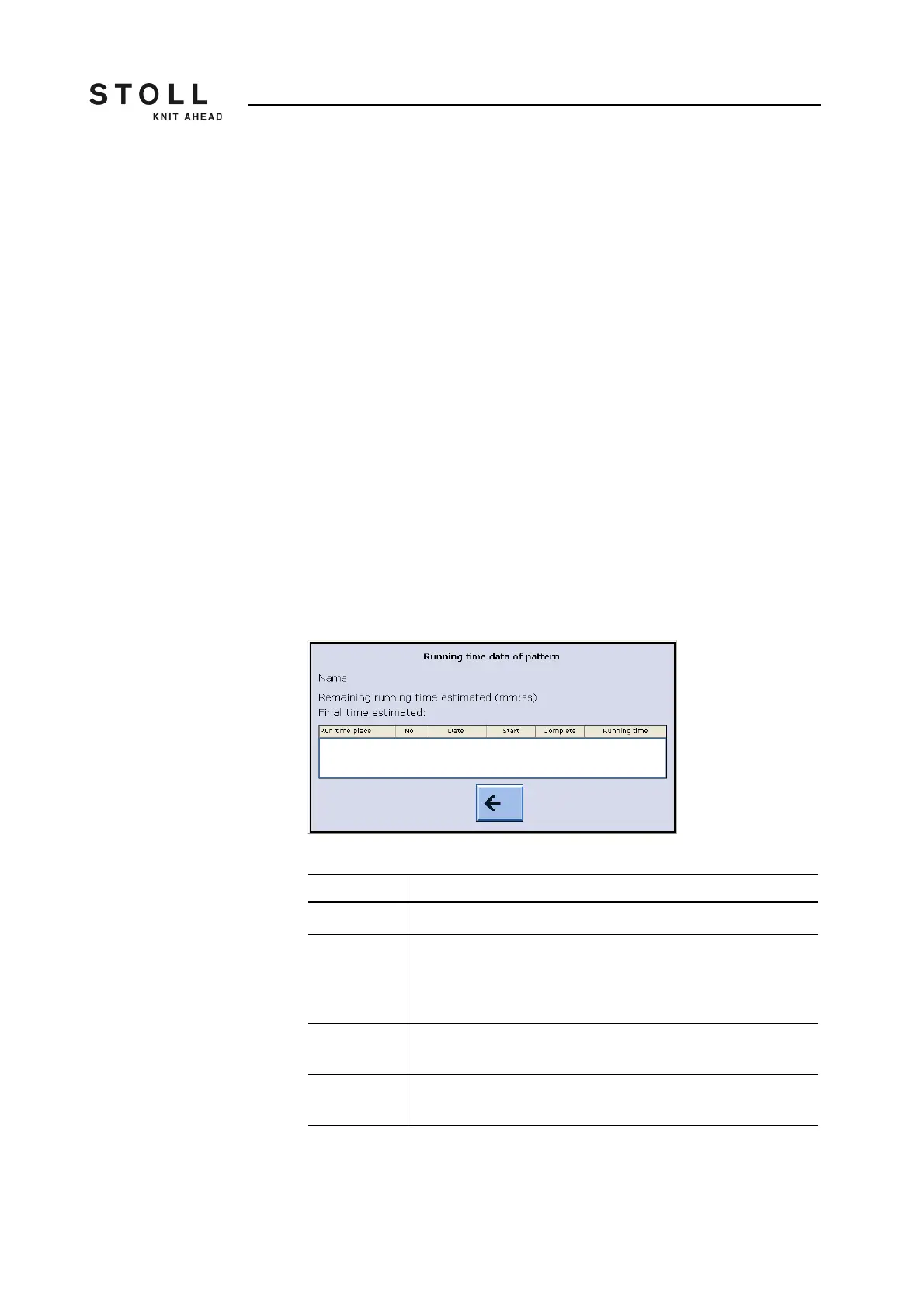
Display of the remaining
running time
Display of the expected remaining running time (net) of a pattern
(sequence, sequence element, order).
Depending on the file you selected in the "Running time control" window,
the title of the window changes.
For a sequence, the title is "Running time data sequence".
For a single pattern or a sequence element, the title is "Running time
data pattern".
"Running time data sequence" ("Running time data pattern") window
Entry Meaning
Name Name of sequence, sequence element or pattern
Remaining
running time
Display of the remaining running time
(average net remaining running time x fabrics which are still to be
knitted = remaining running time).
Format: Minutes, seconds
End time Display of the end time. Format: Date, time
Possible only after a run-through
Run.time
piece
The shortest and the longest running times are displayed to
facilitate the evaluation of the expected remaining running time.
Data in the "Running time data sequence" window or in the "Running time data
pattern" window



 To Next Page