Producing with the knitting machine 3
Producing with knitting orders (order menu) 3.4
94
Processing the order menu:
1. Call up the "Order menu" window from the "Main menu".
2. Touch the line to be edited.
The line appears at the bottom edge of the window.
3. Tap the fields of the selected line and enter the desired values and
name.
- or -
➜ Call up "Additional function keys", copy contents of a line and insert it at
desired location again.
If the order is active, "ORDER" appears in the status line.
Status line with active knitting order
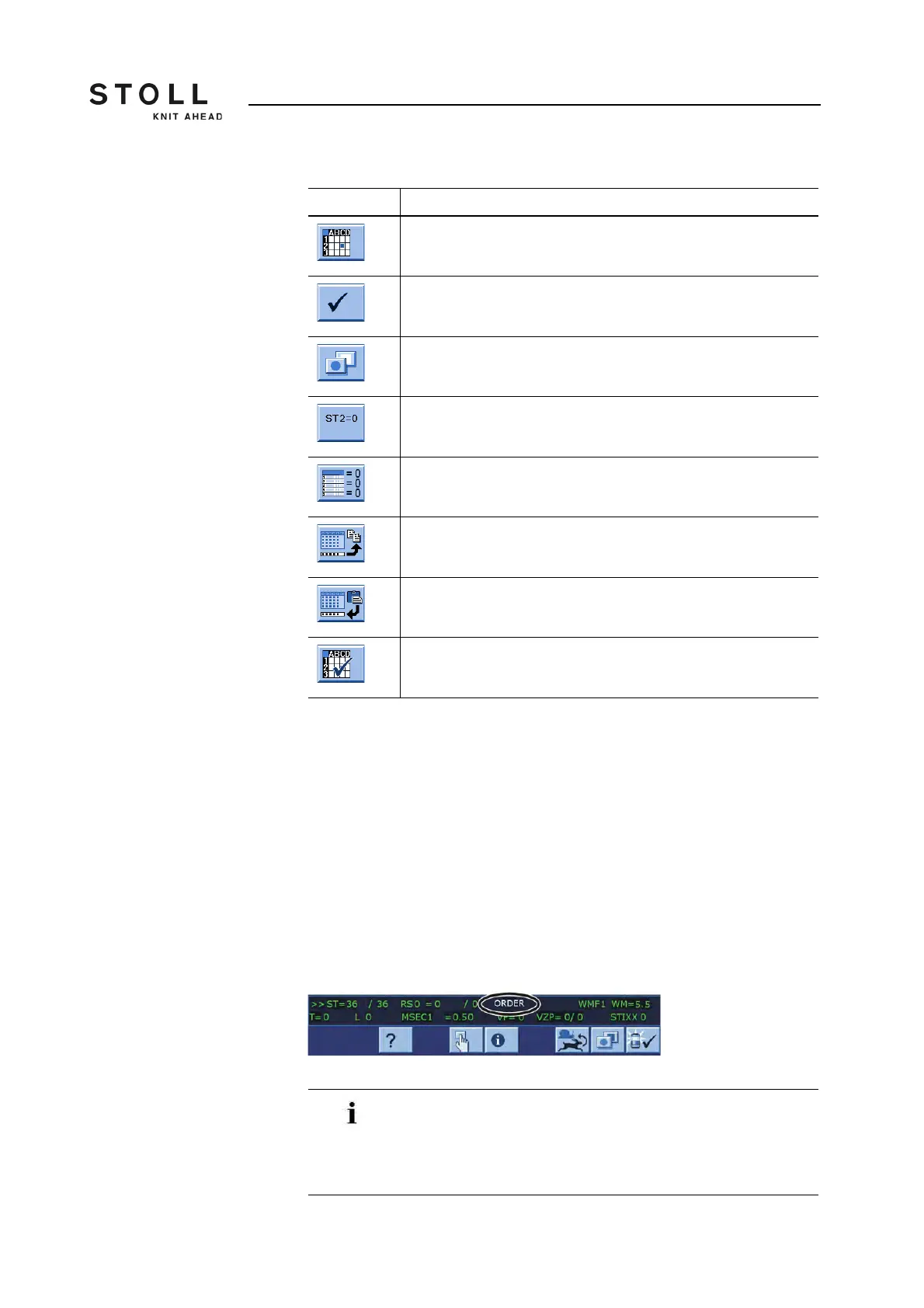
Key Function
Call up the "Order menu" window
Confirm entries
Call up "Additional function keys"
Reset values in column "ST2" (counter for the previously
produced pieces) to "0".
delete all information in the order menu
"Copy line" contents
"Insert line" contents
"Activate knitting order"
Keys for processing the "Order menu"
Missing pieces of an order can be knitted afterward by
changing "ST2". When the last order is carried out, a check
is performed to determine whether any parts are still to be
knitted. The machine will not be stopped until all orders have
been completed.



 To Next Page