The following information affects the routing and is contained in the configu-
ration of a logical audio input:
• Input label
• Format (mono, stereo, or 5.1 channel surround)
• Left-channel audio input (physical input)
• If stereo: right-channel audio input (physical input)
• Listen only (inputs that can not be routed to channels, used e.g. for moni-
toring)
• Talkback audio signals.
5.8.1.3 Logical Audio Outputs
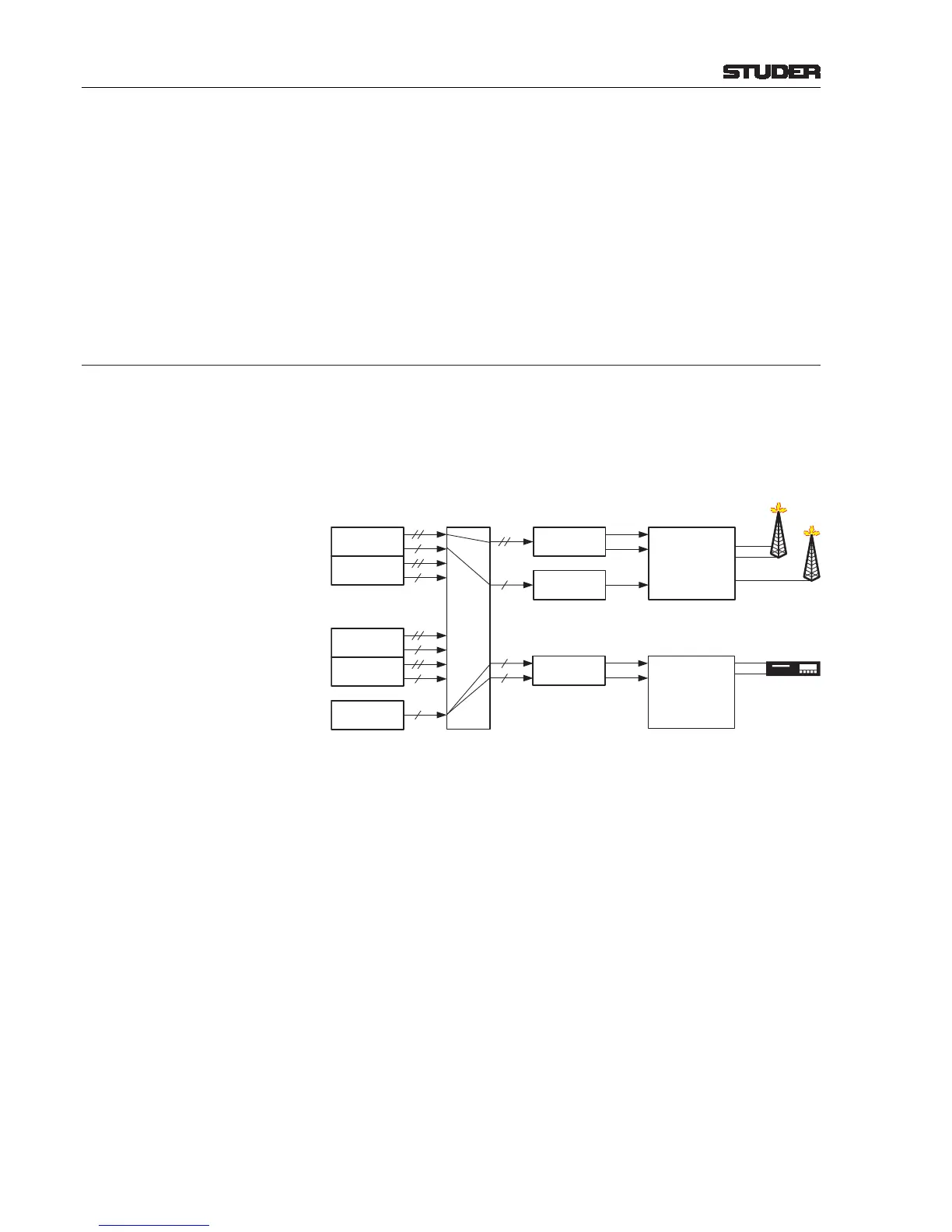
Each stereo master has a stereo and a mono output simultaneously. They can
both be routed to logical audio outputs. The example below shows a situa-
tion where the PRG A master is used for a simultaneous transmission of the
program in stereo (FM) and in mono (AM).
A logical stereo output is connected to the master’s stereo output, and a logi-
cal mono output is connected to the master’s mono-mixed output. If a logical
stereo output is assigned to a mono master output, as the N–X 1in the example
above, the mono master signal is fed to both the left and right output connec-
tors. The mono/stereo output format is automatically handled and thus not
shown in the output router page, from which results a very easy handling of
the output router.


 To Next Page
 Loading...






