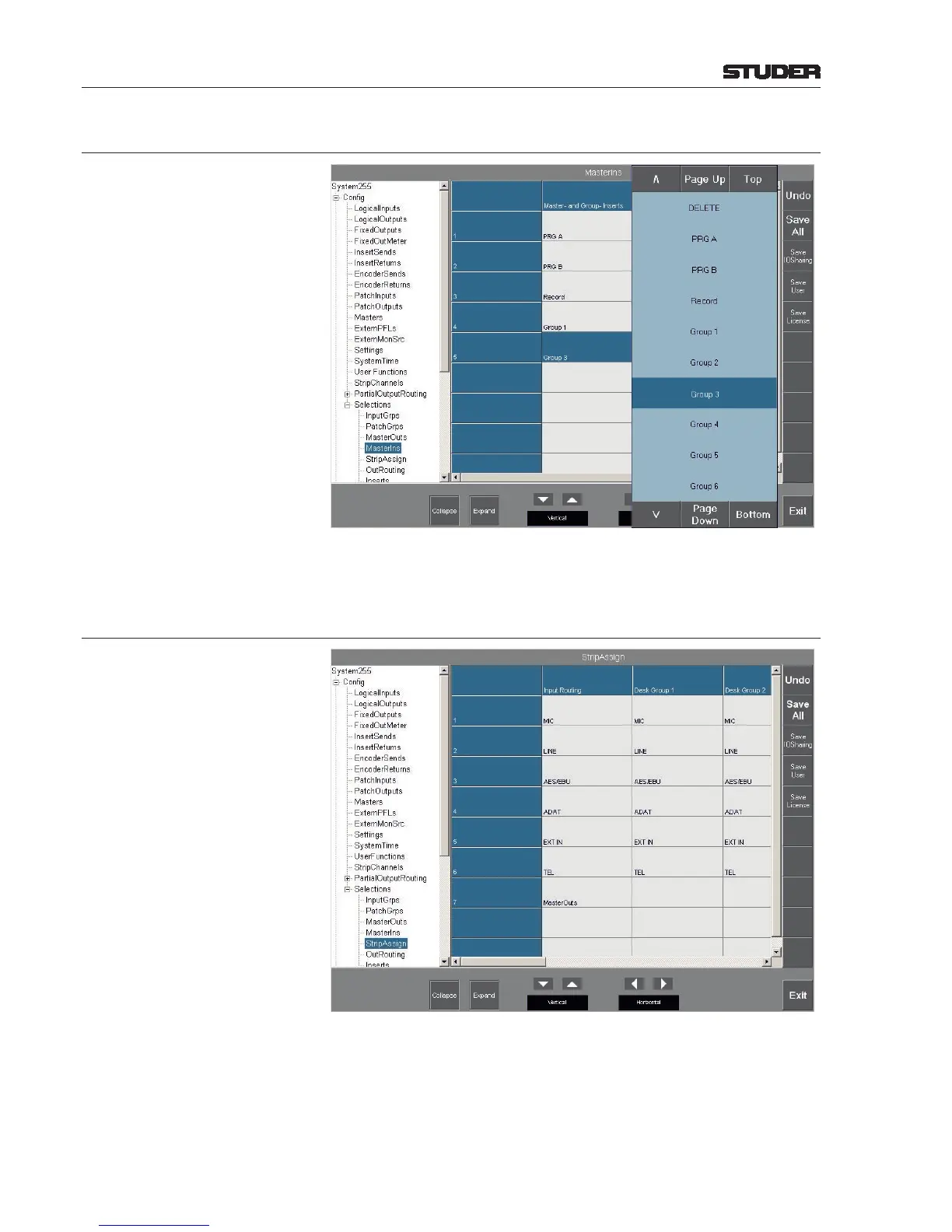
6.5.19.4 Master Ins
This page denes the summing buses and groups to which an insert can be
assigned.
6.5.19.5 Strip Assign
This page denes the presentation of the ROUT - Input page. In the
Input Routing Column the input groups displayed in the ROUT - Input page when touching the
Select Group eld; and in the
Desk Group 1...8 Columns the input groups displayed in the Chan - Input page when touching the Input
Selection button, or in the alphanumeric display in the fader strip if the INP
(input) function is selected on the fader assign module while the fader strip
rotary encoder is touched.



 To Next Page