EasyManua.ls Logo

ASTRO VG-871 - SCCD4 [20 H 5 FH]: User Subtitle Data Setting 2

ASTRO VG-871
499 pages
Print Icon
To Next Page IconTo Next Page
To Previous Page IconTo Previous Page
Loading...
134
2.61 SCCD4 [20H 5FH]: User subtitle data setting 2
Function: This command sets the data of the user subtitles.
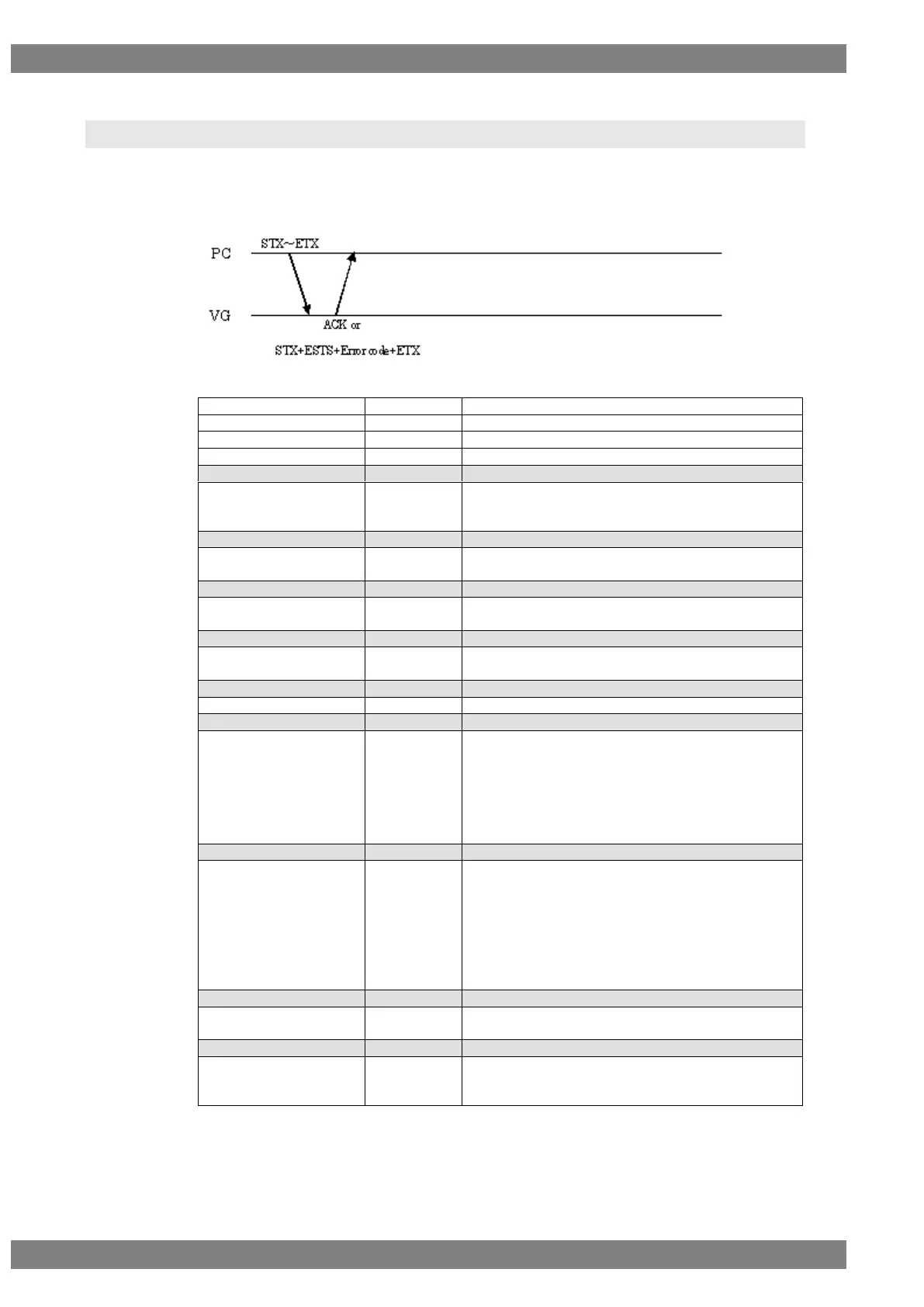
Sequence: Type 2
Parameters:
STX
1 byte
02H
VG4CMD
1 byte
FDH
SCCVC4
2 bytes
20H 5FH
User No.
1 or 2 bytes
“1” to “20”
,
1 byte
2CH (Delimiter)
ROW
1 or 2 bytes
“0” to “14” (In the text mode, however, the article
name is inserted in 0, and the 13 and 14 data is
disabled even when it is present).
,
1 byte
2CH (Delimiter)
FLASH_WRITE
1 byte
“0” = Current data are updated only.
“1” = Data is updated, and written on flash card.
,
1 byte
2CH (Delimiter)
ASCII or binary
1 byte
“0” = ASCII
“1” = Binary
,
1 byte
2CH (Delimiter)
ROW_ENABLE
1 byte
“0” = Disable
“1” = Enable
,
1 byte
2CH (Delimiter)
Start position
1 or 2 bytes
“0” to “31”
,
1 byte
2CH (Delimiter)
Character color
1 byte
“0” = White
“1” = Green
“2” = Blue
“3” = Cyan
“4” = Red
“5” = Yellow
“6” = Magenta
,
1 byte
2CH (Delimiter)
Background color
1 byte
“0” = White
“1” = Green
“2” = Blue
“3” = Cyan
“4” = Red
“5” = Yellow
“6” = Magenta
“7” = Black
,
1 byte
2CH (Delimiter)
Caption data foreground
1 byte
“0” = OFF
“1” = ON
,
1 byte
2CH (Delimiter)
Caption data background
setting
1 byte
“0” = Opaque (Background color)
“1” = Semi-Transparent (Semi-transparent)
“2” = Transparent (Opaque)


Table of Contents

Related product manuals