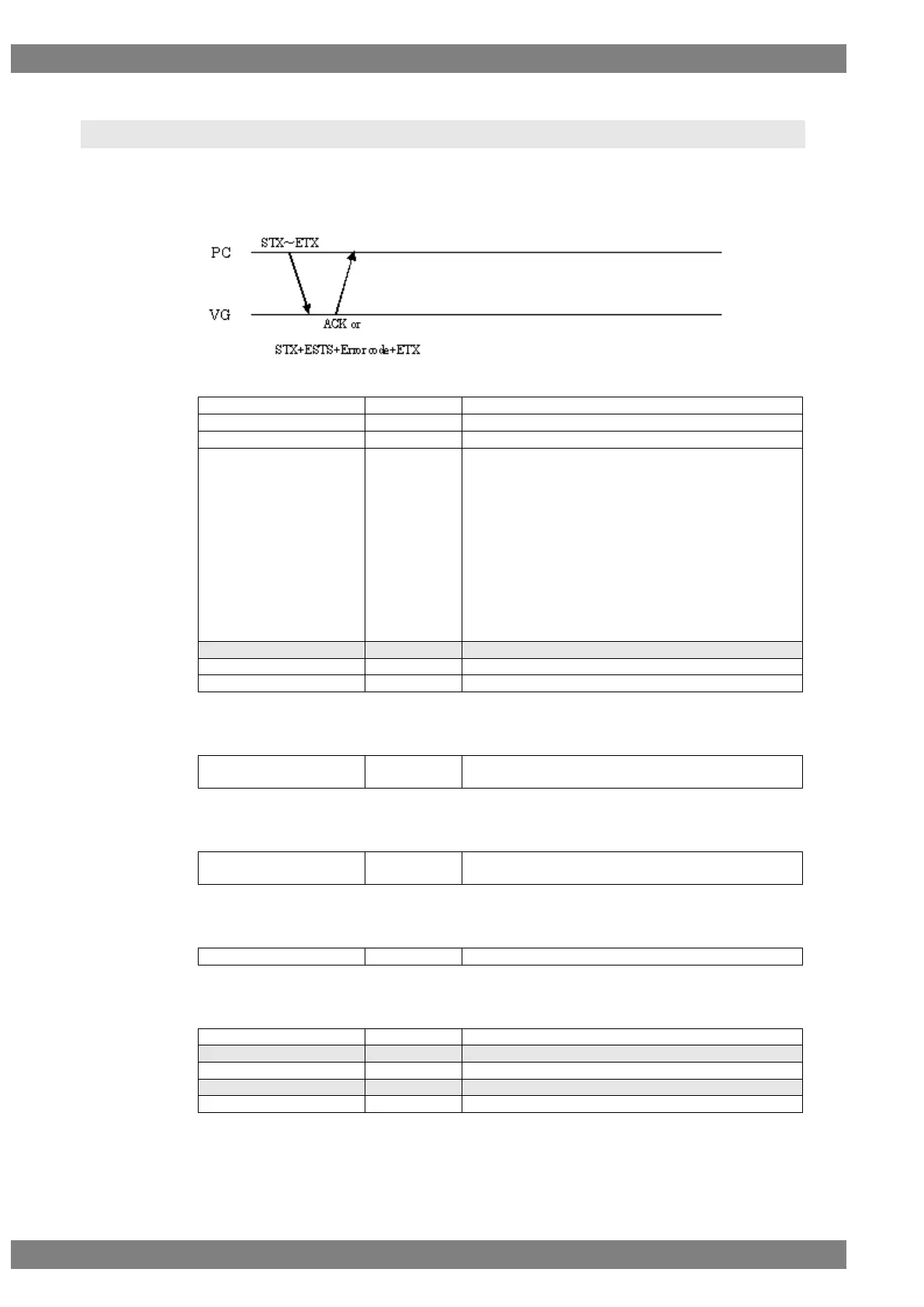
2.142 CURSOR4 [24H 26H]: Cursor pattern control
Function: This command controls the cursor pattern.
Sequence: Type 2
Command:
“A” = Switch coordinate display
“B” = Change flicker speed
“C” = Change cursor shape
“D” = Change background color
“E” = Change cursor color
“F” = Change cursor coordinate
“G” = Set subpixel to ON or OFF
“H” = Set overlay to ON or OFF
“I” = Cross point color
“J” = Switching cursor 1 and 2
“K” = Change color of cursor 2
“L” = Set cursor 2 mode to ON or OFF
Refer to Fig. 2-114-2 to 10.
Fig. 2-142-1
(1) “A” Switch coordinates display
“0” = OFF, “1” = Normal1, “2” = Normal2,
“3” = Reverse1, “4” = Reverse2
Fig. 2-142-2
(2) “B” Change flicker speed
“0” = None, “1” = 1 V, “2” = 2 V, “3” = 4 V, “4” = 8 V,
“5” = 16 V, “6” = 32 V, “7” = 64 V
Fig. 2-142-3
(3) “C” Change cursor shape
“0” = 5×5, “1” = Cross, “2” = V-Line, “3”= dot
Fig. 2-142-4
(4) “D” Change background color
Fig. 2-142-5



 To Next Page