CONCERNING THE TERMINAL
COMMANDS
1.1 Introduction
The terminal mode is provided for controlling the VG generator from an external computer (such as
a personal computer). The commands and data are transmitted and received through the
RS-232C serial input/output port or through the LAN port.
By using the terminal mode, it is possible to register program data, execute programs, turn
patterns ON or OFF and perform other operations which are virtually identical to their
corresponding manual operations. In addition, functions for writing straight lines, circles, dots, etc.
are supported with graphic commands.
As in the past, the commands and data are transmitted and received through the RS-232C serial
input/output port or through the LAN port.
Although a different communication format is now used, the communication specifications,
connection configuration, error statuses and other specifications remain virtually unchanged from
before.
This manual describes the terminal commands which are supported by the VG-870, VG-871,
VG-873, VG-874, VG-880, VG-881 VG-882 and VG-883 generators.
Also the terminal commands of the VG-848 series (hereafter indicated as the “old VG models”) are
described.
1.2 Communication specifications
1.2.1 RS-232C
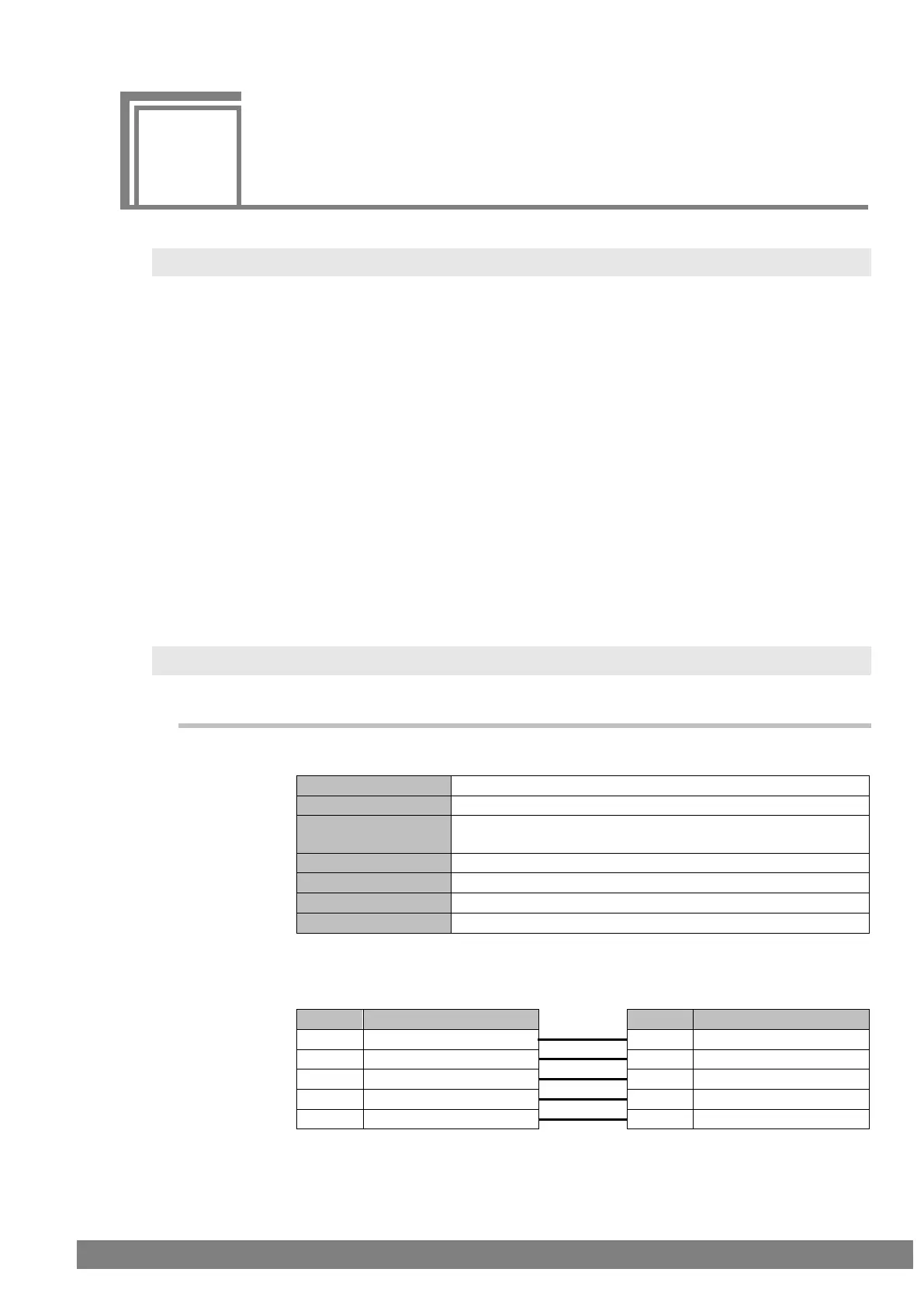
Communication parameters
9600/19200/38400/57600/115200 bps
Note) 115200 bps rate is not supported by VG-870 or VG-871.
Fig. 1-2-1
Connectors
Fig. 1-2-2



 To Next Page