EasyManua.ls Logo

ASTRO VG-871 - LIF4 [20 H 39 H]: Infoframe Data Acquisition

ASTRO VG-871
499 pages
Print Icon
To Next Page IconTo Next Page
To Previous Page IconTo Previous Page
Loading...
80
2.26 LIF4 [20H 39H]: InfoFrame data acquisition
Function: This command gets the InfoFrame data of the designated program number.
When the program number is 0, it reads out the data from the buffer RAM.
When the program has any number from 1001 to 2000, the command reads
out the data from the fixed data. When the program number is 9999, the
command reads the data from the command work RAM.
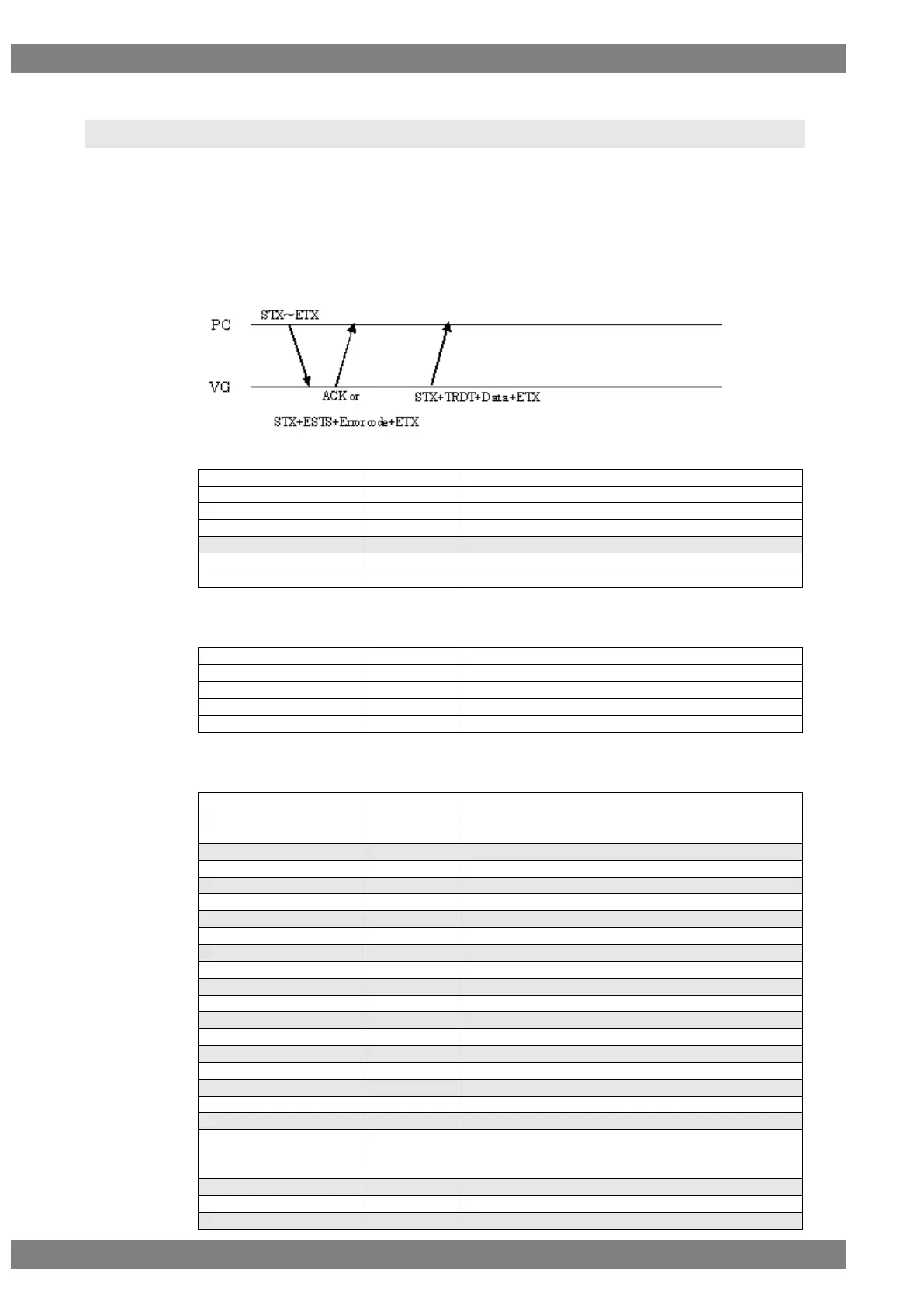
Sequence: Type 3
Command:
STX
1 byte
02H
VG4CMD
1 byte
FDH
LIF4
2 bytes
20H 39H
Program number
1 to 4 bytes
“0” to “2000”, “9999”
,
1 byte
2CH (Delimiter)
HDMI or DP
1 BYTE
"0" = HDMI, "1"= DisplayPort
ETX
1 byte
03H
Fig. 2-26-1
As shown below, if you skip setting of HDMI or DP, HDMI InfoFrame data is received.
STX
1 byte
02H
VG4CMD
1 byte
FDH
LIF4
2 bytes
20H 39H
Program number
1 to 4 bytes
“0” to “2000”, “9999”
ETX
1 byte
03H
Fig. 2-26-2
Data:
STX
1 byte
02H
TRDT
1 byte
10H
AVI On
1 byte
“0” = Off, “1” = On
,
1 byte
2CH (Delimiter)
SPD On
1 byte
“0” = Off, “1” = On
,
1 byte
2CH (Delimiter)
Audio On
1 byte
“0” = Off, “1” = On
,
1 byte
2CH (Delimiter)
MPEG On
1 byte
“0” = Off, “1” = On
,
1 byte
2CH (Delimiter)
AVI Type
1 byte
“2” = 2
,
1 byte
2CH (Delimiter)
AVI Ver
1 byte
“1” = 1, “2” = 2, “3”=3
,
1 byte
2CH (Delimiter)
AVI Scan Info
1 byte
“0” = No Data, “1” = Over, “2” = Under
,
1 byte
2CH (Delimiter)
AVI Bar Info
1 byte
“0” = Not valid, “1” = Vert, “2” = Horiz, “3” = Vert&Horiz
,
1 byte
2CH (Delimiter)
AVI Active Format Info
1 byte
“0” = No Data, “1” = Valid
,
1 byte
2CH (Delimiter)
AVI RGB or YCbCr
1 byte
“0” = RGB, “1” = YCbCr422, “2” = YCbCr444
“3”=YCbCr420, “4”=Reserved1, “5”=Reserved2
“6”=Reserved3, “7”=IDO-Defined

,
1 byte
2CH (Delimiter)
AVI Active Frame Aspect
1 byte
“0” = Picture “1” to “9”
,
1 byte
2CH (Delimiter)

Table of Contents

Related product manuals