Chapter 6 EXAMPLES OF USAGE
6.4 Setting and executing the drawing pattern data
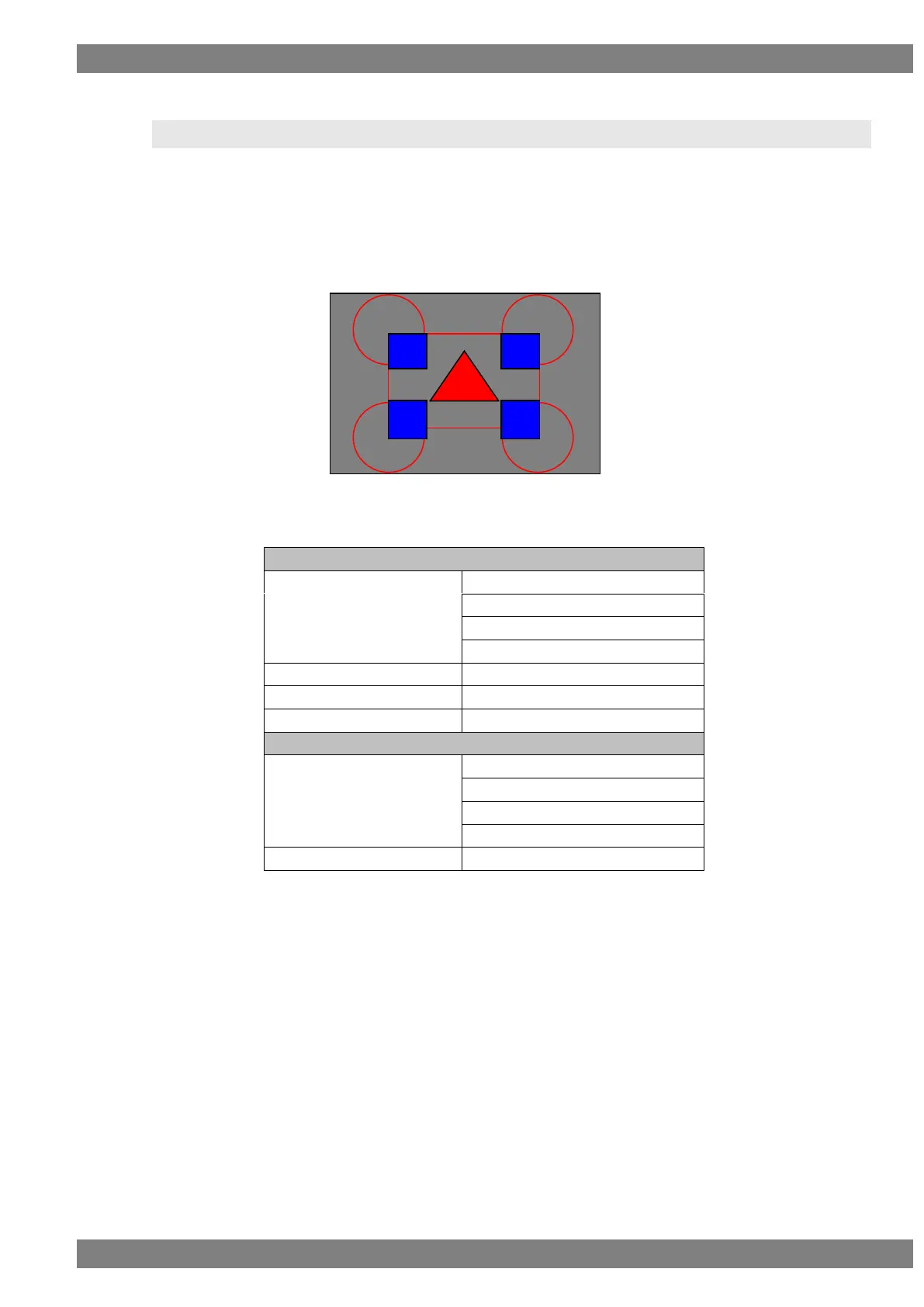
Example: If a pattern such as the one shown below is to be drawn, then:
*1: It is assumed that the timing data in question has been set ahead of time
and that internal timing data No.1616 has been set.
*2: It is also assumed that a 50% gray raster pattern is output as the
background pattern.
The drawing functions used are as listed below.
Top left (256, 192), Radius 150
Top right (768, 192), Radius 150
Bottom left (256, 576), Radius 150
Bottom right (768, 576), Radius 150
Filled-in triangle drawing
(512, 268), (412, 442), (612, 442)
Character plane color setting
Top left (256, 192), (406, 342)
Top right (618, 192), (768, 342)
Bottom left (256, 426), (406, 576)
Bottom right (618, 426), (768, 576)
Window plane color settings



 To Next Page