EasyManua.ls Logo

ASTRO VG-871 - Page 494

ASTRO VG-871
499 pages
Print Icon
To Next Page IconTo Next Page
To Previous Page IconTo Previous Page
Loading...
480
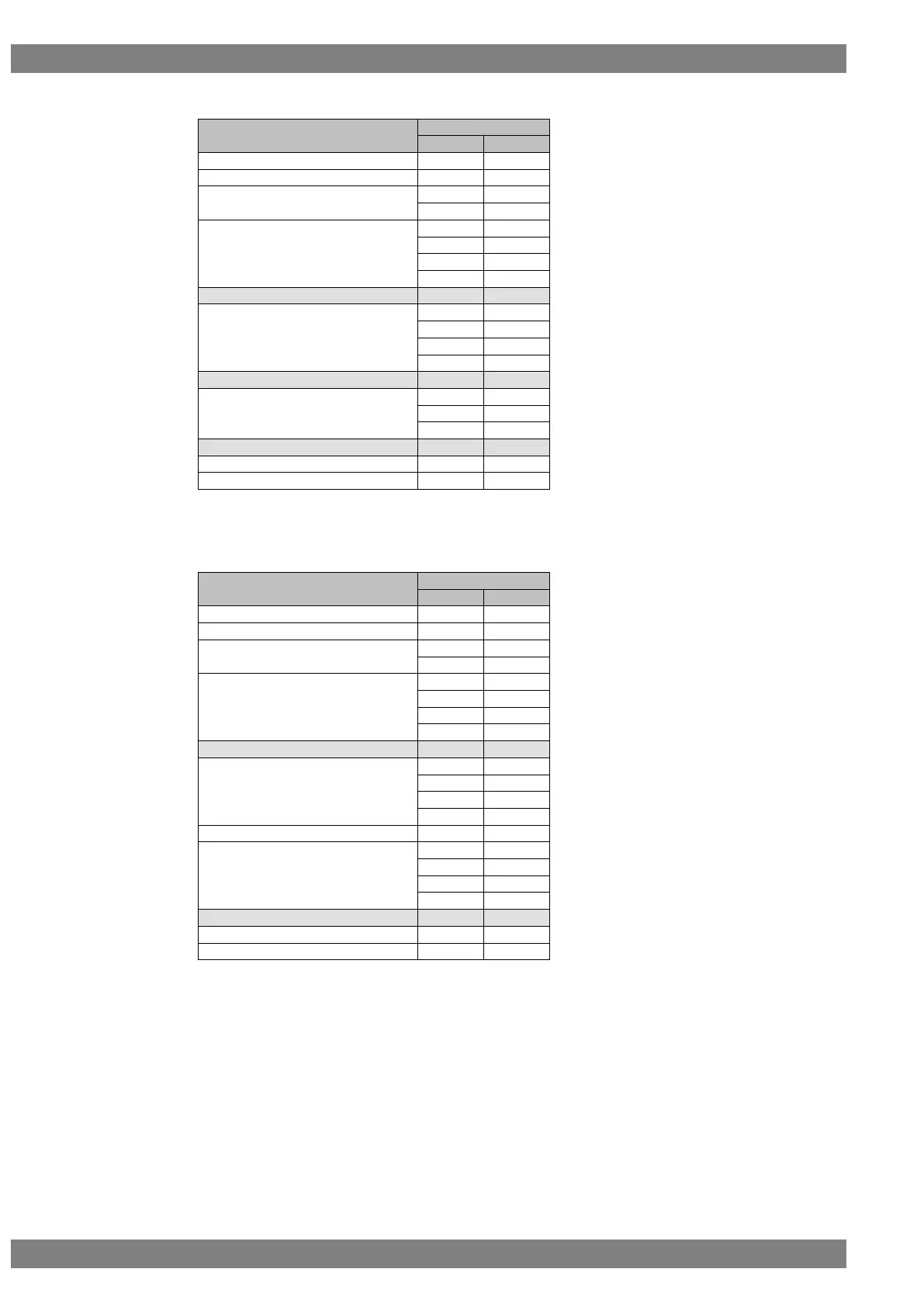
(3) Circle at bottom left
Setting item
Setting value
Binary
ASCII
STX
0×02
VG4CMD
0×FD
CHACIRC4
0×28
“(“
0×25
“%”
Center X coordinate
0×30
“0”
0×32
“2”
0×35
“5”
0×36
“6”
Delimiter
0×2C
“, “
Center Y coordinate
0×30
“0”
0×35
“5”
0×37
“7”
0×36
“6”
Delimiter
0×2C
“, “
Radius
0×31
“1”
0×35
“5”
0×30
“0”
Delimiter
0×2C
“, “
Drawing mode
0×31
“1”
ETX
0×03
Note) ACK or the error status is received from the VG generator here.
ACK is received if the data has been transferred successfully.

(4) Circle at bottom right
Setting item
Setting value
Binary
ASCII
STX
0×02
VG4CMD
0×FD
CHACIRC4
0×28
“(“
0×25
“%”
Center X coordinate
0×30
“0”
0×37
“7”
0×36
“6”
0×38
“8”
Delimiter
0×2C
“, “
Center Y coordinate
0×30
“0”
0×35
“5”
0×37
“7”
0×36
“6”
Delimiter
0×2C
“, “
Radius
0×30
“0”
0×31
“1”
0×35
“5”
0×30
“0”
Delimiter
0×2C
“, “
Drawing mode
0×31
“1”
ETX
0×03
Note) ACK or the error status is received from the VG generator here.
ACK is received if the data has been transferred successfully.


Table of Contents

Related product manuals