MAP and VFR GPS Navigator Operation
SkyView HDX Pilot’s User Guide – Revision B 5-17
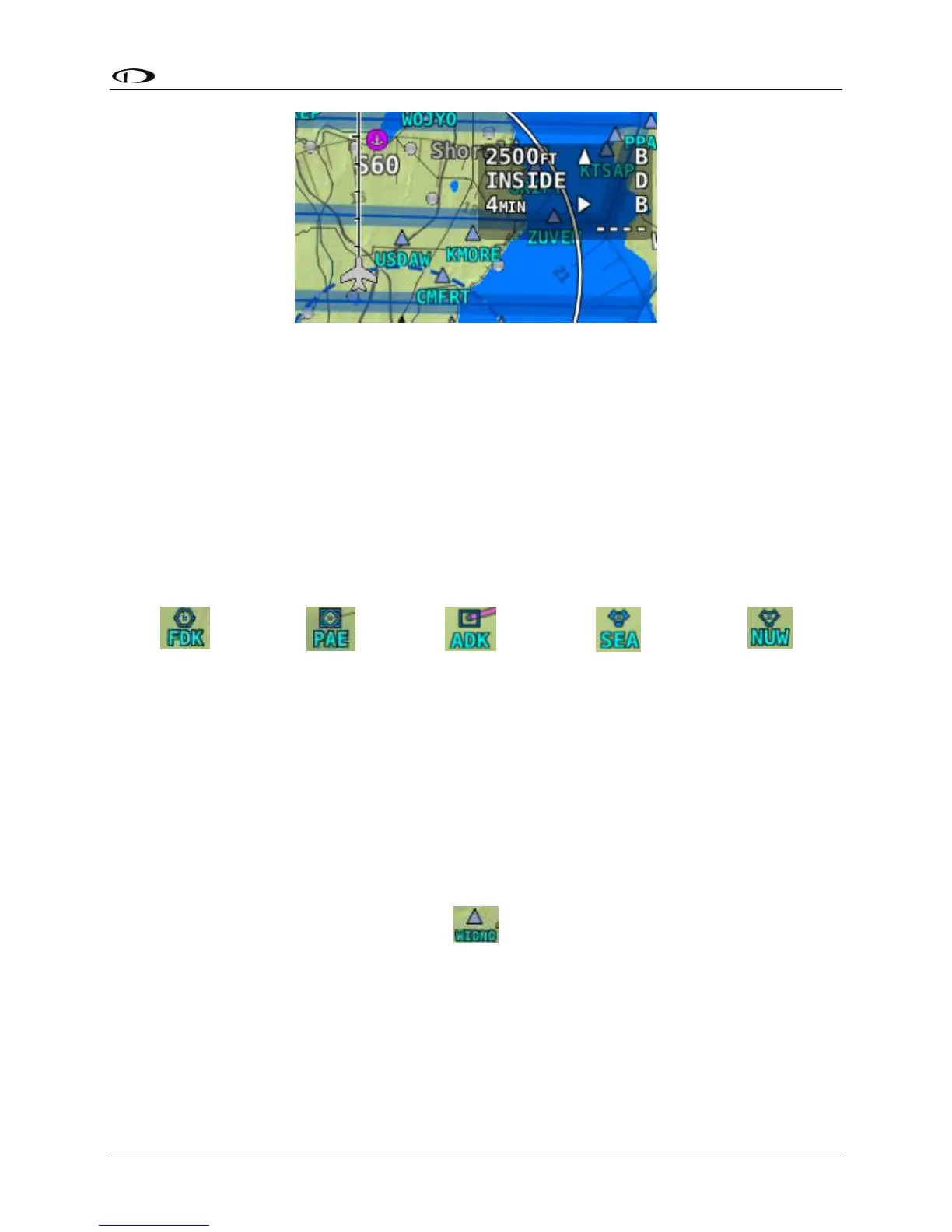
Figure 106 – Airspace data block
Navaids
SkyView HDX’s Moving Map displays navaids such as VORs, fixes, NDBs, and User Waypoints.
VORs
SkyView HDX’s moving displays VORs, VOR-DMEs, DMEs and VORTACs with the same icons
used on sectional charts as shown in Figure 107.
Figure 107 – Moving Map VOR Icons
Each VOR has a floating identifier which hovers near its icon as well as a gray compass rose ring
that shows the orientation of the VOR’s radials.
Fixes
SkyView represents a fix using a light blue triangle with a six character name underneath as
shown in Figure 108.
Figure 108 – Moving Map Fix





 To Next Page