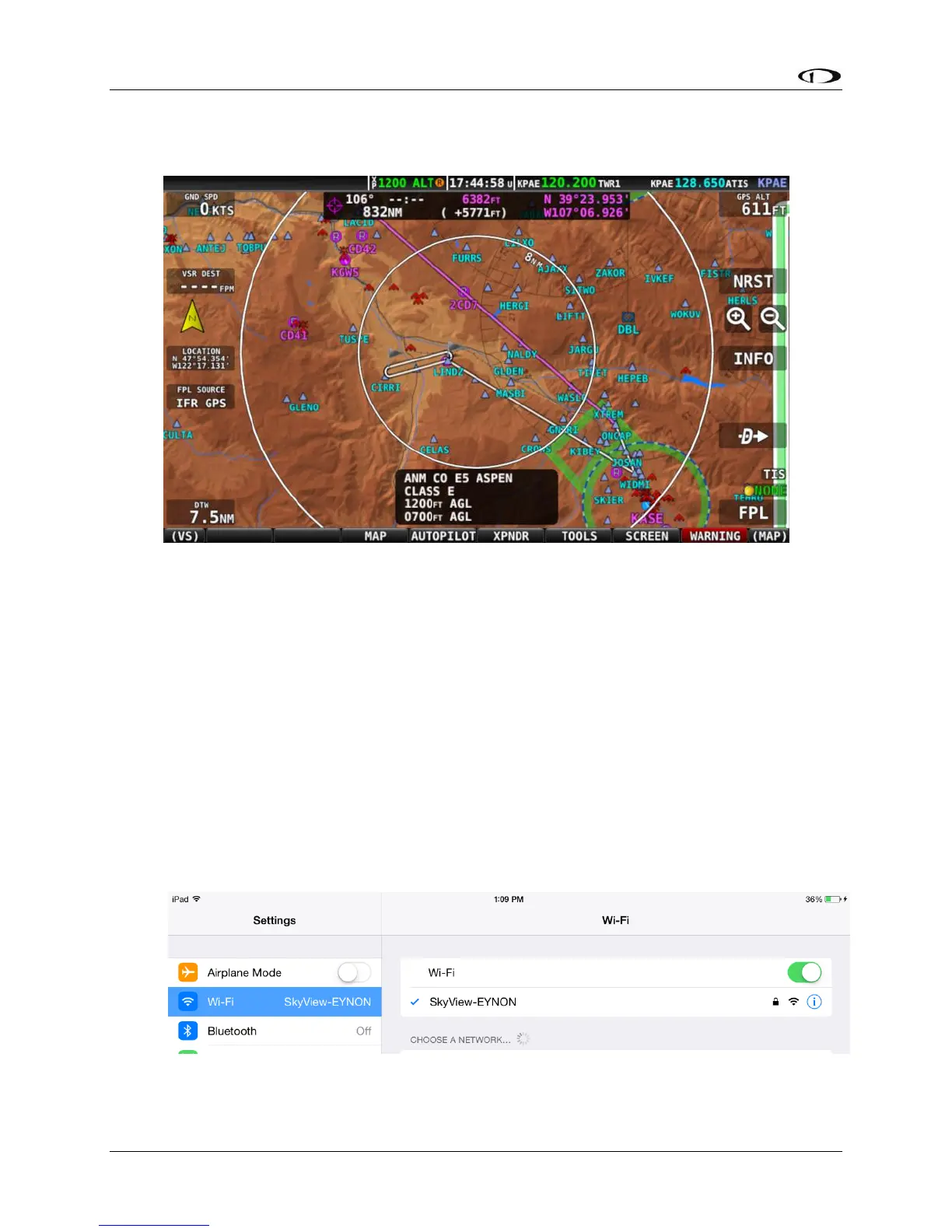
Figure 146 – Example of External Flight Plan Echo
ForeFlight Flight Plans
SkyView HDX and ForeFlight customers (US and Canada only) can send and receive flight plans
between SkyView and their ForeFlight Mobile app on Apple iPad, iPhone, and iPod Touch
devices running the iOS operating system. See specific model and version requirements by
ForeFlight. SkyView can also transmit its GPS position and ADAHRS information to ForeFlight for
use within the ForeFlight app. This feature requires one Wi-Fi Adapter for SkyView for each
display in the aircraft.
Connecting SkyView to ForeFlight
• Set up the Wi-Fi network on SkyView; see the SkyView Installation Guide for details.
• In the Wi-Fi menu on your iOS device, select your SkyView system. You’ll need the
password you chose when you set up your SkyView Wi-Fi connection.
• Once your device is connected to your SkyView HDX’s Wi-Fi network it should
automatically be listed as a connected device in your ForeFlight App. Confirm that




 To Next Page