MAP and VFR GPS Navigator Operation
5-26 SkyView HDX Pilot’s User Guide – Revision B
Proximity Advisory Targets
Proximity have less of a chance of being a factor based on their position, but are not a Traffic
Advisory because they are not converging with your aircraft within the next 30 seconds. A
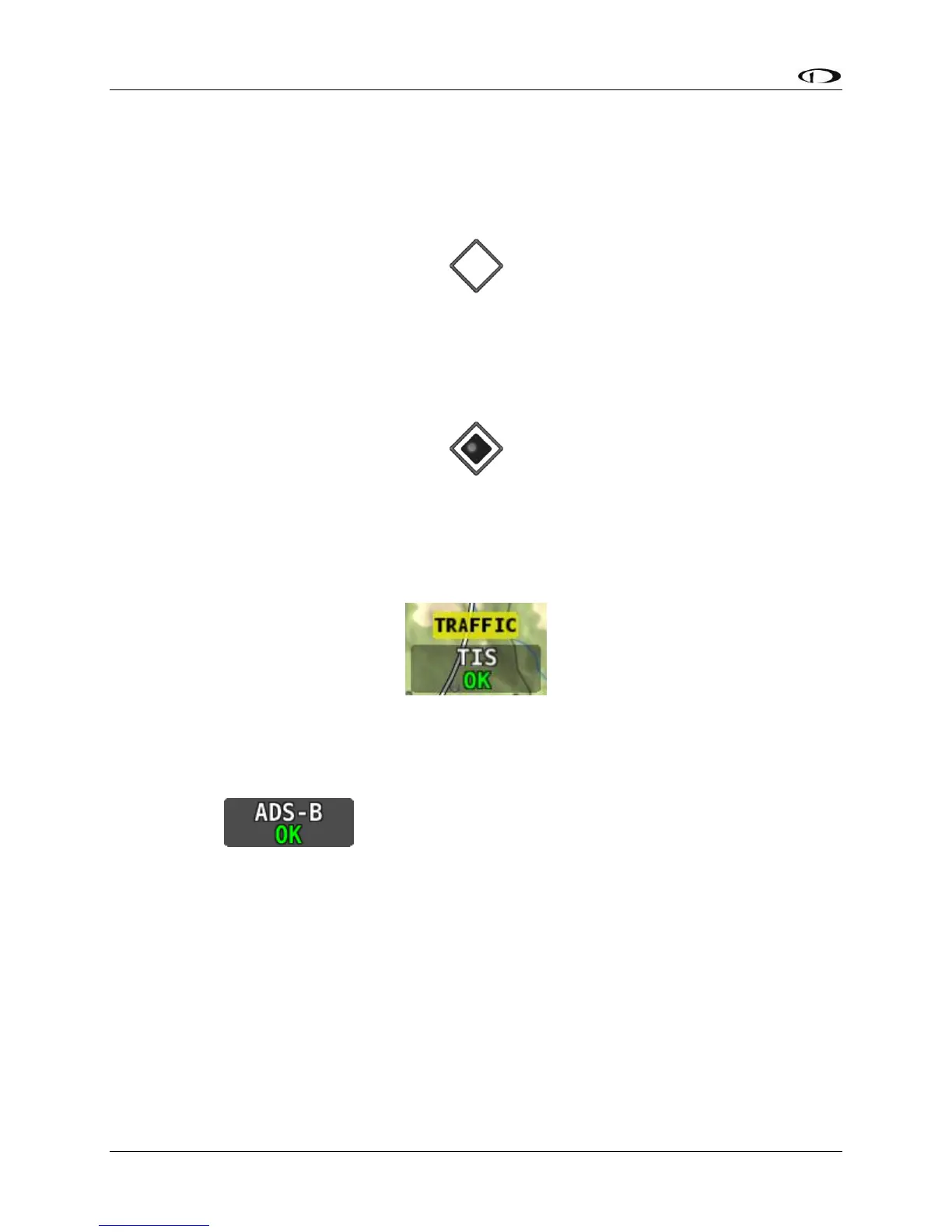
Proximity Advisory symbol is shown on the map when it is closer than 5 nm and within +/- 1200
ft. of your altitude, but doesn’t meet the criteria to trigger a Traffic Advisory.
Figure 122 – Proximity Advisory
Non-Threat Targets
Non-threat Targets are any other detectable aircraft that are neither Traffic Advisory Targets
nor Proximity Advisory Targets.
Figure 123 – Non-Threat
Traffic Receiver Status
A widget in the lower right area of the Map Page annunciates both the device that is currently
providing traffic and the status of the traffic receiver.
Figure 124 – Traffic Status
Possible devices and their possible states include:
• ADS-B: Any ADS-B source – such as the SV-ADSB-470/472.
o This signifies that the transponder is communicating with the
US-based ADS-B ground stations; that those ground stations are replying to the
ADS-B Receiver; and that your aircraft is in a known radar service volume. This
allows the ADS-B ground stations to report all ADS-B targets and radar-only
targets that are not yet ADS-B out equipped, thus providing a full traffic picture.




 To Next Page